
chronark
@chronark
"this is the best website ever"
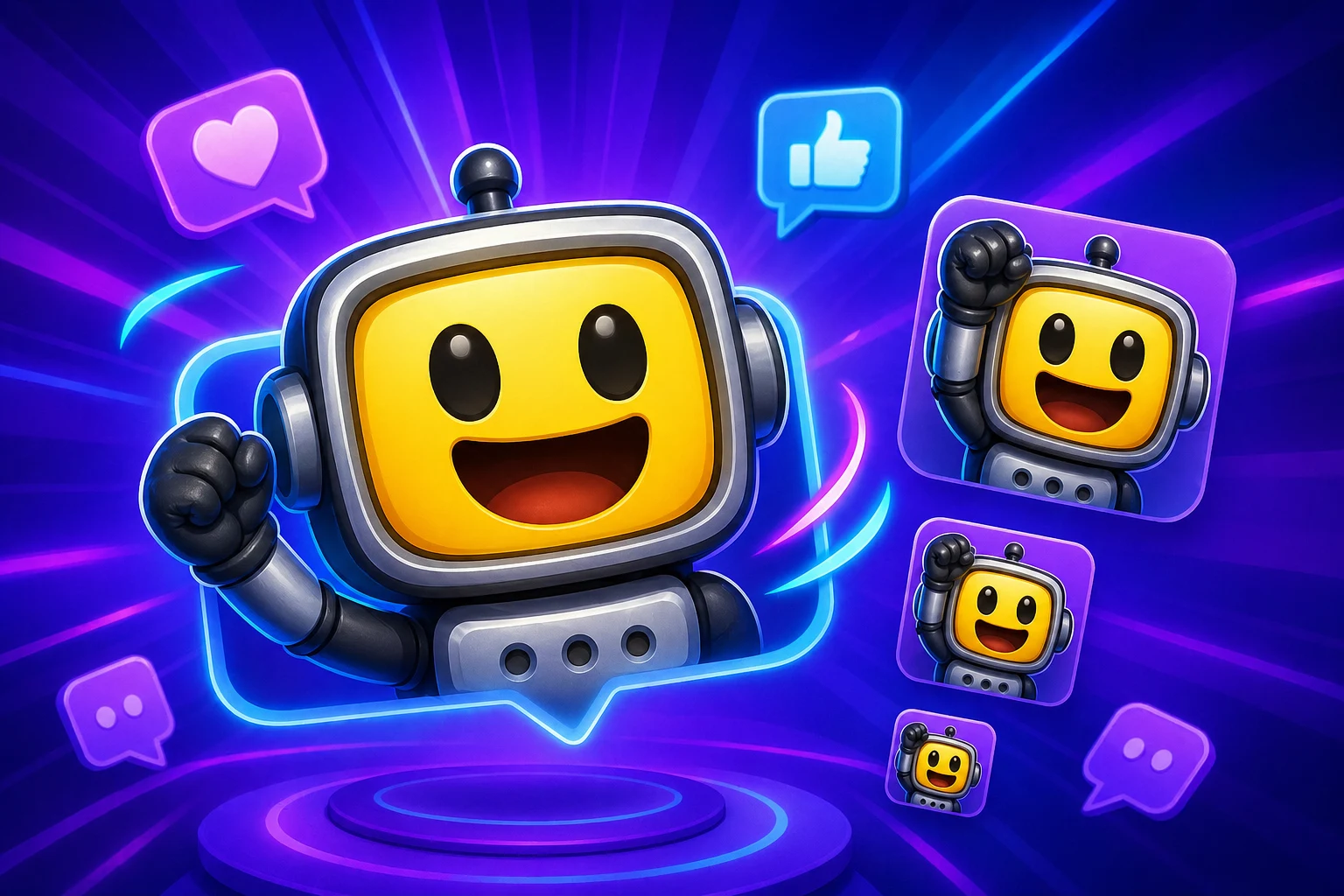
This page needs to prove that AI can improve a Twitch emote without sacrificing the small-size readability that the platform demands.
The page stays grounded in the smallest Twitch preview because that is where AI motion can fall apart fastest.
Not every upload is a good AI Twitch candidate. The best results come from strong faces, avatars, and mascots.
When AI motion hurts tiny-size readability, the page still points users back to the classic path.
The goal is still a usable Twitch emote set rather than only a strong large animation preview.
Twitch is the toughest test for AI motion. Use it only when the image you upload is already strong and the added performance still reads clearly at the smallest size.
This is the harshest preview strip in the cluster. AI needs to earn its place at 28 pixels or it should not be the chosen workflow.
If the eyes, mouth, or gesture disappear here, simplify the concept.
The medium size should reinforce the same reaction rather than reveal a different composition.
Use this to judge image quality, not to excuse a weak smallest version.
The AI result should fit cleanly into the same pack structure as your other emotes.
The export stage decides whether AI helped. Twitch's multi-size requirement makes it obvious when the extra motion is helping versus when it is only adding blur.
| Target | Format | Dimensions | Size Limit | Upload Path | Common Failure |
|---|---|---|---|---|---|
| AI Twitch emote | GIF | 28, 56, and 112 px | Prepare 28, 56, and 112 px files | Creator Dashboard > Emotes | The AI motion feels expressive at 112 but unreadable at 28. |
| Classic fallback emote | PNG or lighter GIF | 28, 56, and 112 px | Use same crop across set | Creator Dashboard > Emotes | There is no lighter backup when the AI result becomes too muddy. |
| Pack design | Use AI for a few hero slots | Keep system consistency | Optimize slot by slot | Channel emote set | Every emote tries to be the most animated one. |
Platform Tools
Use the platform constraint before spending more time generating, animating, or packaging the emoji set.
Approve the smallest chat-size version before treating the larger exports as done.
Strong Twitch readability candidate
This should work as a Twitch emote if all three sizes share one clean crop.
Choose the paid path around the job, not around a vague upgrade prompt.
Credit pack is the simpler path
Buy a one-time Standard credit pack when the image you upload is ready and the job is occasional.
These examples focus on image types and reactions that have the best chance of surviving Twitch's smallest preview.
Strong facial reactions are still the best AI Twitch candidates.
Works well when the silhouette is simple and the expression area is large.
A good fit when the motion still looks clean in the smallest Twitch slot.
Use only when the face dominates the frame. Full-body pet shots usually fail at 28 pixels.
Only worth it if the gag lands instantly at the smallest size.
Reserve AI for standout hero emotes and keep the rest of the set simpler.
Twitch is the platform where classic motion most often beats AI if the subject is even slightly weak at 28 pixels.
Classic effects are often better because they preserve readability at the smallest size.
AI is worth it only for strong images you upload and a few hero emotes that still pass the tiny-size test.
Paid AI Access
You can create emojis with AI using a one-time credit pack or MakeEmoji Pro. Choose Pro when you need 6-frame High or 12-frame Ultra animation, monthly credits, ad-free editing, or images made in Studio for Twitch.
Credit packs cover 3-frame Standard animation. Pro includes 6-frame High, 12-frame Ultra, and images made in Studio.
Use the Twitch support pages for the exact size requirements, upload flow, and approval guidance once the AI emote is ready.
Open Twitch HelpThey can, but only when the image you upload is strong, the reaction is obvious, and the motion does not overwhelm the tiny preview.
Streamer faces, VTuber art, mascots, and pet face crops tend to work best because the focal point stays obvious after downscale.
No. Many Twitch packs work better when only a few hero slots use AI and the rest stay static or use lighter classic motion.
Standard AI Twitch emotes can run with Pro or a one-time credit pack. The 6-frame High and 12-frame Ultra tiers remain Pro-only, and the credit cost depends on the selected tier.
Trusted by creators
Used by over two million creators worldwide, including streamers, developers, teams, and community builders.
Make an AI Twitch Emote
Use AI only when the result still earns its place at 28 pixels and across Twitch's required sizes.

