
chronark
@chronark
"this is the best website ever"
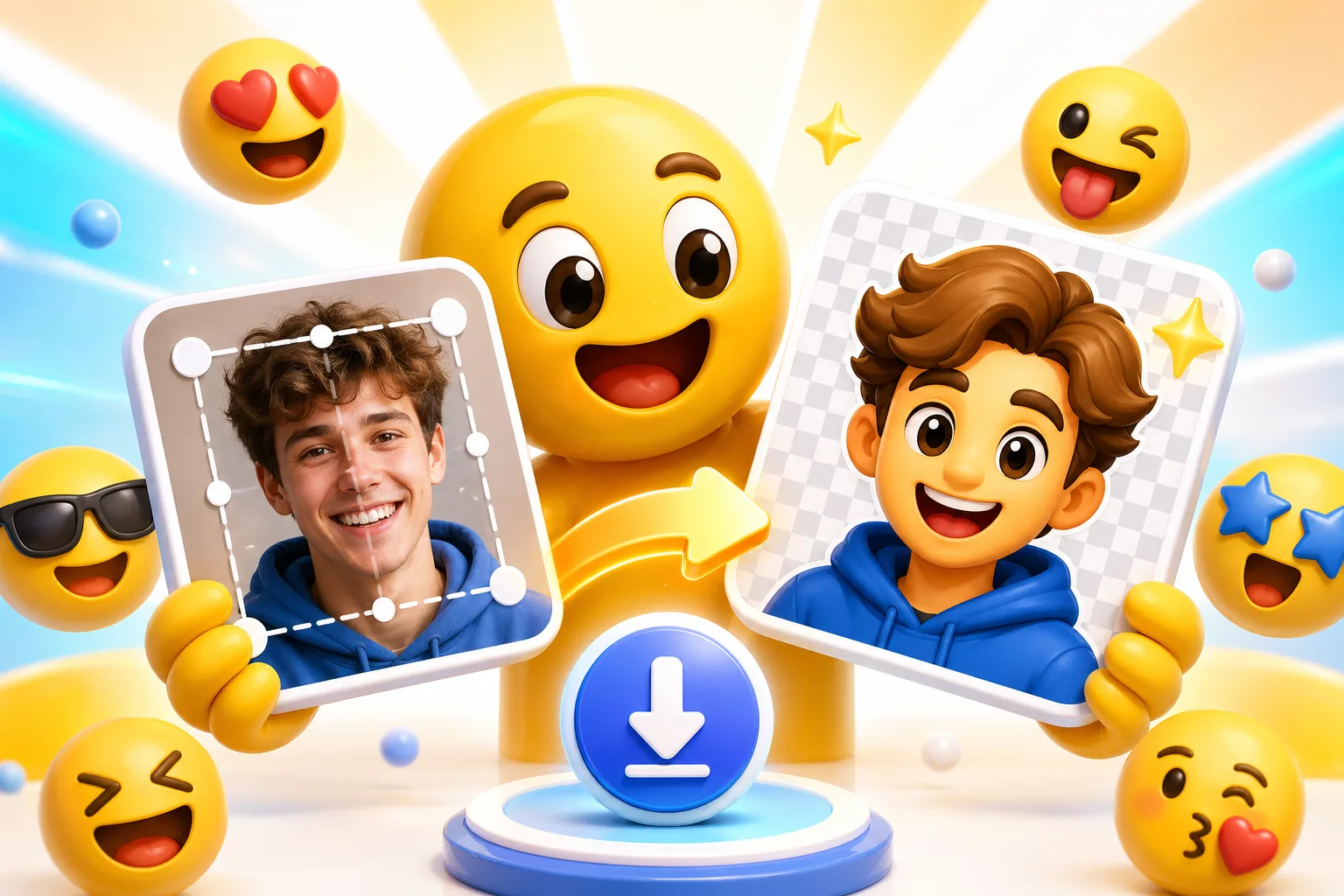
The value is not a template gallery. The value is a fast path from your upload to a clean small-size export that still reads in chat.
You are not forced into prompts or template packs when the joke, face, pet, or brand image already exists.
The workflow stays anchored to real Discord, Slack, and Twitch constraints instead of stopping at a pretty mockup.
Start with a clean still emoji, then animate only if the platform and use case benefit from motion.
Super Animation is an upgrade path, not a requirement. Classic effects are still the right move for many uploads.
The fastest route is simple: upload the image you already want to use, frame it for tiny-size readability, then export the correct format for the destination.
Readable reactions survive size pressure. These previews show the same idea across Twitch and chat-chat app download targets.
28 px is the real stress test for facial details.
56 px gives enough room for cleaner loops and outlines.
112 px is the large Twitch export for crisp source files.
Both platforms benefit from a square export with simple framing and room around the subject.
These are the constraints that drive the page architecture: start from your own image, then export something platform-specific instead of a generic design file.
| Target | Format | Dimensions | Size Limit | Upload Path | Common Failure |
|---|---|---|---|---|---|
| Discord | PNG, GIF, or WebP | 128 x 128 export works best | 256 KB | Server Settings > Emojis | Animated file is too heavy for the slot. |
| Slack | PNG or GIF | 128 x 128 export | 128 KB | Workspace customization > Emoji | Too many frames or noisy gradients blow the limit. |
| Twitch | PNG or GIF | 28, 56, and 112 px | Use the Twitch upload set | Creator Dashboard > Viewer Rewards > Emotes | The emote reads on canvas but falls apart at 28 px. |
MakeEmoji works best when the examples prove the workflow. These sample outputs cover photo-driven, mascot-driven, and meme-driven reactions.
A clean face crop with enough whitespace to read in Slack and Discord.
Strong outline, simple motion, and a silhouette that survives Twitch sizing.
A face-forward pet crop that keeps the eyes large enough for small chat UI.
One clear emotion beats a detailed screencap when the final output is tiny.
Logos work when the mark is bold and the shape can be centered without clutter.
Use classic bounce, shake, or jam when you want motion without adding too much file weight.
AI is useful when the expression needs more performance. Classic effects are better when you mostly need speed, control, and predictable file size.
Classic motion is the safer path when you already like the still image and only need a cleaner loop or a tighter file.
Super Animation earns its keep when the reaction needs more personality than a simple loop can deliver.
Yes. That is the main workflow. Upload the image you already want to use, crop it for a strong focal point, then export a square file that fits the destination platform.
MakeEmoji's main upload flow supports PNG, JPG/JPEG, GIF, HEIC, and HEIF. Transparent PNGs are the cleanest starting point, but flat JPG photos also work well when the crop is strong.
Yes. Transparent PNGs stay transparent, and you can remove backgrounds before export when the original file is a photo or a solid-background image.
Yes. Start with a still upload, add a classic effect for a light loop, or run Super Animation when you want more expressive motion from the same image you upload.
Animated Emoji Maker
Best next step when you know the emoji needs motion, looping, and export advice.
Image to Emoji Converter
Use this when you already have the source file and mainly need conversion, cleanup, and export.
Discord Emoji Maker
Jump to the platform page when the upload target is specifically Discord.
AI Animated Emoji Maker
Upgrade to Super Animation when classic effects are not expressive enough.
Turn Your Face into Streamer Emotes
A persona page for creators building a full pack from their own face or avatar.
GIF vs WebP for Custom Emojis
Use the format guide when you are deciding between broader compatibility and smaller files.
Trusted by creators
Used by over two million creators worldwide, including streamers, developers, teams, and community builders.
Upload Your Image
Start from the asset you already want to turn into a custom emoji or animated emote.

