
chronark
@chronark
"this is the best website ever"
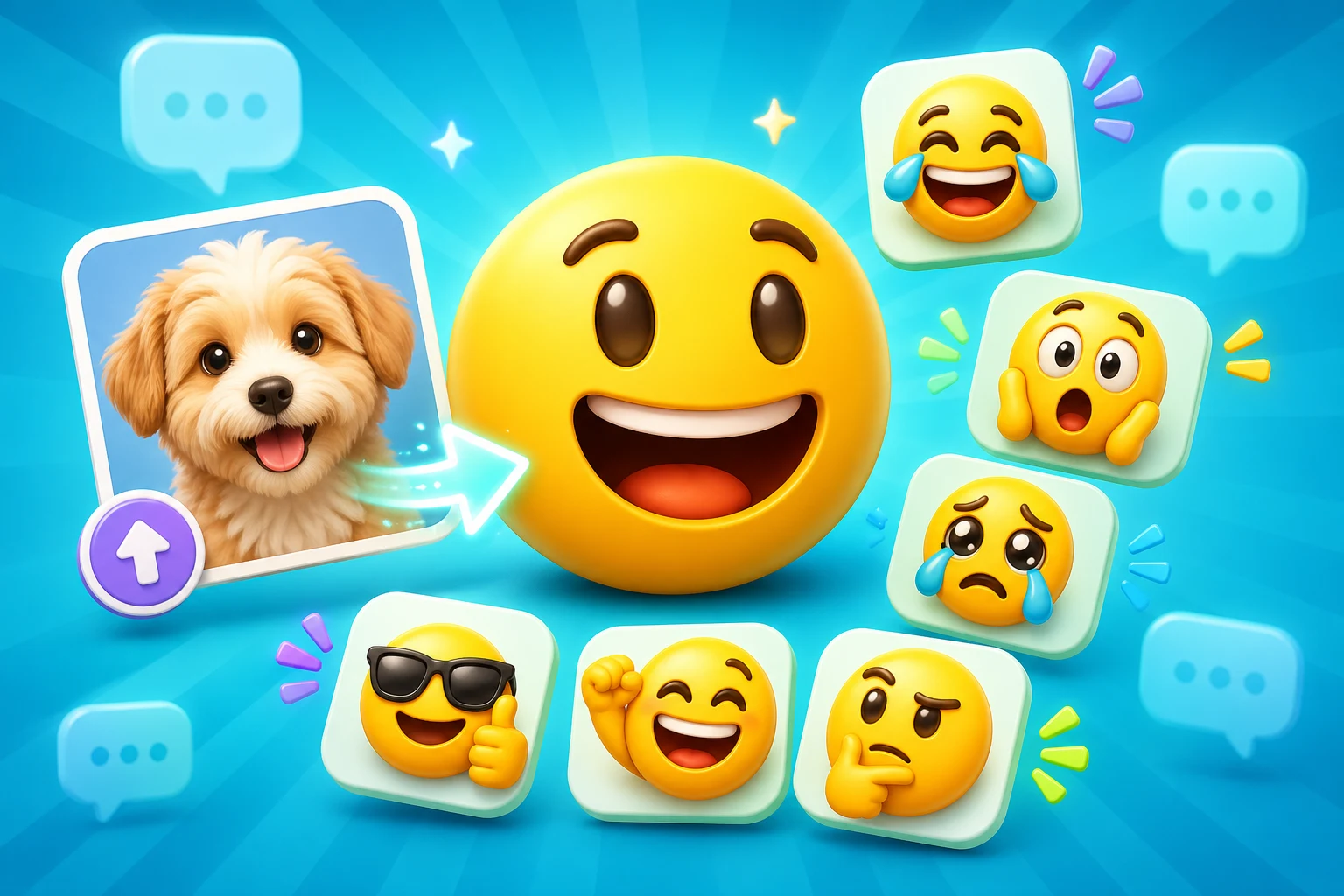
Slack custom emoji are usually tiny culture objects: face crops, approval reactions, celebratory loops, and onboarding jokes. The workflow needs to reflect that reality.
Slack emoji packs are often about coworker identity, rituals, and inside language rather than streamer aesthetics.
Slack's 128 KB limit means animation needs to stay compact and purposeful.
Coworker faces, project mascots, and quick approval reactions are core use cases, so the examples reflect that.
The page links directly to Slack size-limit and upload tutorials so the workflow stays practical.
Slack rewards emoji that can be understood instantly in message threads, standups, launch channels, and celebration posts.
Slack uses the same 128 pixel export recommendation as Discord, but the practical constraint is tighter animation weight and more text-heavy contexts.
Great for people ops, welcome packs, and team acknowledgements.
Keep the loop short so the GIF stays inside Slack's size ceiling.
Animation is only worth it when the emotion gain outweighs the file weight.
Think about naming and repeat use, not just the visual.
Slack custom emoji are simple on paper, but animated uploads become fragile fast once the loop grows too long or the subject gets too detailed.
| Target | Format | Dimensions | Size Limit | Upload Path | Common Failure |
|---|---|---|---|---|---|
| Static Slack emoji | PNG | 128 x 128 export | 128 KB | Customize workspace > Emoji | The crop is too loose and the subject looks tiny. |
| Animated Slack emoji | GIF | 128 x 128 export | 128 KB | Customize workspace > Emoji | Long loops or too many frames push the GIF over the limit. |
| Team pack rollout | Consistent PNG or GIF set | Use a shared frame and naming style | Optimize each emoji independently | Workspace emoji library | Inconsistent naming makes the pack hard for teammates to use. |
Platform Tools
Use the platform constraint before spending more time generating, animating, or packaging the emoji set.
Check the upload risk before a Slack GIF or PNG becomes part of a team pack.
Technically close, but risky
Keep the subject tight and reduce animation complexity before making this a workspace pack slot.
Use this for concierge workspace packs: coworker headshots, onboarding reactions, mascot sets, and recurring team rituals.
The examples here are biased toward workplace usage: headshots, claim-it reactions, project mascots, and culture moments.
A clean face crop for quick reactions in standups, wins, and approvals.
Use a short jam or party loop when you want team-wide celebration without a heavy file.
A good mascot gives the workspace a consistent visual language across channels.
Best when one expression or pose already means something to the team.
A quieter animated loop that fits review, ship, or side-eye reactions.
Ideal for people ops or new-hire rituals built from real coworker photos.
Slack usually benefits from simpler animation, but AI can still be useful when the pack needs a few more expressive hero reactions.
Slack's file ceiling and workplace context both favor compact, dependable loops.
The reaction pack needs a few standout expressive assets and you are willing to optimize them carefully.
Use the Slack support articles for the exact 128 KB limits, frame-count tradeoffs, and upload path.
Fix a Slack UploadA 128 x 128 square export is the safest starting point. The real constraint is Slack's 128 KB limit, especially for animated GIFs.
Export a short GIF that fits under Slack's file cap, then upload it through workspace customization. If it fails, the file is usually too heavy or too long.
Slack failures usually come from frame count, noisy edges, or a loop that is longer than it needs to be. Shorter motion almost always helps.
Yes. That is one of the strongest use cases for MakeEmoji because the workflow starts from your own uploads rather than generic templates.
Image to Emoji Converter
Best next step when the main task is cleaning a source file before Slack export.
AI Animated Emoji Maker
Use this when the Slack pack needs a few higher-expression hero reactions.
Emoji Maker
Return to the broader main guide for images you upload if Slack is only one destination.
Slack Emoji Size Limit
Direct support page for the 128 KB rule, animation tradeoffs, and upload fixes.
How to Upload a Custom Emoji to Slack
Step-by-step workspace upload guide with admin caveats.
Slack Team Headshot Emoji Maker
A solution page built around coworker photos, onboarding, and culture rituals.
Trusted by creators
Used by over two million creators worldwide, including streamers, developers, teams, and community builders.
Make a Slack Emoji
Turn a team photo, mascot, or inside joke into a Slack-ready PNG or GIF that fits the workspace rules.

