
chronark
@chronark
"this is the best website ever"
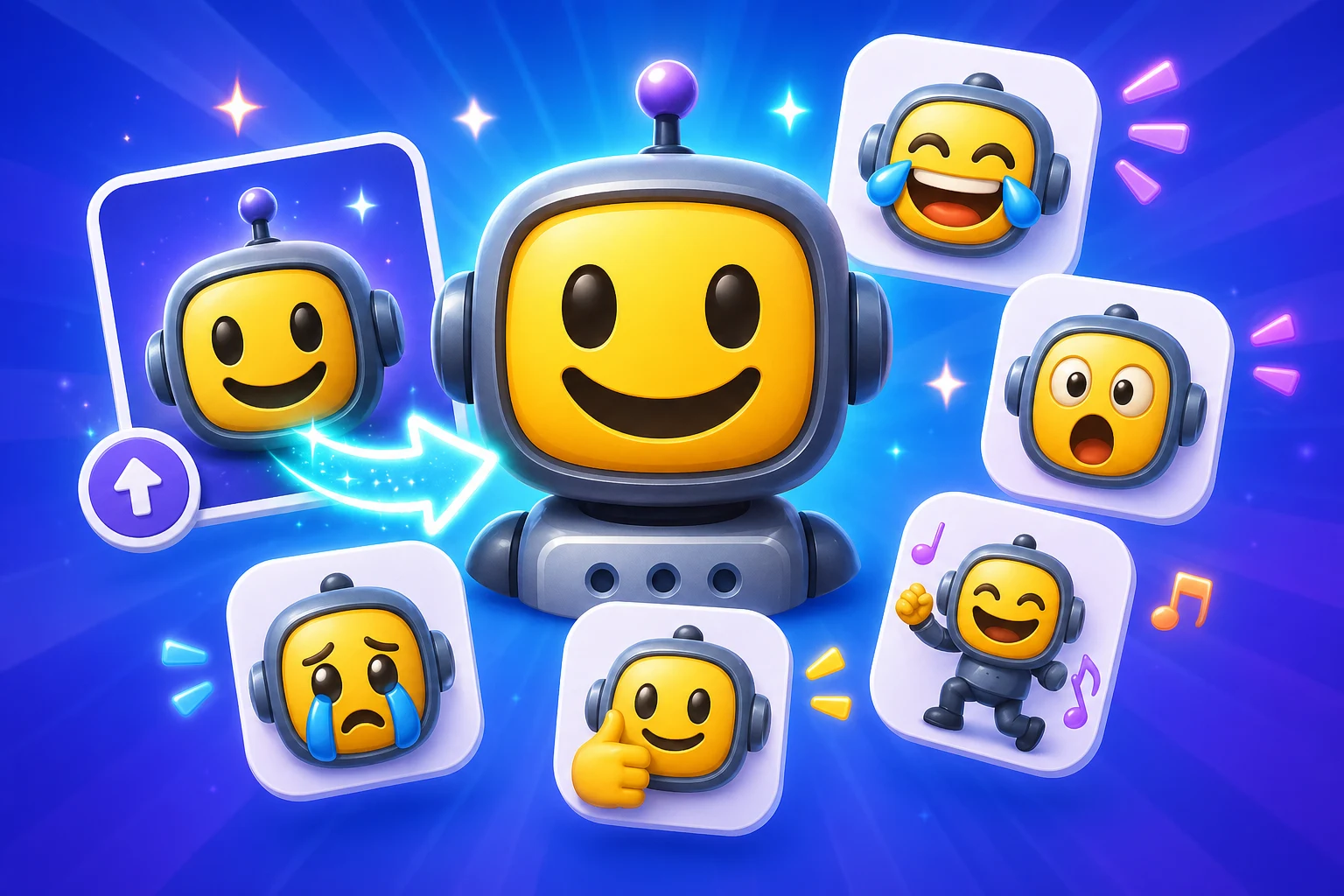
The AI Discord page has to prove two things at once: the motion is better than a classic loop, and the result still fits Discord's practical upload constraints.
AI motion is only useful when the export still fits Discord's hard upload rule.
The page explains when classic or static Discord emojis are still the smarter move.
A more expressive AI result is not a win if the motion becomes unreadable after Discord downscales it.
The page connects straight into the Discord limit and upload guides because AI exports fail for practical reasons, not only artistic ones.
Discord is a great AI emote target when the motion stays compact and readable. That makes the source crop, subject size, and export pass especially important.
Discord AI emotes need the same tiny-size discipline as classic Discord emoji, with extra care around file size and motion complexity.
Keep the still crop strong in case the AI version ends up too heavy.
The face or subject still needs to read as a Discord emoji after animation.
If the AI result cannot fit, the classic route may simply be better.
The finish line is a clean server upload, not only a dramatic animation preview.
Every AI Discord export should be judged against the same simple question: does the added motion justify the added size pressure?
| Target | Format | Dimensions | Size Limit | Upload Path | Common Failure |
|---|---|---|---|---|---|
| AI Discord emote | GIF or WebP | 128 x 128 export | 256 KB | Server Settings > Emojis | The generated motion is too large or too visually noisy. |
| Classic fallback | PNG or lighter GIF | 128 x 128 export | 256 KB | Server Settings > Emojis | The original static image was not preserved as a backup option. |
| Discord pack planning | Mix AI hero emotes with lighter utility slots | Keep consistent crop and framing | Optimize slot by slot | Server emoji library | Every slot tries to be a heavy AI animation. |
Platform Tools
Use the platform constraint before spending more time generating, animating, or packaging the emoji set.
Separate file problems from server permission, slot, and naming issues before regenerating art.
File may pass, but the upload flow needs attention
Check server permissions, available slots, and emoji naming before spending more time on art.
Choose the paid path around the job, not around a vague upgrade prompt.
Credit pack is the simpler path
Buy a one-time Standard credit pack when the image you upload is ready and the job is occasional.
These examples favor reactions that benefit most from AI motion while still being realistic Discord candidates.
Good for announcement channels, launches, and event wins when the subject stays centered.
Works best when the face crop is already strong before animation.
A strong fit for server-branded emotes when the mascot silhouette is simple.
Only worth using when the motion still holds together under Discord compression.
Use AI for the standout emotes, not necessarily for every slot in the pack.
The result should still feel like a Discord emoji, not a mini video clip.
This page needs a blunt comparison because Discord is a place where simple motion often wins over more elaborate AI animation.
Classic motion is more predictable and usually easier to keep under Discord's limit.
AI earns the extra weight only when the expression gain is clear and the final file still behaves like a Discord emote.
Paid AI Access
Standard Super Animation can run with a one-time credit pack or MakeEmoji Pro. Choose Pro when you need High or Ultra detail, monthly credits, ad-free editing, or images made in Studio for Discord.
Credit packs cover Standard Super Animation runs. Pro includes High, Ultra, and images made in Studio.
Use the Discord support pages for exact upload steps and under-256 KB troubleshooting after AI generation.
Fix a Heavy Discord EmoteYes, but the export still has to behave like a Discord emoji: readable at small size and small enough to fit the 256 KB upload limit.
Reduce visual complexity, shorten the loop, and prefer motion that supports the reaction instead of overwhelming it.
Use classic effects when you need predictable file weight. Use AI only when the added expression clearly improves the reaction and still fits Discord constraints.
Permission and slot rules depend on Discord itself, but this page focuses on the part MakeEmoji controls: getting the file ready for a clean upload.
Discord Emoji Maker
Return to the non-AI Discord page when classic effects or static exports are the better fit.
AI Animated Emoji Maker
Broader AI category page for animation for images you upload beyond Discord.
MakeEmoji vs Pixa
Compare AI animation for images you upload against AI tools that start from text.
Trusted by creators
Used by over two million creators worldwide, including streamers, developers, teams, and community builders.
@chronark
"this is the best website ever"

@rrhoover
"Ha! Brb, creating makeemojis for all my PH teammates."

@notify_klipz
"Every streamer must use this."
Make an AI Discord Emote
Use AI only when the added expression still fits Discord's size and readability rules.