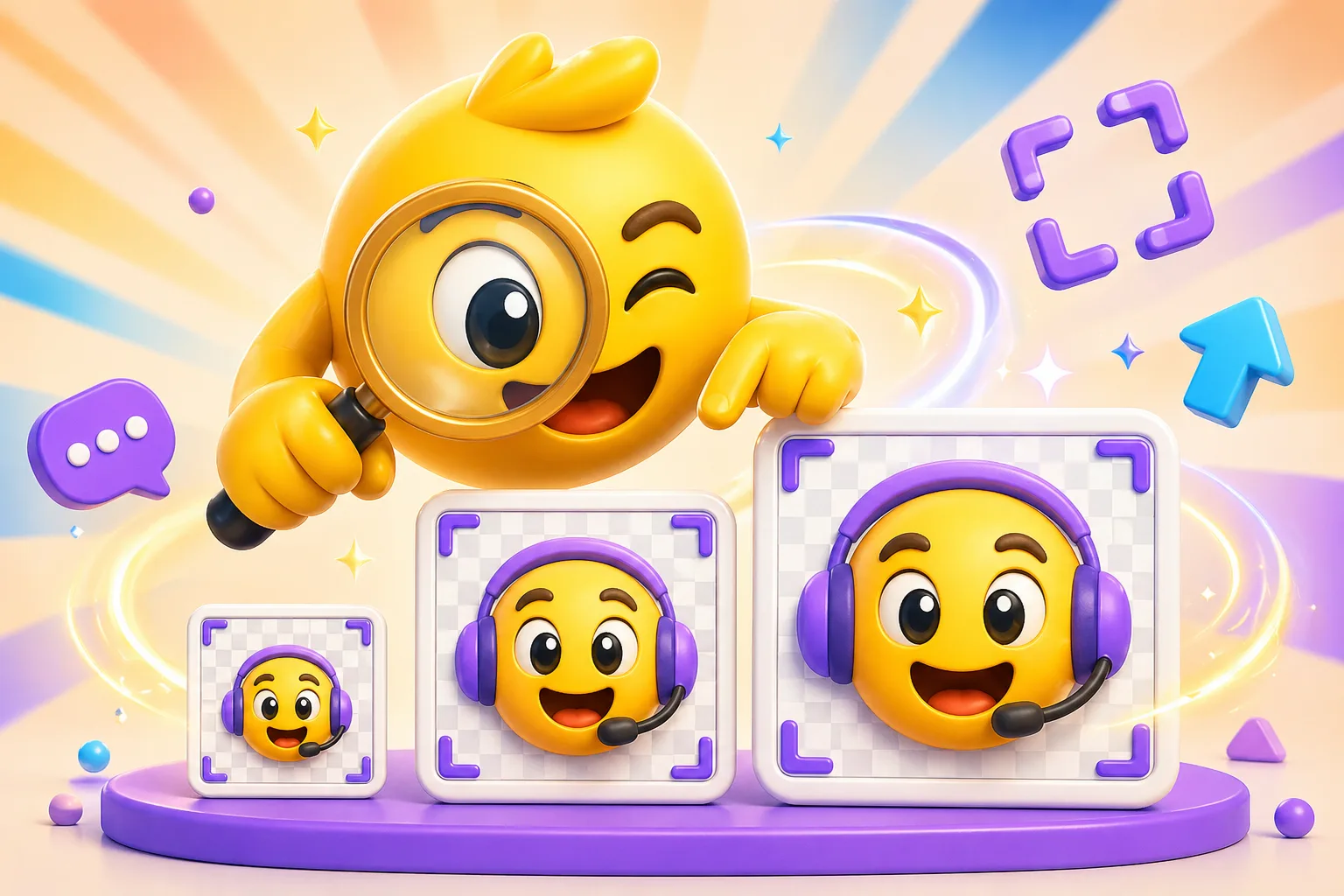
Twitch Emote Size Guide (2026): 28×28, 56×56, 112×112, GIF Rules, and Upload Tips
Exact Twitch emote sizing, readability advice, animated upload guidance, and the export checklist that gives your emote the best chance of working in chat.
Direct answer
Twitch emotes work best when you design for the smallest size first. Build the emote to read at 28 x 28, then export the 56 and 112 pixel versions from the same crop so the whole set stays consistent.
Checklist
- Use the three required Twitch export sizes: 28, 56, and 112 pixels.
- Treat 28 x 28 as the real quality test for readability.
- Keep the silhouette, face, or gesture obvious before adding motion.
- Use animation only when it still reads clearly at the smallest size.
Step by step
Step 1
Choose one clear reaction
Twitch emotes work best when the viewer can identify the reaction instantly. Faces, mascots, and strong hand gestures are usually the safest anchors.
Step 2
Test the 28 pixel version first
If the 28 x 28 preview is muddy, the larger exports will not fix the concept. Simplify the crop, enlarge the focal point, and remove detail before you export the full set.
Step 3
Export all three sizes from one composition
Keep the crop and framing consistent across 28, 56, and 112 pixels so the emote feels like one identity at every size.
Step 4
Upload through Twitch's emote workflow
Use Twitch's creator workflow with 28, 56, and 112 pixel exports from the same crop so you are not re-cropping at the last minute.
Common rejection and failure reasons
- The expression is too subtle to survive at 28 pixels.
- The emote has too much extra detail around the face or mascot.
- Animation adds blur instead of making the reaction clearer.
- Each size is cropped differently, so the set feels inconsistent.
Related product next step
If you want a faster route from upload to Twitch sizing guidance, use the dedicated Twitch Emote Maker workflow.
Open Twitch Emote MakerPlatform Tools
Check the upload path
Use the platform constraint before spending more time generating, animating, or packaging the emoji set.
Twitch 28 px readability preview
Approve the smallest chat-size version before treating the larger exports as done.
Strong Twitch readability candidate
This should work as a Twitch emote if all three sizes share one clean crop.
- Simple art with one focal point is the safest Twitch path.
Related links
FAQ
What is the exact limit?
The practical Twitch requirement is three exports at 28, 56, and 112 pixels. The most important quality constraint is readability at 28 pixels.
Why is my file being rejected?
The most common problems are tiny-size readability issues, inconsistent exports across the set, or content/policy problems outside the file itself.
What settings give the best chance of passing upload?
Use one strong focal point, avoid clutter, and keep animation clear enough that the 28 pixel version still communicates the reaction instantly.
Which MakeEmoji page should I use next?
Use Twitch Emote Maker for the main workflow, AI Twitch Emote Maker for AI motion for images you upload, or Turn Your Face into Streamer Emotes if you are building a face-driven pack.
