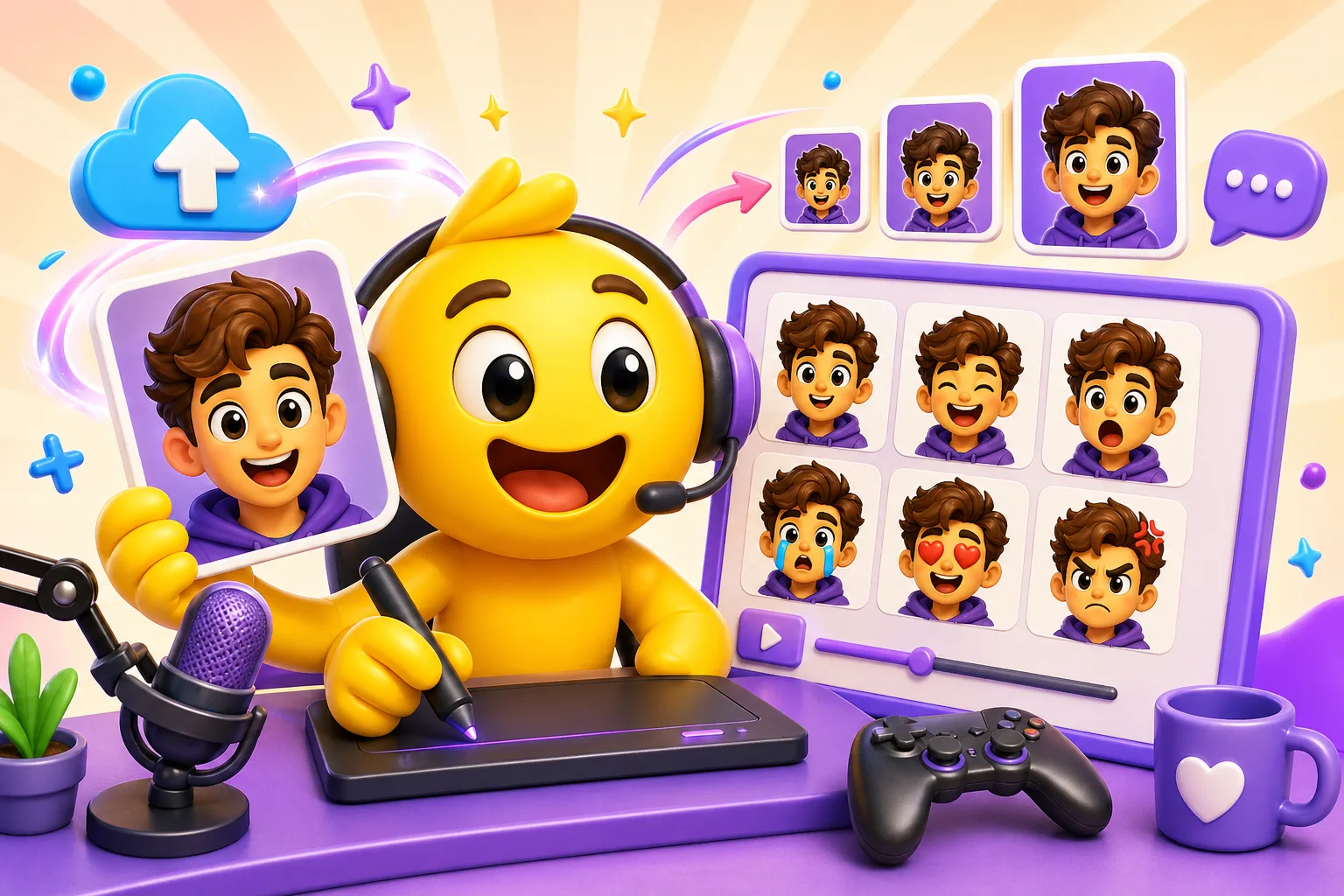
How to Make Twitch Emotes from Your Own Image (Static or Animated)
An end-to-end Twitch emote tutorial covering images you upload, 28/56/112 exports, animated workflow choices, and upload prep.
Direct answer
The cleanest Twitch emote workflow is: start from a clear face, mascot, or avatar, design for 28 pixels first, export 28, 56, and 112 from the same crop, then upload the set.
Checklist
- Choose a face, mascot, or gesture with one obvious reaction.
- Validate the 28 pixel preview before you build the whole set.
- Export 28, 56, and 112 pixel versions from one composition.
- Keep animation secondary to readability.
Step by step
Step 1
Pick the right image you upload
Strong face crops, mascots, VTuber art, and pet reactions are all viable if they already carry one clear emotional signal.
Step 2
Simplify for 28 pixels
Enlarge the focal expression and remove any detail that does not help the smallest version communicate instantly.
Step 3
Export the three required sizes
Keep the crop and framing consistent across 28, 56, and 112 pixels so the emote feels like one identity.
Step 4
Upload and review
Use the Twitch upload flow, then review the results as if you were a viewer seeing the emote in chat rather than as a creator staring at the large file.
Common rejection and failure reasons
- The creator optimizes for the large preview instead of the smallest Twitch size.
- The image you upload contains too many details that do not contribute to the reaction.
- Animated motion adds blur without making the emote more expressive.
- The pack expands before the first reactions prove they are being used.
Related product next step
If you want a dedicated route from upload to Twitch-sized download help, use the Twitch Emote Maker page.
Open Twitch Emote MakerRelated links
FAQ
What is the exact limit?
Twitch emote creation is governed by a three-size export requirement at 28, 56, and 112 pixels, with readability at 28 pixels acting as the real quality threshold.
Why is my file being rejected?
Common causes are weak tiny-size readability, overly subtle expressions, and exports that are inconsistent across sizes.
What settings give the best chance of passing upload?
Use one strong focal reaction, simplify aggressively for 28 pixels, and keep animation only where it clearly helps.
Which MakeEmoji page should I use next?
Use Twitch Emote Maker for the main workflow or AI Twitch Emote Maker when a few hero emotes need more expressive motion.
