
chronark
@chronark
"this is the best website ever"
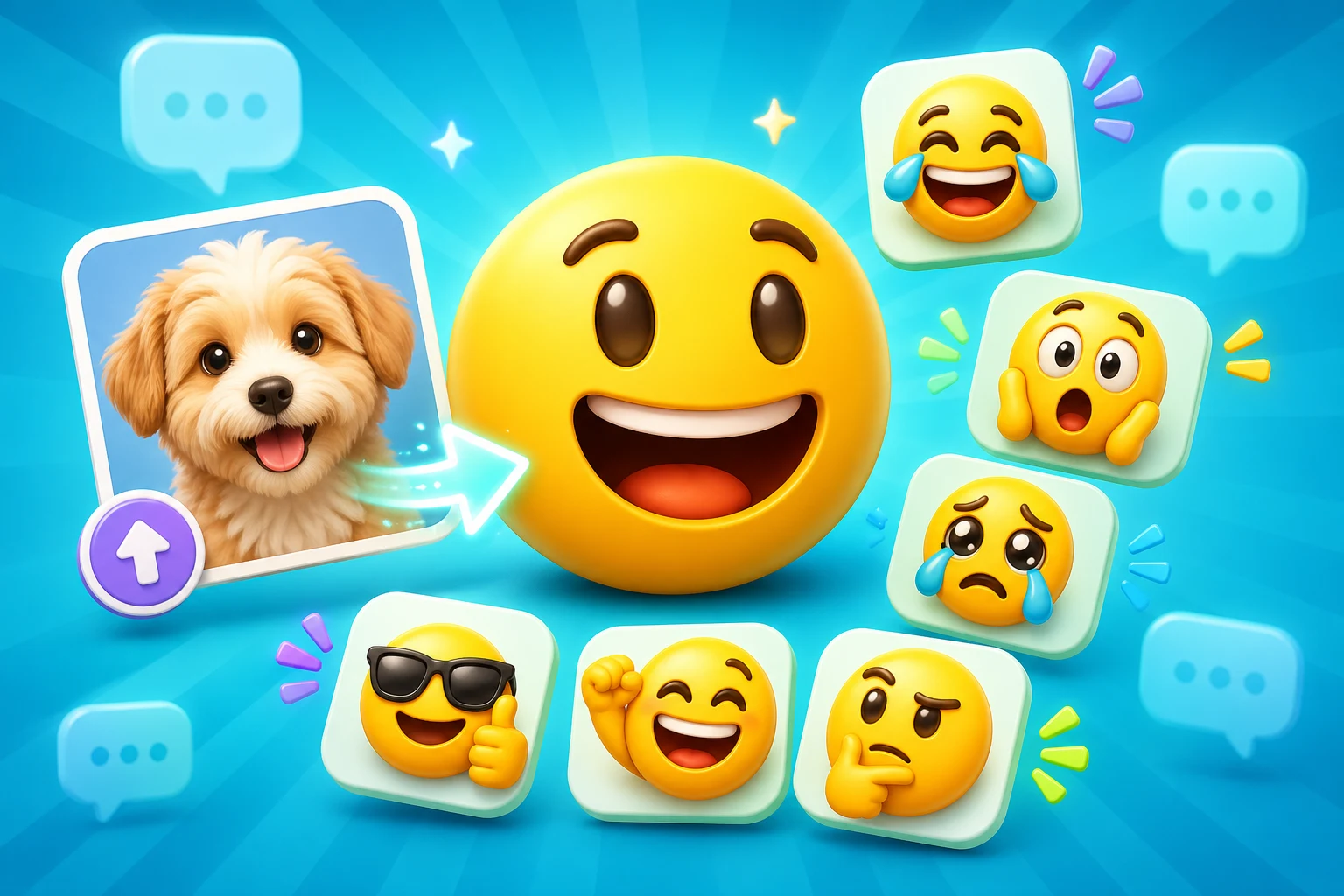
Slack's tighter file-size ceiling makes paid AI discipline especially important. Start with a strong source and reserve heavier AI motion for reactions that will actually get reused.
The workflow starts from the real image, logo, photo, mascot, or reaction you already care about.
Occasional users can buy credits for creating emojis with AI without committing to a monthly subscription.
Pro is the path for 6-frame High, 12-frame Ultra, making images from text, and recurring monthly credit needs.
The page stays anchored to the final upload target, not just the AI preview.
The paid AI path should be intentional: choose a strong source, start with 3-frame Standard animation, then increase the frame count only when the motion needs it. Use Studio when you need to make images from text.
AI motion only helps when it survives at the actual size people see in chat. Use these checks before spending more credits on additional animation frames.
Use Standard first when you are testing a new source or reaction.
The subject should still read after the animation is compressed and scaled down.
A Twitch-size stress test catches motion that looks good large but fails small.
Paid AI works best as a few hero slots inside a pack, not necessarily every emoji.
The strongest paid AI result still needs a practical export pass. Treat the export target as part of the product, not a final afterthought.
| Target | Format | Dimensions | Size Limit | Upload Path | Common Failure |
|---|---|---|---|---|---|
| Standard credit-pack run | GIF or WebP | Usually 128 x 128 | Platform dependent | Run from editor, then export | The image you upload was too cluttered for a useful first paid run. |
| 6- or 12-frame Pro run | GIF or WebP | Platform-specific export | Platform dependent | Pro frame-count selector | Higher quality is used before validating that the motion idea works. |
| Slack upload | Match platform support | Check target platform | Check target platform | Slack custom emoji or emote upload flow | The AI output looks good in preview but needs a simpler crop or shorter loop. |
Platform Tools
Use the platform constraint before spending more time generating, animating, or packaging the emoji set.
Check the upload risk before a Slack GIF or PNG becomes part of a team pack.
Technically close, but risky
Keep the subject tight and reduce animation complexity before making this a workspace pack slot.
Choose the paid path around the job, not around a vague upgrade prompt.
Credit pack is the simpler path
Buy a one-time Standard credit pack when the image you upload is ready and the job is occasional.
Use this for concierge workspace packs: coworker headshots, onboarding reactions, mascot sets, and recurring team rituals.
Use paid AI for the reactions where extra expression creates visible value. Keep utility slots simpler when classic animation is enough.
A clear headshot can become a reusable team-culture reaction when the crop and expression stay readable.
Mascots are strong paid-AI candidates because the same character can support several Slack reactions.
Use AI motion on high-value reactions like thanks, shipped, welcome, and celebration.
Credit packs are a good fit when one inside joke needs a few Standard animated variants.
Use Pro when an animated launch reaction needs more than Standard's 3 frames.
Treat AI as the hero layer inside a consistent Slack pack, not the only way every slot is made.
The purchase path should match the job. Credit packs are best for occasional 3-frame Standard animation. Pro adds higher frame counts, Studio image creation, and recurring use.
You already have the image you want to upload and only need to create a few emojis with AI.
You expect recurring AI work or need the Pro-only parts of the product.
Paid AI Access
You can create emojis with AI using a one-time credit pack or MakeEmoji Pro. Choose Pro when you need 6-frame High or 12-frame Ultra animation, monthly credits, ad-free editing, or images made in Studio for Slack.
Credit packs cover 3-frame Standard animation. Pro includes 6-frame High, 12-frame Ultra, and images made in Studio.
No. You can create emojis with AI using a one-time credit pack or MakeEmoji Pro. Pro is required for 6-frame High and 12-frame Ultra animation, Studio image creation, monthly credits, and ad-free editing.
Buy credits when you only need occasional 3-frame Standard AI animation from images you already have. Subscribe to Pro when you need recurring credits, higher frame counts, or Studio image creation.
It depends on the source, motion, and platform limit. Always check the small-size preview and export constraints before spending more credits on additional runs.
Yes, but Studio image creation is part of Pro. Credit packs can be used to create emojis with AI from an existing uploaded image.
Trusted by creators
Used by over two million creators worldwide, including streamers, developers, teams, and community builders.
Need Paid AI Motion?
Start with the start with your image editor, then choose Standard credits or Pro based on the detail level you need.

