
chronark
@chronark
"this is the best website ever"
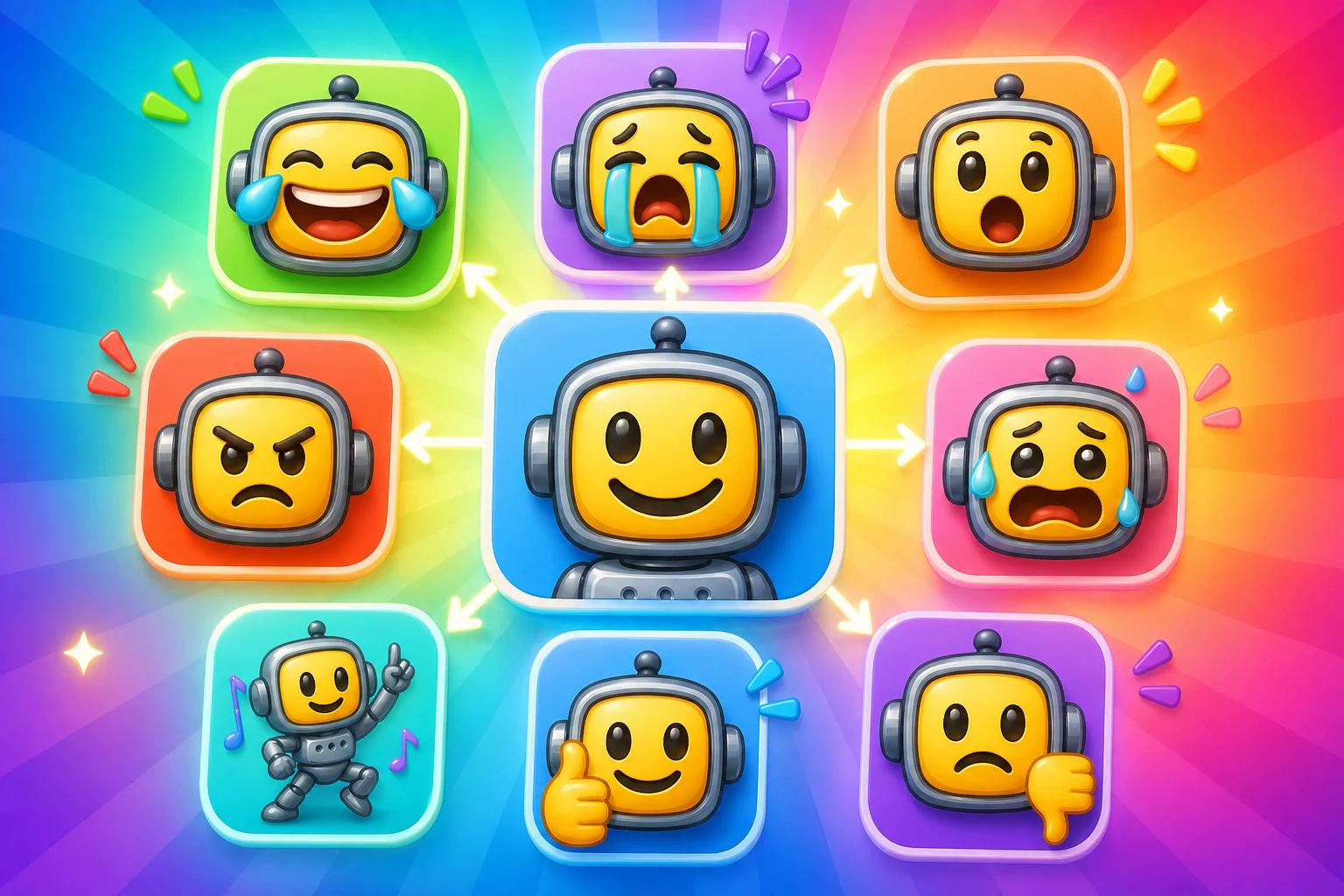
This proof strip exists to make one point clear: MakeEmoji's AI workflow starts from the upload you already have, not from a text prompt.
The central pitch is animating the image you already care about instead of generating a new asset from scratch.
AI is an upgrade path, not a replacement for small, predictable classic loops.
The workflow keeps Discord, Slack, and Twitch output requirements in view the whole time.
The page explains which uploads animate well and when the source needs cleanup before AI is worth using.
The best results usually follow the same order: clean the still image first, run AI animation second, then optimize the result for the destination platform.
AI can make a reaction more expressive, but it also adds more chances for visual clutter. These previews keep the small-size check explicit.
AI motion works best when the face or subject still reads cleanly after compression.
Slack is less forgiving, so use AI for standout reactions rather than every pack slot.
AI Twitch motion still needs to read at 28 px or it is not worth shipping.
The larger Twitch export is only useful if the smallest one still works.
AI does not erase platform rules. The export stage is where you decide whether the extra motion is worth the size, format, and readability tradeoffs.
| Target | Format | Dimensions | Size Limit | Upload Path | Common Failure |
|---|---|---|---|---|---|
| Discord AI emoji | GIF or WebP | 128 x 128 export | 256 KB | Server Settings > Emojis | AI result is expressive but too heavy. |
| Slack AI emoji | GIF | 128 x 128 export | 128 KB | Customize workspace > Emoji | Animation is too busy to fit cleanly. |
| Twitch AI emote | GIF | 28, 56, and 112 px | Prepare 28, 56, and 112 px files | Creator Dashboard > Emotes | The reaction feels better at 112 px than it does at 28 px. |
These examples show where AI earns the extra complexity: stronger expression, not just more motion.
Ideal when the still image feels flat but the face already has a strong focal point.
Useful for stream wins, Discord celebrations, or hero reactions in a Slack pack.
A good fit when classic shake motion is not expressive enough.
Best when the source crop already isolates the eyes and mouth well.
Mascots and avatars are strong AI animation candidates because the silhouette stays controlled.
Pets work well when the face is front-facing and the expression area stays large.
This page needs the comparison box because AI should not be the default answer for every upload.
Classic effects are still the better answer for lighter files and predictable small-size readability.
AI wins when the uploaded image needs stronger emotional performance than simple loop effects can deliver.
Paid AI Access
You can create emojis with AI using a one-time credit pack or MakeEmoji Pro. Choose Pro when you need 6-frame High or 12-frame Ultra animation, monthly credits, ad-free editing, or images made in Studio for Discord, Slack, or Twitch.
Credit packs cover 3-frame Standard animation. Pro includes 6-frame High, 12-frame Ultra, and images made in Studio.
You upload your own image you upload first, clean it up if needed, then run Super Animation to create more expressive motion before exporting the final file for the destination platform.
For the strongest version of this workflow, yes. The page is designed around users who already have the image they want to animate.
Faces, mascots, pets, avatars, and clear meme crops animate best because the subject is obvious and large in the frame.
You can create emojis with AI using Pro or a one-time credit pack. Pro includes 6-frame High, 12-frame Ultra, and images made in Studio, and each run uses credits based on the selected frame-count tier.
Trusted by creators
Used by over two million creators worldwide, including streamers, developers, teams, and community builders.
Animate Your Upload With AI
Use Super Animation when your image already works but the reaction needs more expressive motion.

