
chronark
@chronark
"this is the best website ever"
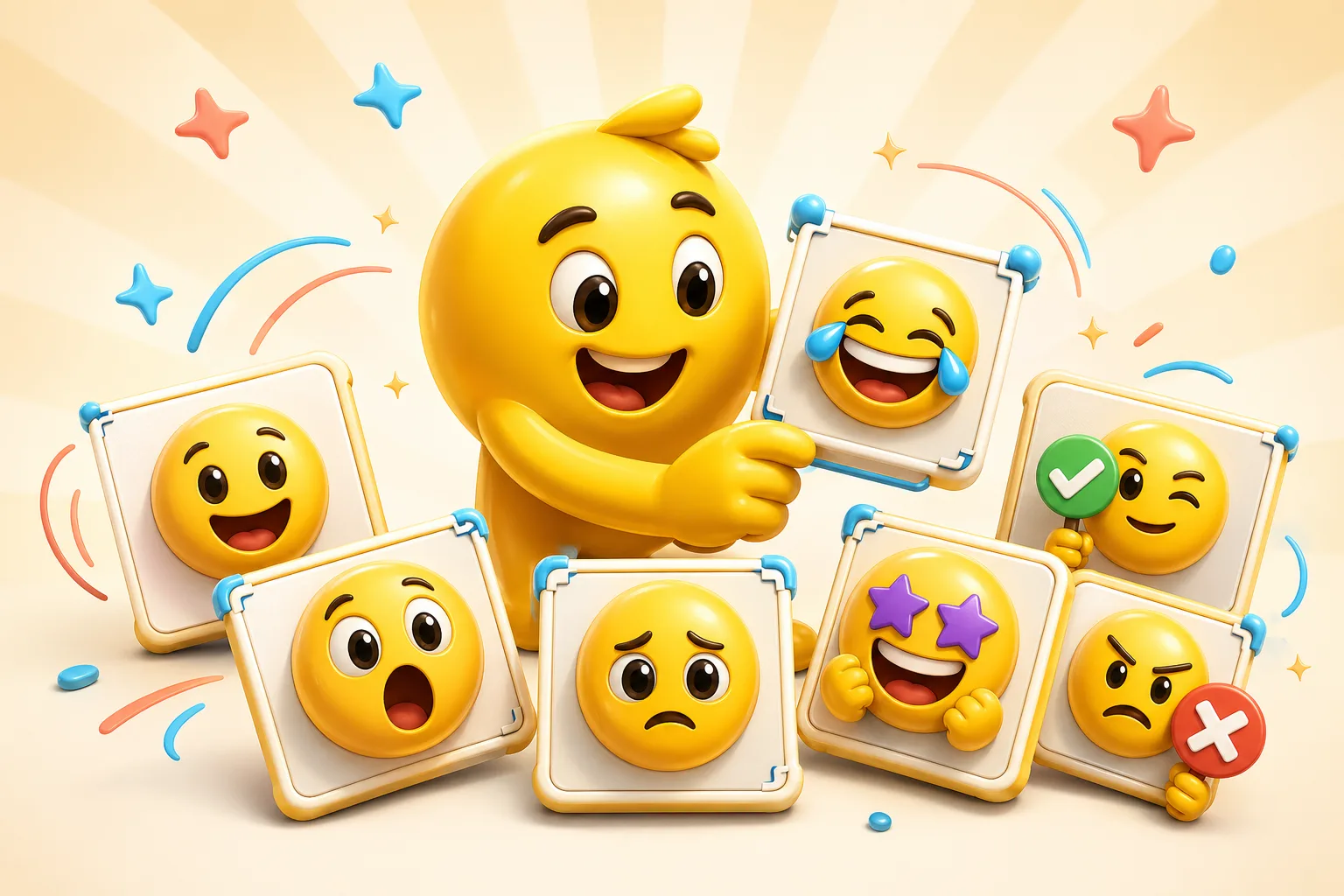
A good streamer pack reads like a reaction language. Build around the recurring face crop or avatar pose you already use on stream instead of inventing unrelated styles.
Bright, readable smile or thumbs-up reaction for wins, raids, and chat celebrations.
One of the strongest face-based emotes because the mouth and eyes do so much of the work.
Can be static or lightly animated depending on whether the channel uses many animated slots.
Best when the facial expression is exaggerated enough to survive at 28 pixels.
Usually benefits from a calmer expression or smaller motion style.
A strong candidate for AI hero motion if the still crop already reads clearly.
A repeatable head-and-shoulders framing makes the whole emote pack feel like one channel identity.
Subtle expressions rarely survive Twitch emote scale, especially at 28 pixels.
Transparent or simplified backgrounds keep the face readable and the pack visually consistent.
If the emote does not work at 28 pixels, redesign it before you build the full set.
The best inputs are consistent face crops, avatar renders, or recurring camera-angle shots that already represent the on-stream identity clearly.
A starter pack usually works best at around five to ten expressions. That is enough to create a real reaction language without overbuilding low-usage slots.
Use classic motion for most pack slots and reserve AI for a few hero reactions when the added expression is clearly worth it.
Validate the smallest Twitch size first, simplify motion when it gets muddy, and export 28, 56, and 112 pixel versions from the same crop before upload.
Emoji Guides & Playbooks
Return to the main guide hub for start with your image guides, platform pages, and solution paths.
Emoji Maker
Core your own image for turning your face or avatar into a custom emoji.
Animated Emoji Maker
Best when the pack needs looping motion or animated download help.
Image to Emoji Converter
Best when the starting point is already a usable image you upload that needs cleanup and export.
AI Animated Emoji Maker
Use AI when a few hero emotes need more expressive motion from the same face or avatar.
Discord Emoji Maker
Platform-specific page for Discord emoji and animated emote exports.
Slack Emoji Maker
Platform-specific page for Slack reacji packs, team headshots, and under-128 KB loops.
Twitch Emote Maker
Platform-specific page for Twitch readability and 28, 56, and 112 pixel download help.
Trusted by creators
Used by over two million creators worldwide, including streamers, developers, teams, and community builders.
Start From Your Own Image
Turn the real face, mascot, meme, or team asset into a usable reaction pack instead of a one-off graphic.

