
chronark
@chronark
"this is the best website ever"
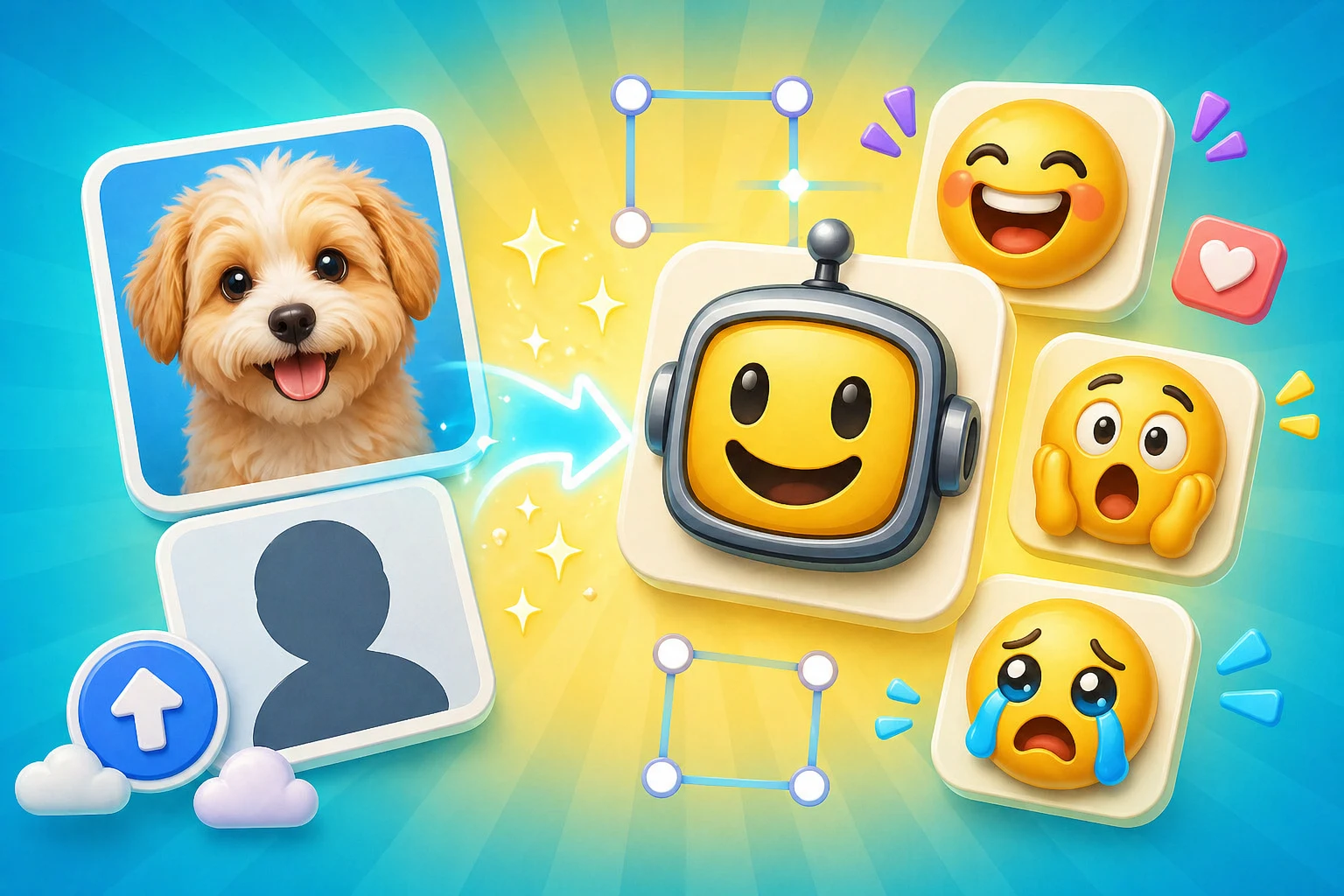
This page removes ambiguity. The first question is not what prompt to type. The first question is whether your uploaded image is a strong animation candidate.
The page explicitly names the starting asset as your uploaded image, which matches a strong commercial search intent.
Users who already have the art do not need to sift through image-making messaging.
Faces, mascots, pets, and meme crops all get different expectations so the page stays practical.
The AI workflow is still judged by whether the result can be uploaded where it is meant to go next.
Source quality matters more than prompt cleverness on this page. The upload should already be a clear emoji candidate before AI animation begins.
If the uploaded image was borderline to begin with, AI animation can make it worse at tiny sizes. These previews keep the small-size reality visible.
Good for expressive AI reactions when the face or subject stays centered.
Slack is the stricter filter. If the file gets heavy, the AI motion may not be worth it.
Faces and mascots are usually the only AI sources that survive this size reliably.
Use the large Twitch export as a reference, not as an excuse to ignore 28 px.
The export stage determines whether AI helped the workflow or only created a larger file. Keep the output tied to the final destination.
| Target | Format | Dimensions | Size Limit | Upload Path | Common Failure |
|---|---|---|---|---|---|
| Discord AI export | GIF or WebP | 128 x 128 export | 256 KB | Server Settings > Emojis | The motion improves expression but breaks file weight. |
| Slack AI export | GIF | 128 x 128 export | 128 KB | Customize workspace > Emoji | Animated detail overwhelms Slack's tighter limit. |
| Twitch AI export | GIF | 28, 56, and 112 px | Prepare 28, 56, and 112 px files | Creator Dashboard > Emotes | The AI result is expressive at large size but unreadable at 28 px. |
These examples stay tightly focused on the source-image question because that is the core intent behind the page.
One of the best AI animation candidates because the emotion focal point is obvious.
Strong option for recurring channel or server identities that need multiple reactions.
A great fit when the face fills the crop and the expression area stays large.
Works when the source already centers the one expression you want to animate.
Possible, but often better with classic motion unless the design has clear character cues.
The finished result should still be judged by platform fit, not only by animation quality.
The image-first AI workflow is strong, but only after the source file is clean enough to justify animation.
The upload already works as a static emoji or a light classic loop is enough.
The uploaded image is strong and the pack needs more expressive performance from that same source.
Paid AI Access
You can create emojis with AI using a one-time credit pack or MakeEmoji Pro. Choose Pro when you need 6-frame High or 12-frame Ultra animation, monthly credits, ad-free editing, or images made in Studio for Discord, Slack, or Twitch.
Credit packs cover 3-frame Standard animation. Pro includes 6-frame High, 12-frame Ultra, and images made in Studio.
Faces, mascots, pets, avatars, and strong meme crops usually work best because the AI can read the subject and expression clearly.
Yes. Transparent PNGs are often ideal because they already isolate the subject cleanly before animation begins.
Sometimes, but these are weaker AI candidates unless the design has simple character-like cues. Many logos do better with classic motion effects.
If you do not have the image you upload yet, use Studio or another art-creation step first, then come back to this AI for uploaded images workflow.
Trusted by creators
Used by over two million creators worldwide, including streamers, developers, teams, and community builders.
Already Have The Image?
Upload it first, then use AI only when the added expression is worth the extra weight and tuning.

