chronark
@chronark
"this is the best website ever"
Over 2 million creators use MakeEmoji to create animated emojis and custom emotes from any image in seconds for Discord, Slack, Twitch, Teams, and everywhere else.
Tap to add image or GIFDrop image or GIF here
Or try it out with these images
Join over 14,000 subscribers and get updated when we add 🆕 emoji styles and features:
Start with a photo, make an emoji from scratch, or jump straight to a platform-specific path for Discord, Slack, and Twitch.
Use Emoji AI studio to create one AI emoji from a prompt, an image, or both.
Open Emoji AI studio →Upload a PNG, JPG, GIF, or WebP, clean it up, resize it, and export a chat-ready emoji in seconds.
Convert an image →Create static or animated Discord emojis that stay readable at small sizes and fit upload limits.
Create Discord emojis →Build custom Slack emojis and animated reactions sized for workspace uploads without extra editing.
Create Slack emojis →Export Twitch emotes in the sizes streamers need, with motion that still reads clearly at 28px.
Create Twitch emotes →Explore popular emoji maker collections by meme, animal, game, and streamer-friendly themes.
Upload an image on the homepage, adjust the background, animation, size, or format, and download an emoji sized for Discord, Slack, Twitch, and more.
Yes. Upload a PNG, JPG, GIF, or WebP, crop around the subject, remove the background if needed, and export a custom emoji as PNG, GIF, or WebP.
Yes. MakeEmoji helps you create Discord emojis, Slack emojis, and Twitch emotes with sizes and formats that match each platform's upload rules.
Yes. Use Emoji AI studio to create one AI emoji from a prompt, an image, or both.
Used by over two million creators worldwide and teams at top organizations

Create custom static or animated emojis from any image. Upload, remove backgrounds, add effects, and export perfectly sized files for Discord, Slack, Twitch, and more in seconds.
Turn any image into Discord-ready emojis and emotes. Remove backgrounds, add animations, and export perfectly sized GIFs or PNGs under 256 KB.
Make animated emoji GIFs in seconds. Upload any image, add motion effects, and export perfectly sized files for Discord, Slack, Twitch, and more.
Convert images into perfectly sized emojis with transparent backgrounds. Supports PNG, JPG, GIF, and WebP uploads with automatic resizing for every platform.
Create custom Slack emojis instantly. How to upload to workspace. Size limits explained. Free tool.
Make custom Twitch emotes instantly. Required sizes (28×28, 56×56, 112×112). Animation rules. Free tool.
Bug? Feature request? Tweet us at: @makeemoji
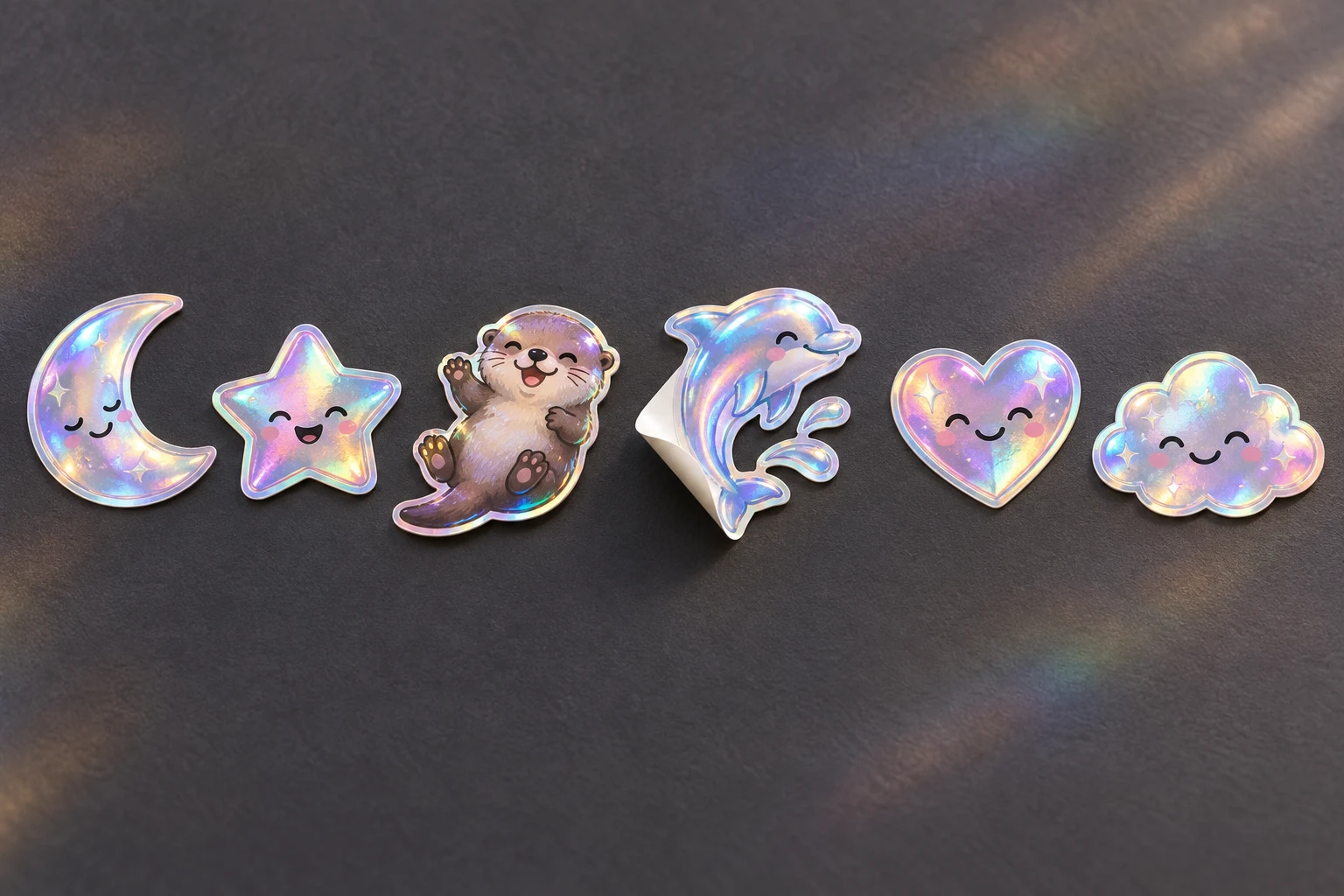
Upload an original file to 7TV, add it to a channel set, and check moderation, activation, and viewer support.
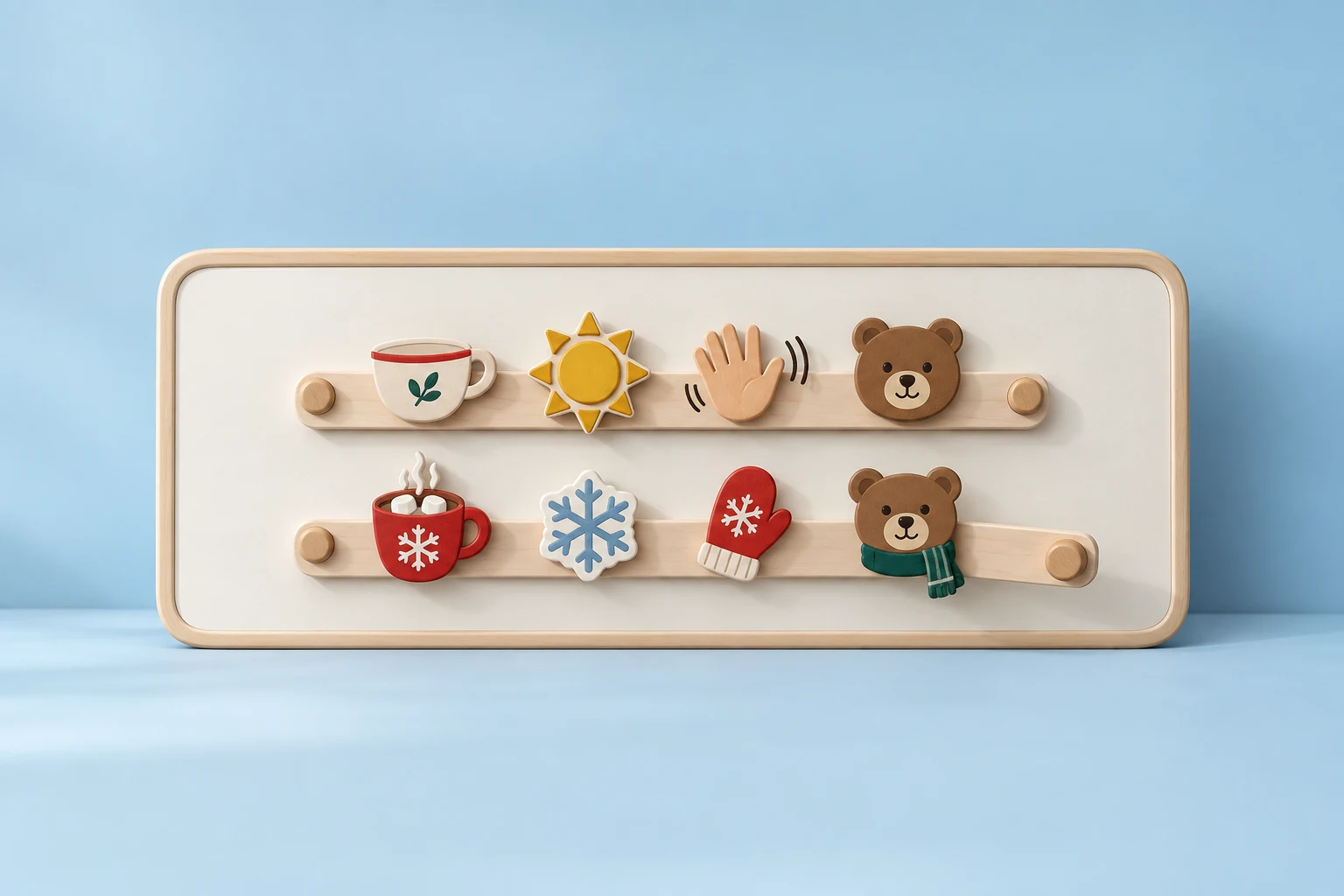
Prepare everyday and winter collections, select the active 7TV set, and check channel-specific emote names.
Prepare static and animated emotes, use the BetterTTV upload dashboard, and verify the channel and viewer settings.
Learn how to use MakeEmoji