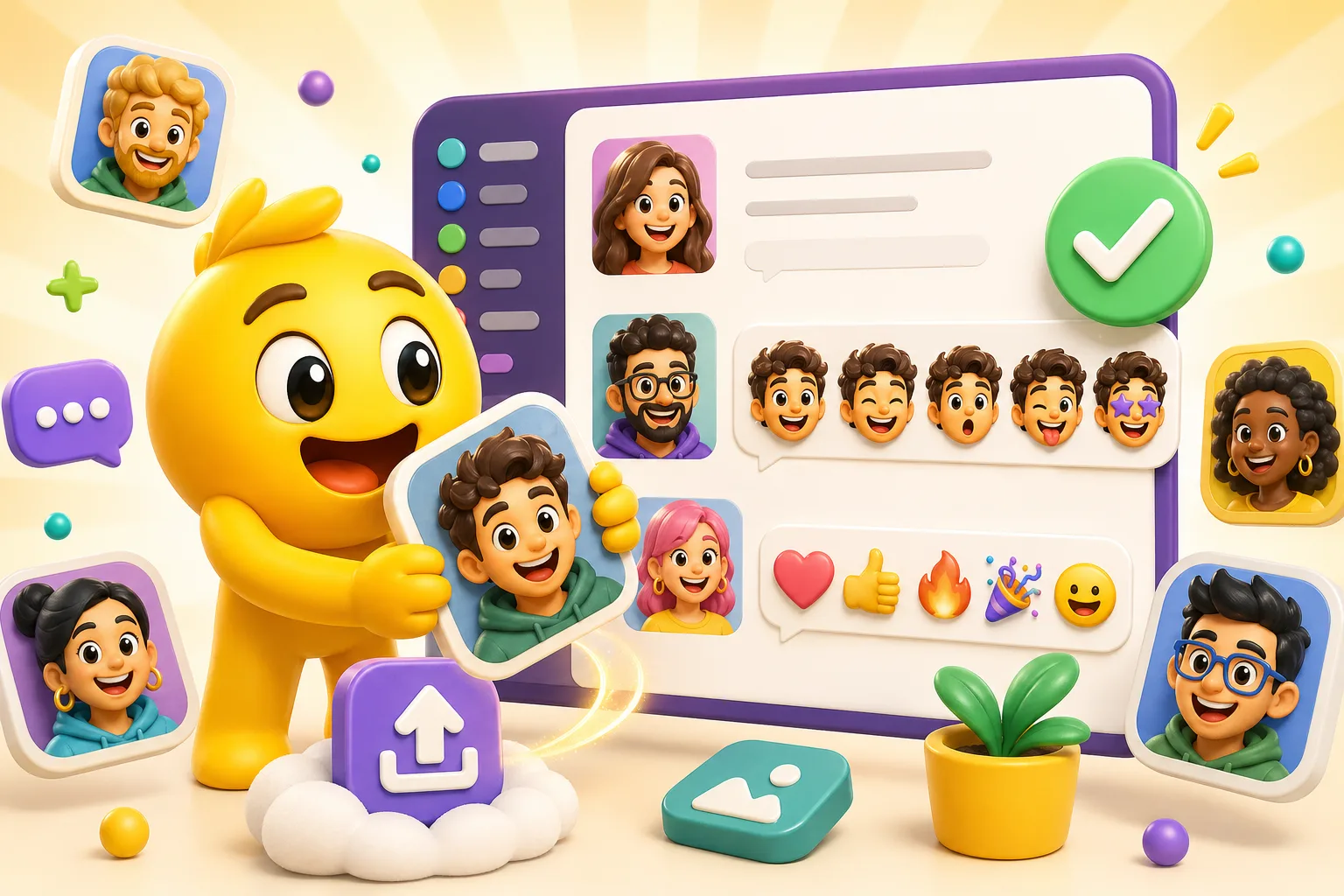
How to Upload a Custom Emoji to Slack (Static or Animated)
The desktop Slack custom emoji workflow, plus the file prep decisions that make static and animated uploads behave the first time.
Direct answer
Slack custom emoji uploads are straightforward once the file is ready. Keep the export small, use simple motion for GIFs, then upload through the workspace customization flow.
Checklist
- Use a Slack-friendly square export.
- Keep animated GIFs under Slack's 128 KB limit.
- Choose names teammates can remember and type quickly.
- Treat animation as optional, not required.
Step by step
Step 1
Prepare the file for Slack
Start with a clear still crop or a short animated loop that is worth the file weight. Slack rewards simpler reactions.
Step 2
Open workspace customization
Go to the Slack custom emoji flow for the workspace where you have the correct permissions to upload or manage emoji.
Step 3
Upload and name the emoji
Pick a name the workspace will actually adopt. Great Slack emoji fail just as often because of naming as they do because of design.
Step 4
Retest if Slack rejects the file
If the upload fails, the loop is usually too heavy or the still crop needs simplification.
Common rejection and failure reasons
- The animated GIF is too large for Slack's tighter file cap.
- The reaction looks fine full-size but is not strong enough inside actual conversations.
- The emoji name is too long or unclear for the team to remember.
- Too many low-value animated reactions are uploaded without proving real use.
Related product next step
If Slack is the destination, the dedicated Slack Emoji Maker page is the fastest route from upload to a workspace-ready file.
Open Slack Emoji MakerRelated links
FAQ
What is the exact limit?
Slack custom emoji are constrained by a 128 KB file cap, which is especially important for animated GIF uploads.
Why is my file being rejected?
Slack usually rejects files because the GIF is too large, the loop is too long, or the image still contains more detail than the reaction needs.
What settings give the best chance of passing upload?
Use a square export, keep the loop short, and choose motion only when it clearly improves the reaction.
Which MakeEmoji page should I use next?
Use Slack Emoji Maker for the main platform workflow or Slack Team Headshot Emoji Maker when the pack is built from coworker photos.
