
chronark
@chronark
"this is the best website ever"
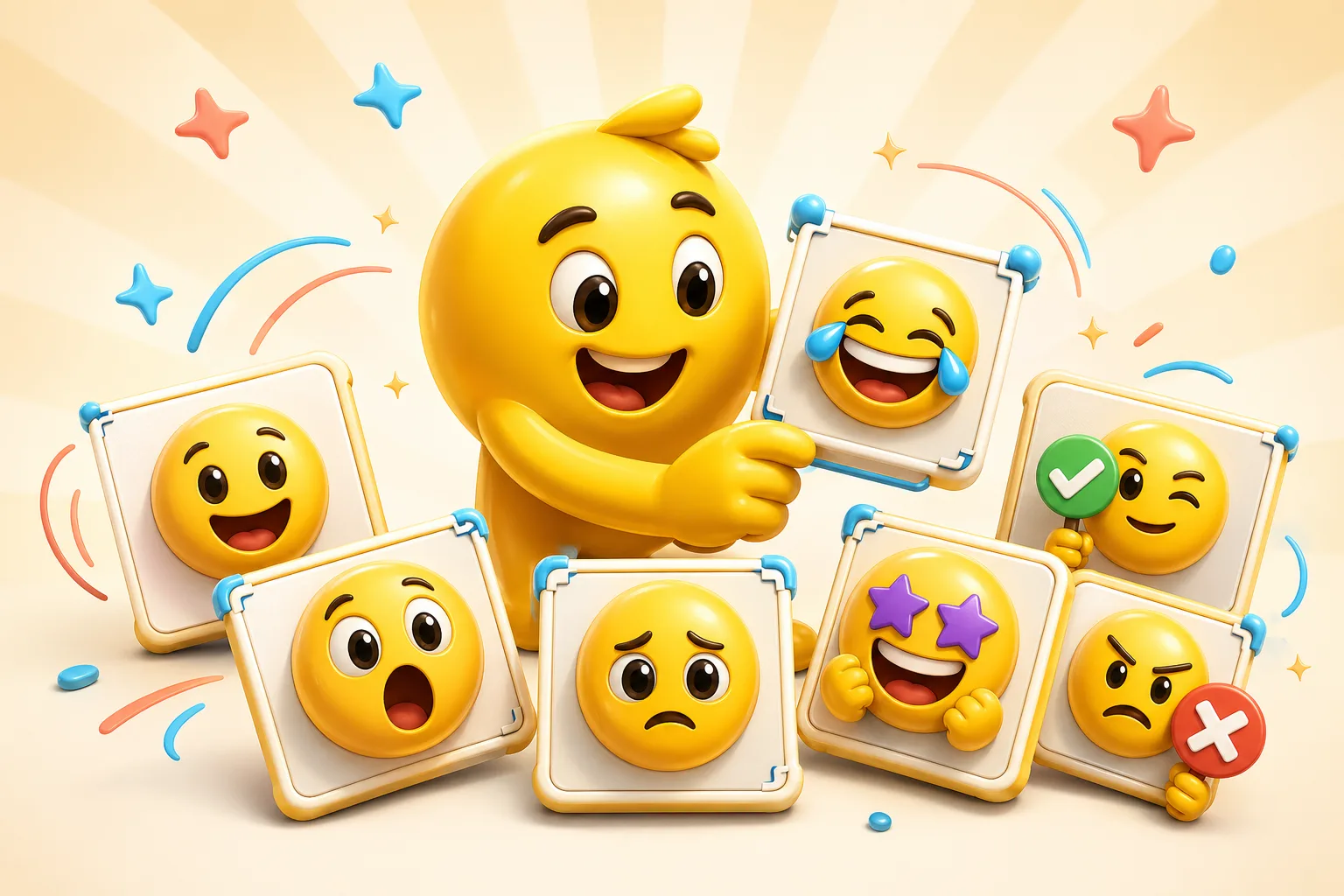
Headshot packs work best when the team already has recognizable faces and a shared emoji vocabulary. The goal is a pack people actually use in daily chat, not a novelty upload set.
A clean face crop for approvals, reviews, and light acknowledgements.
Helpful when a recognizable face signals ownership or response in a busy channel.
Use a short animated loop if the workspace is comfortable with a few more expressive reactions.
A smaller emotional expression can go a long way when the face crop is already strong.
Ideal for people ops or new-hire intro posts built from real coworker images.
The pack should feel like a team ritual rather than a random set of novelty uploads.
Similar crop depth and eye-line make the pack feel intentional instead of improvised.
Approvals, claimed tasks, welcome posts, and celebration moments often outperform generic emotion sets.
Slack's 128 KB limit means only the best candidates should become GIF reactions.
A pack fails when coworkers cannot remember what to type in chat.
Platform Tools
Use the platform constraint before spending more time generating, animating, or packaging the emoji set.
Check the upload risk before a Slack GIF or PNG becomes part of a team pack.
Technically close, but risky
Keep the subject tight and reduce animation complexity before making this a workspace pack slot.
Use this for concierge workspace packs: coworker headshots, onboarding reactions, mascot sets, and recurring team rituals.
Consistent, front-facing headshots or clear camera crops work best because the reaction remains recognizable even in Slack's small display.
A small set of six to ten high-usage reactions is usually more effective than trying to give every person a huge personal pack immediately.
Slack packs usually do well with mostly static or lightly animated reactions. Use AI only for a few standout slots where the added expression is worth the file-weight cost.
Use square 128 pixel exports, keep animated loops short, and stay under Slack's 128 KB limit for any GIFs.
Emoji Guides & Playbooks
Return to the main guide hub for start with your image guides, platform pages, and solution paths.
Emoji Maker
Core your own image for turning coworker photos into custom emoji.
Animated Emoji Maker
Best when the pack needs looping motion or animated download help.
Image to Emoji Converter
Best when the starting point is already a usable image you upload that needs cleanup and export.
AI Animated Emoji Maker
Use AI for standout team reactions when a few higher-expression emojis are worth the extra tuning.
Discord Emoji Maker
Platform-specific page for Discord emoji and animated emote exports.
Slack Emoji Maker
Platform-specific page for Slack reacji packs, team headshots, and under-128 KB loops.
Twitch Emote Maker
Platform-specific page for Twitch readability and 28, 56, and 112 pixel download help.
Trusted by creators
Used by over two million creators worldwide, including streamers, developers, teams, and community builders.
Start From Your Own Image
Turn the real face, mascot, meme, or team asset into a usable reaction pack instead of a one-off graphic.

