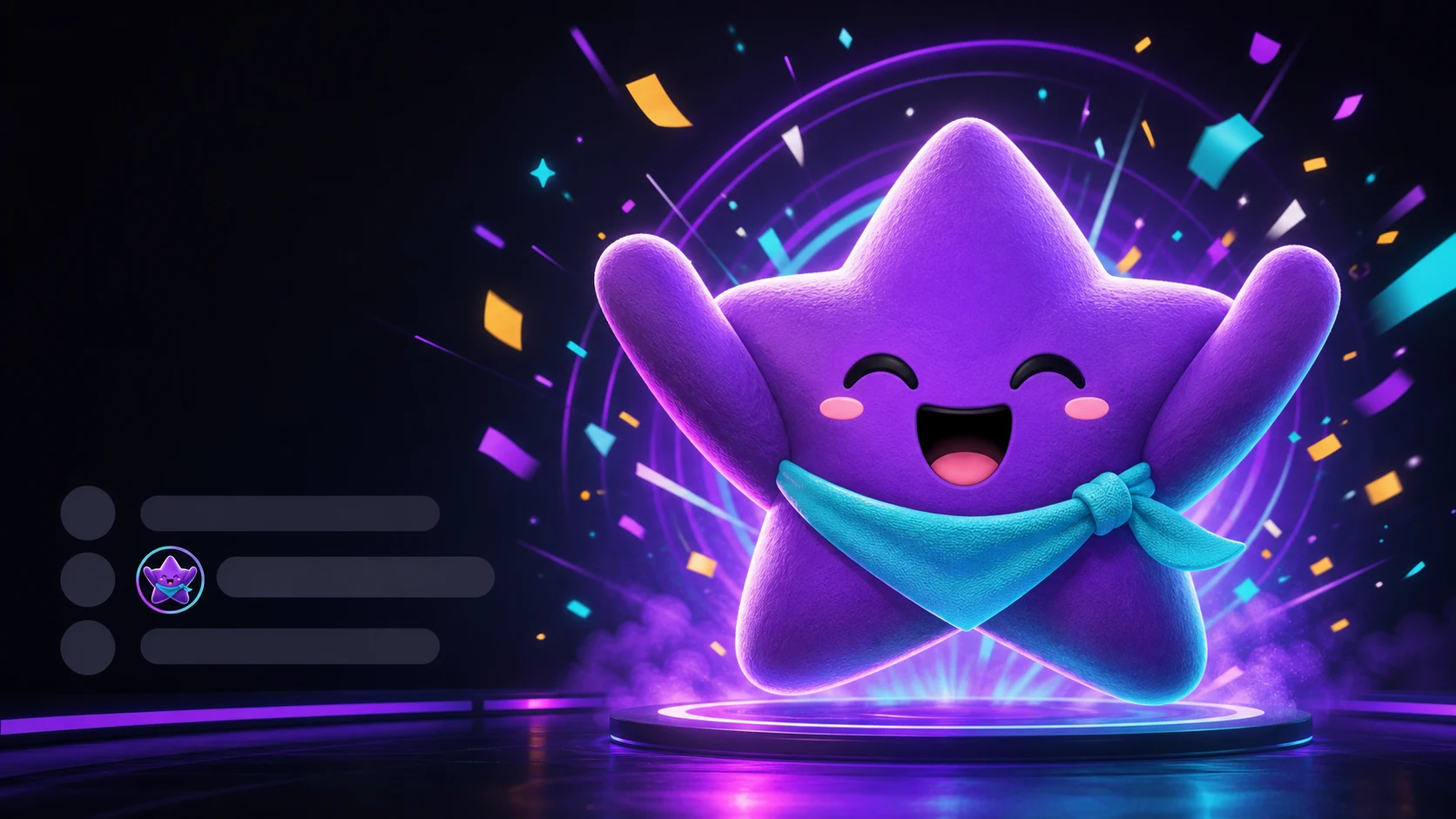
Designing Twitch Emotes for Gigantify and On-Screen Celebrations
Design one emote that survives tiny chat, enlarged display, and repeated on-screen celebration without revealing weak edges or confusing detail.
Short answer
Design the emote for ordinary 28-pixel chat first, then use the enlarged view as a second quality test. A strong Gigantify or On-Screen Celebration emote needs one unmistakable silhouette, a face readable at chat size, clean transparent edges, and enough full-size polish to survive being displayed prominently. The larger view should reveal craft, not information required to understand the reaction.
Last reviewed: 2026-08-03
Twitch Power-Ups changed the viewing context for an ordinary emote. Gigantify sends a larger version of an unlocked emote in chat, while On-Screen Celebration triggers an emote celebration over the stream for viewers. Twitch reiterated in 2026 that Gigantify remains part of the Power-Ups experience alongside newer Custom Power-Ups.
That does not mean every emote needs poster-level detail. Chat is still the baseline. Design the same asset to win twice: immediate recognition when it is tiny and confident edge, color, and expression work when it becomes the center of attention.
Twitch can change placement, scale, availability, and presentation. Preview against several plausible stream scenes and recheck current product and emote guidance instead of baking an assumed pixel dimension or screen position into the art.
Treat chat and celebration as two display states
The two states reward different qualities. At 28 pixels, recognition depends on silhouette, value separation, and a few large facial features. Enlarged, viewers can see edge cleanup, awkward tangencies, compression, and whether the pose actually feels celebratory.
Do not place a secret message, second expression, or tiny prop in the large version if the ordinary emote depends on discovering it. The asset should preserve one meaning across both states.
| Design test | Ordinary chat | Gigantified or on screen |
|---|---|---|
| First read | One face and one gesture in under a second | The same reaction remains obvious amid gameplay and overlays |
| Silhouette | Open gaps and one distinct outer contour | No accidental crops, merged limbs, or distracting edge bumps |
| Detail | Only large features survive | Texture and line polish reward the larger view without changing meaning |
| Color | Separated values on dark and light chat | The palette stays distinct over bright, dark, and colorful stream scenes |
| Motion | Readable first frame and simple loop | No harsh flashing, chaotic camera motion, or face-obscuring effects |
Design order
Pass the 28-pixel chat test before judging the big moment. Enlarging a weak silhouette produces a larger weak silhouette; added sparkles do not repair the core reaction.
Choose reactions that deserve the spotlight
A celebration-scale emote works best when its normal meaning already fits a public stream moment. Hype, welcome, victory, affection, disbelief, and milestone reactions give viewers a clear reason to make the emote prominent. A quiet utility emote can still be Gigantified, but the channel’s hero reactions deserve the most deliberate polish.
Build around one dominant verb. Jump, cheer, salute, burst, hug, or crown gives the pose a direction. Keep that verb visible in the character’s outer contour before adding confetti, glow, or secondary particles.
| Stream moment | Strong emote direction | What the enlarged view should emphasize |
|---|---|---|
| Raid or welcome | Mascot opens both arms with a clear forward lean | Warm eye contact and an inviting shape, not tiny visitor text |
| Win or personal best | Mascot jumps through one broad burst or raises one trophy | Clean airborne pose and one controlled impact ring |
| Gift or support | Mascot holds one oversized heart close to its face | Expression stays visible instead of disappearing behind the heart |
| Wild reveal | Mascot recoils with a large open mouth and raised hands | Face, hands, and edge lighting remain separated over the stream |
| Community milestone | Mascot receives a crown, medal, or shower of one simple shape | The mascot remains the subject; particles frame rather than cover it |
Build contrast for unpredictable stream backgrounds
Chat themes are comparatively controlled; the stream underneath a celebration is not. A bright inventory screen, dark horror game, webcam, subtitles, alerts, and sponsor graphics can all appear behind the same emote. Transparent edges and separated values need to hold up across that range.
Use a deliberate edge system, such as a dark subject contour plus a restrained light keyline, when it suits the art. Keep the border thick enough to survive chat reduction but not so heavy that enlargement looks like a sticker inside another sticker. Test over moving video, not only a flat design canvas.
- Preview at 28 pixels on near-black and near-white chat backgrounds.
- Preview large over a bright menu, a dark gameplay frame, and a webcam scene.
- Keep eyes, mouth, hands, and central prop in separate value groups.
- Remove semi-transparent edge haze that becomes obvious when enlarged.
- Leave breathing room around raised arms, confetti, ears, hair, and scarves.
- Check that the reaction does not depend on an assumed corner or fixed on-screen position.
Use motion and effects with restraint
Animation becomes more physically noticeable when the asset is prominent. Fast scale pulses, camera shake, and full-frame flashes that feel tolerable as a tiny icon can become tiring or obscure the stream. Favor one expressive movement followed by a readable hold.
For example, a mascot can compress, jump, land, and hold a victory pose; a heart can grow once and settle; or a crown can drop and bounce. Keep effects behind the face, preserve a useful first frame, and inspect the loop at normal speed rather than scrubbing frame by frame.
Twitch currently documents square GIFs, file-size limits, a 60-frame maximum, and a prohibition on flashing or flickering more than three times in one second. Treat those as upload constraints, not a creative target; slower and simpler is often clearer.
Motion rule
The mascot performs the reaction; particles support it. If the confetti, glow, or shake is the only readable action, simplify the loop and restore a strong held pose.
Design a small celebration family, not twelve explosions
A channel benefits from a few visually distinct hero reactions. If every candidate uses raised arms, radial lines, and confetti, viewers cannot predict which one fits a raid, win, gift, or shocking reveal. Keep a shared mascot and palette, then assign a different silhouette and motion verb to each role.
Start with three: Welcome opens outward, Victory moves upward, and Love closes inward around a heart. Add a fourth only when chat repeatedly needs another public reaction. This creates a coherent set without making every emote compete for maximum intensity.
| Family member | Outer shape | Motion verb | Tiny-size cue |
|---|---|---|---|
| Welcome | Wide open arms | Open | Face centered between two clear arm gaps |
| Victory | Tall upward jump | Rise | Raised fists or trophy form the top edge |
| Love | Rounded inward hug | Squeeze | One large heart and visible eyes |
| Shock | Backward lean with lifted hands | Recoil | Open mouth and hand gaps remain visible |
A two-scale production workflow
Step 1
Choose one public stream moment
Write the trigger and the viewer’s intended reaction. Pick a verb with a distinct silhouette, such as welcome, jump, recoil, or hug.
Step 2
Thumbnail at 28 pixels
Block the mascot in grayscale, reduce it beside a username, and keep revising until the face and gesture read without particles or text.
Step 3
Polish the full-size master
Clean curves, transparent edges, interior joins, and texture. Enlargement should reward inspection without introducing a different meaning.
Step 4
Test over moving scenes
Overlay a large preview on bright gameplay, dark gameplay, and webcam footage. Fix edge loss, face obstruction, and competing colors.
Step 5
Animate one controlled action
Use a readable first frame, one motion arc, and a held hero pose. Remove rapid flashes and effects that cover the character.
Step 6
Export and verify the actual feature
Check Twitch’s current format and Power-Ups guidance, upload the compliant asset, then trigger a real test where available because product presentation can change.
Make your first version free
Build a two-scale celebration emote
Make a free first version, prove the face and silhouette at chat size, then inspect the full-size master before adding motion or particles.
Build a two-scale celebration emoteRelated MakeEmoji guides and tools
Sources checked
- Twitch: Introducing Power-Ups
- Twitch: Everything Announced at TwitchCon Rotterdam 2026
- Twitch: Emote Formatting & Instant Emote Upload Requirements
- Twitch Safety Center: Community Guidelines
Frequently asked questions
Do I need a separate emote file for Gigantify?
Twitch describes Gigantify as sending a larger version of an unlocked emote, not as a separate creator upload in its Power-Ups announcement. Design and clean the normal emote master carefully, then verify the current creator experience because feature presentation can change.
Should I add more detail because the emote can appear larger?
Add polish, not required information. Clean edges, controlled texture, and intentional lighting can reward enlargement, but the face and reaction still need to read at 28 pixels.
Which emotes work best for On-Screen Celebrations?
Public reactions such as hype, welcome, victory, affection, and shock are strong candidates. Give each a distinct silhouette so the celebration fits the stream moment instead of making every emote look like the same confetti burst.
Does passing the chat-size test guarantee the emote will look good on screen?
No. Chat readability is the first gate. You must also inspect the full-size master over bright, dark, and moving stream scenes for rough edges, weak color separation, awkward crops, and overbearing motion.


