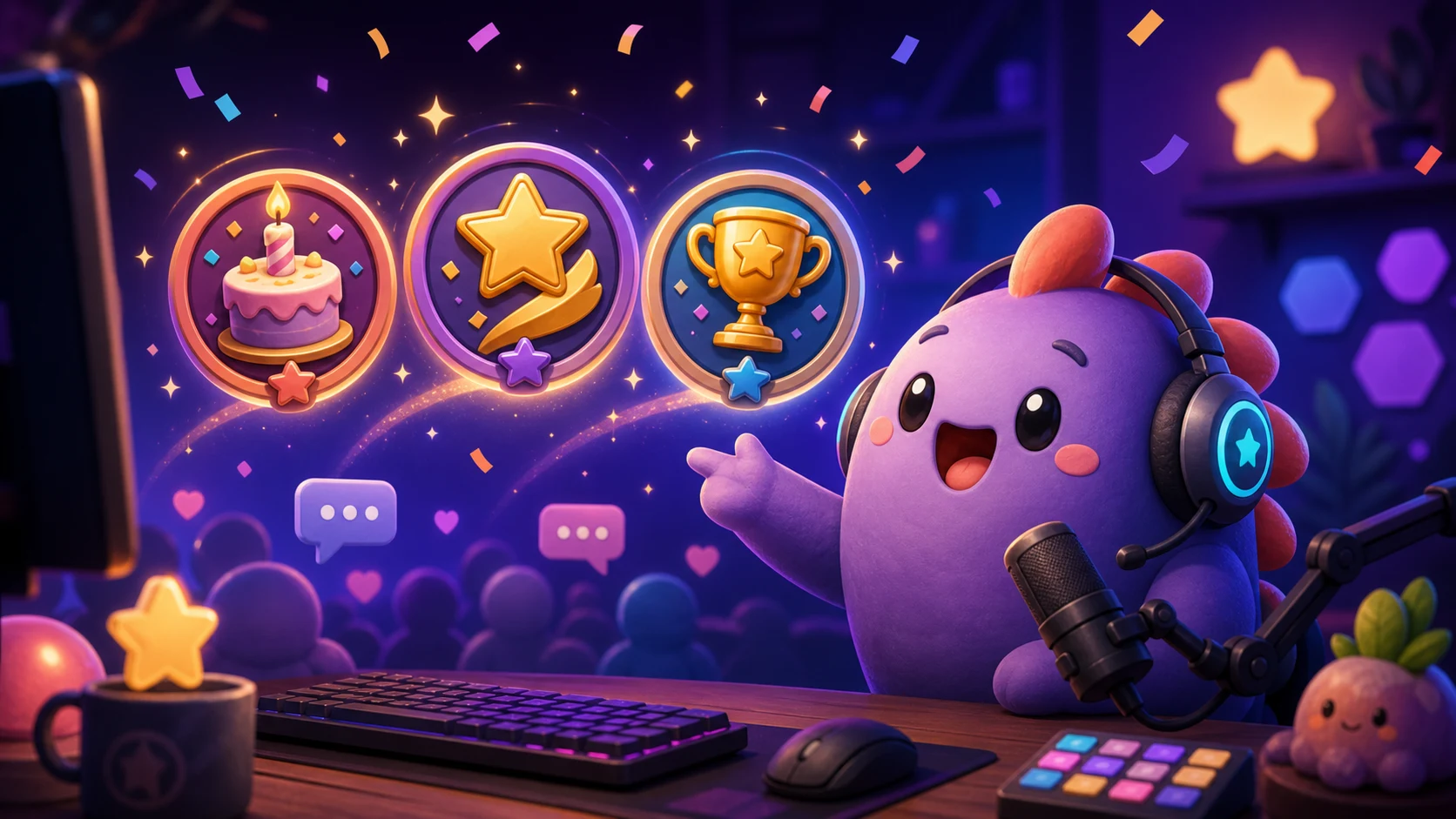
Twitch Creator Badge Drops: 15 Ideas for Subathons, Milestones, and Partnerversaries
Plan readable limited-time Twitch badges for channel events, choose meaningful unlock moments, and keep every design recognizable in chat.
Short answer
A strong Twitch Creator Badge Drop commemorates one specific, time-limited channel event with an icon viewers will still understand at chat size. Build a paired set when possible: one badge earned through a subscription or gifted-sub requirement and an optional companion earned through watch time. Start with a subathon, channel anniversary, game milestone, charity finale, or community challenge; use one mascot, one prop, and one bold silhouette per badge.
Last reviewed: 2026-08-03
Creator Badge Drops turn a broadcast event into a collectible piece of channel history. Twitch announced the feature on May 19, 2026 and described it again at TwitchCon Rotterdam as launched: eligible monetizing streamers can schedule a limited-time event, upload custom badge art, and choose subscription or gifted-sub requirements plus an optional watch-time reward.
That makes the creative brief different from a permanent subscriber loyalty badge. The image should answer, “I was there for what?” A cake can mark a Partnerversary, a cracked crown can mark a boss clear, and a tiny sunrise can mark the final hour of a subathon. The following ideas are starting points; replace generic props with your own mascot, color language, and real community lore.
Know what launched before you design the badge
Twitch's May 2026 announcement calls Creator Badge Drops a feature for eligible monetizing streamers and links directly to setup in the Badge Rewards Dashboard. Twitch's current help flow describes time-limited events in which viewers can earn channel-specific custom badges by subscribing, gifting subscriptions, or watching for the configured number of minutes.
An event can offer a subscription or gift-based badge and an optional, independently earned watch-time badge. The help documentation currently specifies a square, static PNG no larger than 25 KB for a Creator Badge Drop image and says an event can run for no more than 28 days. Recheck the dashboard and official help page before final export because eligibility, limits, and upload fields can change.
| Decision | Current documented behavior | Creative consequence |
|---|---|---|
| Who can set it up | Eligible monetizing streamers; confirm the Badge Rewards Dashboard is available on the account | Do not announce an event badge until the setup surface is visible |
| Unlock paths | A subscription or gifted-sub reward, with an optional watch-time reward | Design two related but clearly different icons when offering both |
| Where it appears | The earned event badge is associated with the channel where it was earned | Use channel-specific lore instead of a generic global-looking symbol |
| Artwork | Square, static PNG, currently documented at 25 KB or less | Use a compact silhouette and test compression before launch day |
| Event window | Time-limited and currently documented at a maximum of 28 days | Tie the art and name to a real start and finish, not an evergreen perk |
Launched, not hypothetical
Creator Badge Drops are described by Twitch as launched, while Twitch's Community Trains, new Hype Train variations, Mythic Train, and GIPHY-in-chat were described separately as tests, limited experiments, or coming soon. Do not write those announced experiments into a Creator Badge Drop promise.
Five badge ideas for subathons and channel anniversaries
A calendar event gives the badge a natural story. Preserve one recognizable mascot feature across the set, then change the outer shape so a viewer can distinguish the occasion at a glance.
| Idea | Event trigger | Badge direction | Optional companion |
|---|---|---|---|
| 1. First-Hour Spark | Opening block of a subathon | Mascot eye or star igniting inside a thick circular burst | Sunrise badge for viewers who stay through the final block |
| 2. Sleep-Deprived Survivor | Late-night subathon milestone | Mascot in an oversized sleep cap with one bright open eye | Tiny steaming mug for the watch-time path |
| 3. Partnerversary Cake | Annual Partner or Affiliate anniversary | Single-layer cake topped by the channel mascot's signature shape | Confetti candle for long-watch viewers |
| 4. Founding Year Relic | Channel birthday or launch anniversary | Simple weathered coin carrying an original mascot silhouette | Polished coin variation for the second unlock path |
| 5. Final-Hour Sunrise | Last scheduled hour of a marathon stream | Bold sun rising behind the mascot's head or favorite prop | Moon badge for viewers who joined the opening night |
Five badge ideas for gaming and creator milestones
A milestone badge should record the accomplishment without borrowing a game's logo, character, rank emblem, or protected item art. Translate the moment into your channel's own visual vocabulary.
| Idea | Milestone | Original visual brief | Avoid |
|---|---|---|---|
| 6. Boss Breaker | First clear, speedrun goal, or challenge completion | Mascot lifting a cracked generic crown with a proud expression | Replicating the actual boss, achievement icon, or game logo |
| 7. Rank Climber | Ranked-season goal | Three chunky steps ending in the mascot's own star crest | Copying a game's rank shield or tier colors exactly |
| 8. Hundred-Win Trophy | Win-count milestone | One broad trophy cup with mascot ears or horns forming the handles | Small numerals that vanish beside a username |
| 9. No-Hit Halo | Perfect run or self-imposed challenge | Unscuffed mascot under one oversized glowing ring | Detailed combat scenes or copyrighted equipment |
| 10. Creative Finish | Art reveal, album release, model debut, or project delivery | Mascot pulling a curtain from one large sparkling creation | A miniature screenshot of the finished project |
Five badge ideas for community achievements
The most meaningful event is sometimes something chat accomplished together. Make the collective action visible and explain the unlock terms before the event begins.
- 11. Charity Goal Heart: two mascot hands holding one thick heart after the verified fundraiser target is reached; keep donation claims accurate and separate from Twitch unlock requirements.
- 12. Raid Caravan: three tiny original mascot silhouettes moving under one flag for a collaboration or raid-chain day.
- 13. Community Challenge Crystal: one cracked crystal becoming whole when chat finishes a shared goal.
- 14. Mod Appreciation Lantern: a bright lantern carrying the channel accent color for an event honoring moderators and helpers.
- 15. Lore Chapter Key: a large original key or book clasp celebrating the conclusion of a roleplay season, tabletop arc, or community story.
Make the two paths fair
A paid unlock and a watch-time unlock do not need identical art, but they should feel like peers. Avoid making the free path look like a visibly inferior consolation prize; distinguish the story, silhouette, or time-of-day instead.
Design for the badge slot, not the announcement graphic
Badges appear immediately beside a username and compete with other small status icons. Start at actual display size. One face, one prop, and a thick edge system will survive better than a whole event poster. Use transparency carefully and leave open negative space between the mascot and prop.
Name the badge after the memory, not the asset file: Final-Hour Survivor is stronger than Gold Badge Two. In the event announcement, show the full-size art, the tiny chat preview, the exact eligible action, start and end times with timezone, and which badge each action earns.
| Test | Pass condition | Correction if it fails |
|---|---|---|
| 18-pixel thumbnail | A viewer identifies the dominant prop in two seconds | Remove background objects and enlarge the prop |
| Dark and light chat | The outer contour remains separate on both themes | Add a controlled contrasting keyline |
| Paired reward test | Paid and watch-time badges differ without feeling unrelated | Keep the mascot and palette; change the prop or silhouette |
| Compressed PNG | The file meets the current dashboard limit without muddy edges | Reduce unnecessary color variation and hidden pixels |
A practical Creator Badge Drop workflow
Step 1
Confirm account access
Open Creator Dashboard and confirm the Creator Badge Drops setup surface is available before promising viewers a date, unlock rule, or badge.
Step 2
Define one real event
Write the start, end, milestone, audience action, and memory the badge should preserve. Remove any idea that could fit every stream.
Step 3
Map each unlock to one badge
Choose the subscription or gifted-sub requirement and, if appropriate, a separate watch-time reward. Explain both in plain language.
Step 4
Prototype the visual system
Turn the channel mascot or original art into two distinct reactions, reduce them to chat size, and test on both chat themes.
Step 5
Export and dry-run
Check the current dashboard requirements, upload the static square PNGs, verify dates and timezone, and have a moderator review the public explanation.
Step 6
Capture the result
After the event, record badge claims, watch-time participation, gift-sub results, support questions, and whether viewers actually equip the badge.
Make your first version free
Prototype your event mascot free
Start with one original mascot or creator image, test several readable reactions, and use the strongest pose as the foundation for a coordinated event badge and celebration emote.
Prototype your event mascot freeRelated MakeEmoji guides and tools
Sources checked
- Twitch: New Ways to Turn Your Community's Participation into Earnings
- Twitch: Everything Announced at TwitchCon Rotterdam 2026
- Twitch Help: Creator Badge Drops
- Twitch Help: Subscriber Badge and Creator Badge Requirements
Frequently asked questions
What are Twitch Creator Badge Drops?
They are time-limited channel events in which eligible viewers earn custom channel badges by completing configured actions, such as subscribing or gifting subscriptions and, when enabled, watching for a specified time.
Who can create a Creator Badge Drop event?
Twitch's May 2026 announcement says the feature is for eligible monetizing streamers. Confirm that Creator Badge Drops appears in your Creator Dashboard before designing or announcing an event.
Can a Creator Badge Drop be animated?
Twitch's current help documentation specifies a square, non-animated PNG for the reward badge. Use an animated channel emote or alert as a companion asset, not as the uploaded badge file.
Can viewers earn a badge without paying?
A creator can currently add an optional watch-time badge alongside the required subscription or gift-based reward type. The two badges can be earned independently during the event.


