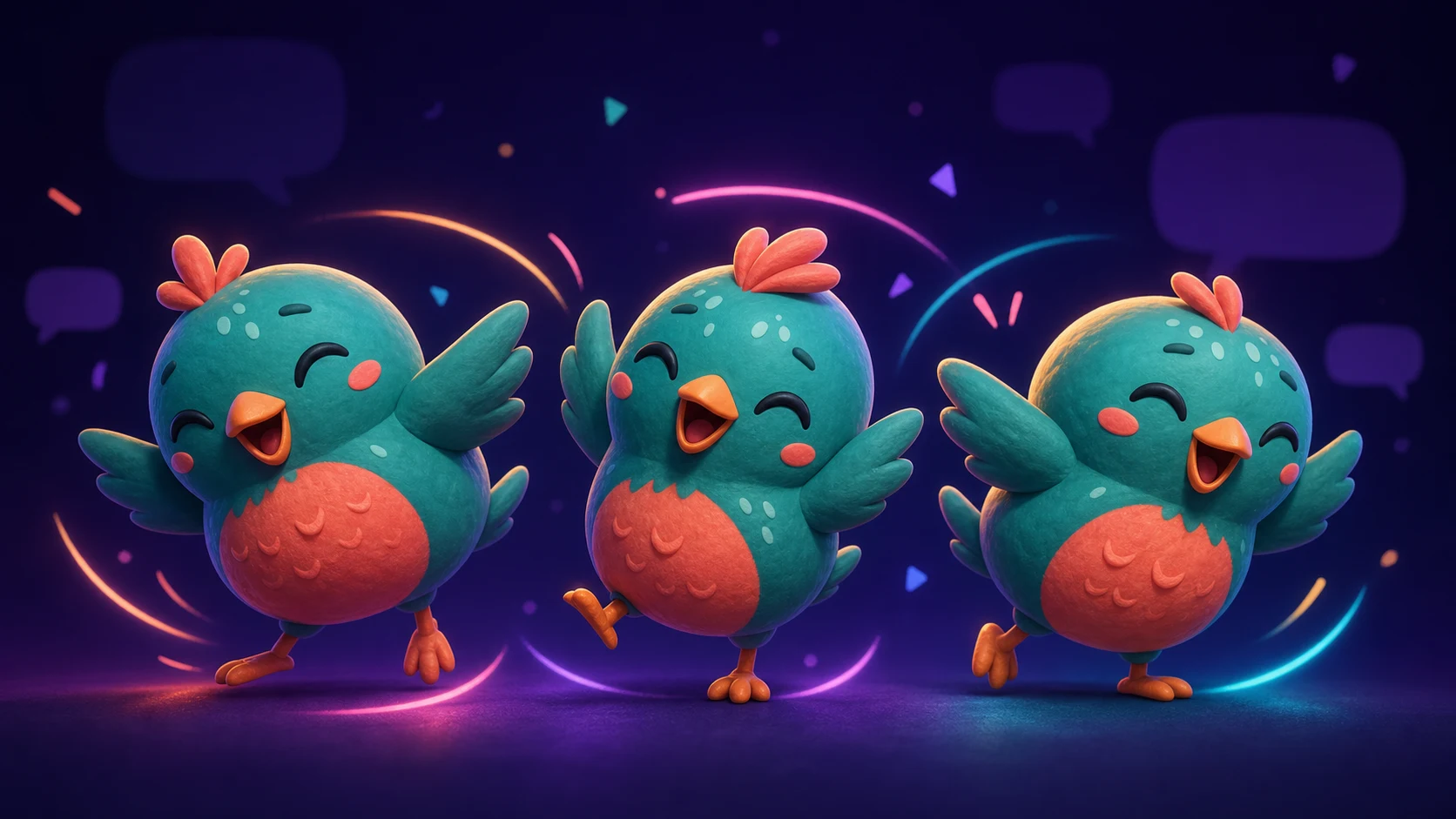
How to Make a Parrot-Style Dance Emote From Your Own Mascot
Borrow the joyful looping dance pattern without copying an existing emote, then animate an original mascot with its own silhouette and rhythm.
Short answer
Make a parrot-style dance emote by borrowing the communication pattern—a compact mascot rocking side to side in a short, joyful loop—not somebody else’s bird drawing, colors, frames, or name. Start with art you own, test MakeEmoji’s Jam, Party, Shake, Bounce, and Spin effects, and choose the motion that preserves your mascot’s silhouette at 28 pixels. Export a short loop, then verify the file against Twitch’s current animated-emote rules.
Last reviewed: 2026-08-03
A looping dance works because chat understands it before identifying the character: something good happened, the music hit, or the community is celebrating together. You can keep that useful rhythm while giving the emote a subject, palette, silhouette, and timing that belong to your channel.
The safest starting point is your own mascot or artwork you have permission to adapt. Upload that source to MakeEmoji, compare several motion presets on the same crop, and judge the tiny result—not the familiar look of an existing internet emote. This workflow gives you the energy of a dance reaction without tracing frames or recoloring another creator’s asset.
Borrow the dance function, not an existing character
An idea such as ‘a happy mascot dances’ is broad. A specific drawing, frame sequence, color arrangement, costume, or recognizable mascot can be protected or controlled by its creator. Build from the broad function and make every expressive choice yourself.
Write a one-line concept before animating: ‘Our round teal bird rocks left and right when chat celebrates.’ That sentence identifies your subject, action, and use case without requiring a reference emote. If your brief instead says ‘make this famous bird, but change one color,’ the concept is not independent enough.
| Creative decision | Make it yours | Do not copy |
|---|---|---|
| Character | Your own mascot, creator likeness, pet, object, or commissioned design | A known reaction character with only a small recolor |
| Silhouette | Your mascot’s normal ears, wings, hat, hair, or body shape | A distinctive body outline associated with an existing emote |
| Palette | Two or three channel colors with strong value separation | A famous frame-by-frame rainbow sequence |
| Motion | A newly timed rock, bounce, hop, flap, or shoulder shimmy | Tracing another GIF’s exact poses and timing |
| Name | A channel-specific code such as MikoGroove or AcornJam | A confusingly similar name built around someone else’s mascot |
Copyright-safe brief
Use references for general rhythm words such as bouncy, relaxed, or frantic. Do not provide an existing emote as the frame sheet to trace. When rights matter commercially, get advice for your situation rather than relying on a visual difference checklist.
Choose a source image that can survive the loop
A dance effect can exaggerate every weakness in the source. Begin with a square image where the mascot occupies most of the canvas, the outer contour is complete, and the face remains readable without small text. A transparent PNG is easiest, but a clean, simple background can also be removed before animation.
Keep important features away from the crop edge. A wing, ear, tail, or hat that already touches the boundary may clip when the body leans. Leave padding around the widest dance pose and center the visual weight rather than simply centering the source file.
- Use artwork you created, commissioned with adaptation rights, or otherwise have permission to animate.
- Prefer a front or three-quarter pose with separated limbs and a large face.
- Remove tiny slogans, garment texture, and props that will flicker after downscaling.
- Keep dark edges visible on dark chat and pale edges visible on light chat.
- Save the layered or full-resolution master before making the animated export.
Compare five MakeEmoji motions on the same mascot
MakeEmoji’s catalog supports several useful interpretations of a dance reaction. Upload one source once, keep the crop fixed, and compare the live previews. The best choice is the one that expresses your channel’s energy while keeping the mascot recognizable between frames.
| Effect to preview | How it feels | Best fit | Watch for |
|---|---|---|---|
| Jam | Rhythmic, music-first movement | Music hits, good plays, and collective chat grooves | Fast details around hands, wings, or hair |
| Party | Broad celebration energy | Raids, subs, wins, and stream milestones | Decoration overpowering a pale mascot |
| Shake | High-energy vibration | Hype, disbelief, or chaotic excitement | Eyes and mouth becoming soft at tiny size |
| Bounce | Simple vertical pulse | Cute, cozy, or relaxed mascots | Feet or ears clipping at the extremes |
| Spin | Big, unmistakable motion | Short punchlines and transitions | A face that disappears for too much of the loop |
Tune the loop for chat instead of a full-screen GIF
The readable pose should return quickly. Hold the mascot near its clearest front-facing shape, move through one simple beat, and finish at a frame that reconnects cleanly to the beginning. A long choreography may look impressive in the editor but feel slow when chat repeats it in a row.
Preview the export at 28 pixels beside a username. Look for a stable face, consistent outline, and motion that does not resemble a flashing alert. Recheck Twitch’s current file, dimension, frame-count, and flashing requirements before uploading because platform rules can change.
One-loop test
Mute the context and watch one cycle at chat size. If you can name both the mascot and the mood after one loop, the animation is doing its job. If you see only color noise, simplify the motion or crop closer.
Give the dance a reason to exist in your channel
A generic celebration competes with every other global reaction. Attach the dance to a repeated stream moment: the first song of the night, a raid welcome, a clean boss phase, a subscriber milestone, or the host finally remembering to hydrate.
Name the code using language chat already types. A channel-specific verb or mascot nickname reinforces ownership and makes the emote easier to find. Ask moderators to use it at the chosen trigger for a week, then decide whether the pack also needs a slower sway, a frantic variant, or no second dance at all.
Workflow: turn your mascot into an original dance loop
Step 1
Confirm the source rights
Choose your own art or check the written commission terms for animation and derivative-use permission. Keep that record with the master file.
Step 2
Prepare one clean square crop
Remove unnecessary scenery, preserve padding for the widest pose, and make the face and signature silhouette features dominate the frame.
Step 3
Preview several motion families
Test Jam, Party, Shake, Bounce, and Spin on the same input. Do not change the crop while comparing or you will be judging two variables at once.
Step 4
Inspect the smallest frame
Watch one loop at 28 pixels on dark and light chat. Reject versions that clip the mascot, lose the face, flash aggressively, or depend on tiny decoration.
Step 5
Export, upload, and observe
Check the current platform requirements, upload the final GIF, and note whether viewers use it at the intended moment before making more variants.
Make your first version free
Test your mascot in a dance loop
Upload artwork you own, compare several original motion directions, and judge the actual chat-size result before commissioning a custom frame-by-frame animation.
Test your mascot in a dance loopRelated MakeEmoji guides and tools
Sources checked
- Twitch: Animated Emotes
- Twitch: Emote Guidelines and format requirements
- Twitch Safety Center: Community Guidelines
- U.S. Copyright Office: What Visual and Graphic Artists Should Know
- U.S. Copyright Office: Copyright in Derivative Works and Compilations
Frequently asked questions
Can I make a dance emote inspired by an internet reaction?
You can use the broad idea of a happy dancing mascot, but create your own subject, silhouette, palette, poses, timing, and name. Do not trace frames or make a token recolor of an existing emote.
What is the best MakeEmoji effect for a mascot dance?
There is no universal winner. Jam feels musical, Party celebratory, Shake chaotic, Bounce cute, and Spin emphatic. Compare them on the same crop at 28 pixels.
Do I need a bird mascot for a parrot-style dance emote?
No. The useful pattern is a compact rhythmic loop. A creator likeness, pet, robot, food mascot, blob, or original object character can carry the same chat meaning.
Can I animate art that I commissioned?
Only if your agreement permits that use. Check whether animation, derivative works, platform use, and editing by another person are included; ask the artist when the terms are unclear.
Does this workflow guarantee Twitch approval?
No. Final content and technical execution still matter, and requirements can change. Review Twitch’s current animated-emote and community guidelines before upload.


