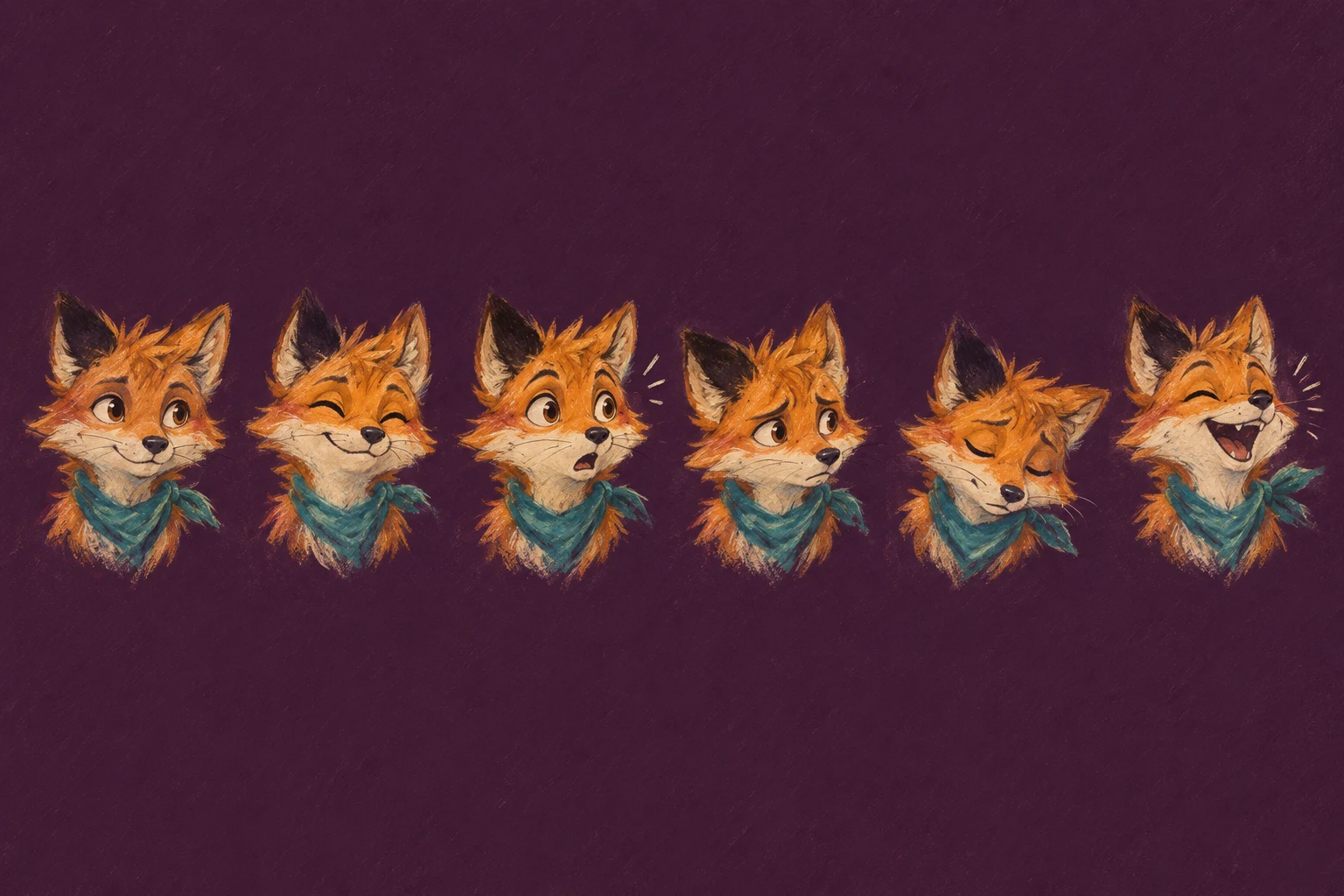
Keep an AI Emoji Pack Consistent: Six Reference Examples
Compare six stored cat reactions, define stable character traits, and use a practical review sheet for your next AI emoji pack.
An AI emoji pack feels consistent when the same character remains easy to recognize across different reactions. Start with one reference, write down its stable traits, and review every result beside that reference. A repeated prompt alone does not guarantee the same face, colors, or visual style.
The six examples below are existing MakeEmoji Standard preset thumbnails made from the same cat reference. They are a practical set to inspect. They are not a new controlled trial: we do not have a complete attempt log or a failure rate for these stored outputs. The file record identifies their source and bytes.


Separate identity from expression
For this cat, use three stable traits as the first check: pale cream fur, pink inner ears, and yellow-green eyes when they are open. Then compare face shape, the distance between the ears, and the size of the head inside the square. The expression can change all of these slightly. The question is whether the result still belongs in the same set when its name is hidden.
The asleep, cry, laugh, love, rage, and think presets also show why a pack needs more than a shared palette. Tears, hearts, hands, and closed eyes change the visual weight of each tile. A heart can take more space than an eye. A large tear can pull attention away from the face. Review those changes as design choices instead of assuming every addition is a defect.
Write a small character specification
Before you generate a pack in Emoji AI Studio, save a clean reference file and a short specification beside it. Use the same source for each reaction. Do not make a chain in which each new result becomes the reference for the next image: that makes small changes harder to trace.
- Identity: pale cream cat, pink inner ears, yellow-green eyes, and the same head proportions as the reference.
- Composition: face centered, ears complete, enough clear space for the intended movement.
- Style: soft photographic fur detail; transparent space around the character.
- Variable part: one expression or action, such as a quiet laugh or one tear.
Keep the description specific enough to review. “Make it cute and consistent” gives you little to accept or reject. “Keep both ears visible and keep the head width close to the reference” describes an observable result. If your mascot has a collar, badge, or unusual marking, decide whether it must appear in every reaction before you start.
Change one reaction at a time
Here is a suggested starting prompt, not the prompt used for the stored examples: “Use the supplied cat as the character reference. Keep its pale cream fur, pink inner ears, and head proportions. Keep the photographic fur texture. Show a gentle laugh with closed eyes. Keep the full ears inside the image and leave the surrounding area transparent.”
For the next image, replace only the action sentence. A cry prompt might ask for one clear tear and a sad mouth. A think prompt might ask for a raised paw near the chin. Avoid adding a new camera angle, costume, lighting style, and emotion in the same request. If the result drifts, fewer changed details make the cause easier to inspect.
Save each accepted output with its prompt and source filename. Record rejected results too if you want to learn which requests are reliable for your character. A rejected image is evidence only when you keep the actual file and the reason for rejection; do not estimate a success rate from the final gallery.
Review at the size people will see
Use a large view to find cut-off ears or rough transparency. Then place every reaction at 32 pixels on both a pale and a dark background. This is a useful inspection size, not a promise that every chat client draws emoji at exactly 32 pixels. At that scale, compare the outline, silhouette, and expression before you judge small shading differences.
Look for two types of failure. Identity drift means the character looks like a different cat. Readability failure means the character is recognizable but the reaction is unclear. Fix the relevant problem: a stronger mouth may help readability, while changing the head shape again may make identity worse. Keep the original reference available throughout this pass.
Keep a decision sheet with the pack
Download the consistency checklist CSV. Add one row per output, including the prompt, stable traits, crop check, small preview, and decision. The first rows are examples, not generation records. Fill them with your own observations.
Accept small pose changes when they serve the reaction. Reject changes that break the character specification. You can also remove a reaction from the first release if it needs more work. A smaller pack with clear meanings is more useful than a larger pack whose identity changes from tile to tile. For more prompt ideas, use the brand mascot prompt guide, then return to the same reference and review sheet.