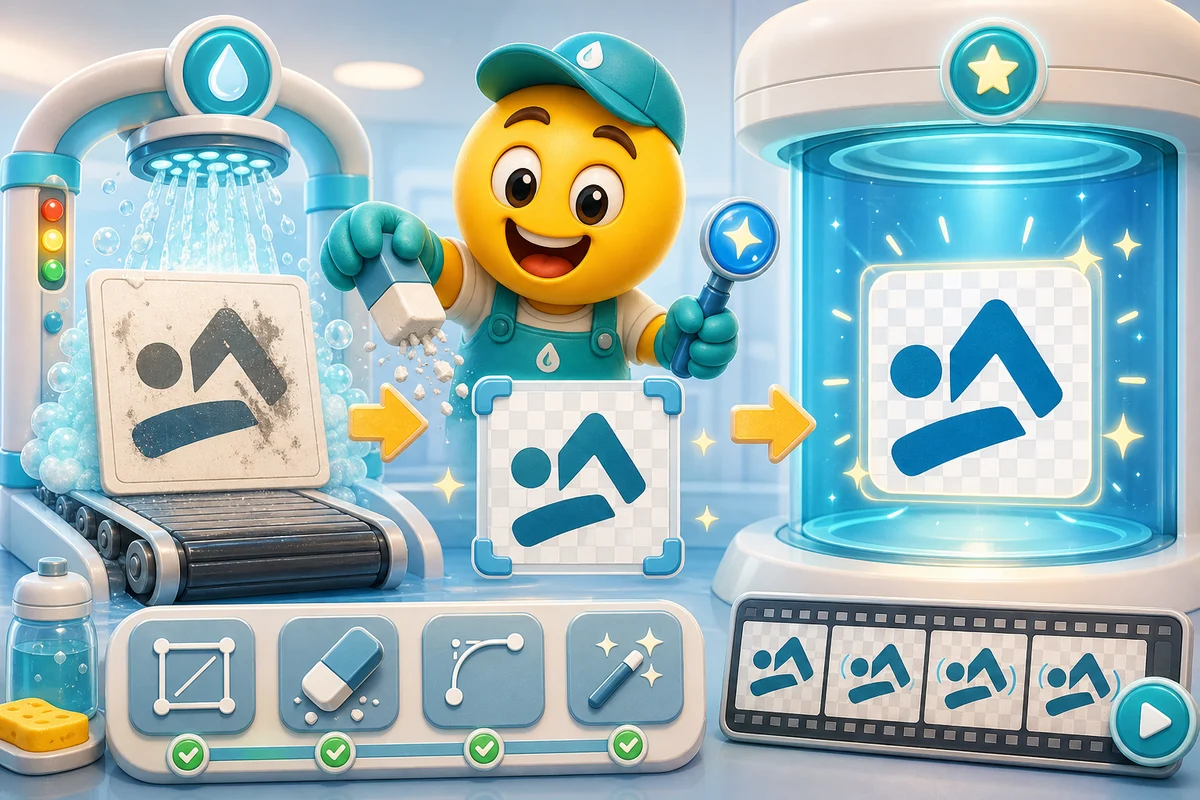
Clean Up a Logo Before Animating It as an Emoji
Remove background boxes, simplify details, preserve brand recognition, and choose classic or AI motion before turning a logo into emoji.
Short answer
Clean a logo before animating it by removing background boxes, simplifying tiny details, preserving core colors, and deciding whether the logo should move as a mark or become an expressive mascot.
Who this is for
This guide is for founders, community managers, esports teams, and agencies turning logos into animated emoji or emotes.
Recommended starter set
Transparent logo source.
Square crop with generous padding.
Simplified one-color variant.
Mascot or icon-only version.
Dark-theme preview.
Small-size export test.
Workflow
Step 1
Remove the box
A white or black logo background almost always looks wrong in chat. Make the background transparent before adding motion.
Step 2
Simplify the mark
Fine type, taglines, and thin strokes disappear at emoji size. Keep the part of the logo people recognize fastest.
Step 3
Choose motion style
Pure logos often work best with classic bounce, spin, or glow. Mascots and character marks can justify AI animation.
Quality checklist
- Use the highest-resolution source available.
- Remove taglines and tiny legal marks.
- Keep transparent edges clean.
- Avoid motion that distorts brand recognition.
- Export a static fallback.
Common mistakes
- Animating a low-resolution screenshot of the logo.
- Keeping tiny text inside the emoji.
- Using AI motion when a simple bounce is cleaner.
- Ignoring how the logo looks on dark chat backgrounds.
Next steps
FAQ
Should I animate a full logo or just the icon?
Use the icon whenever possible. Full logos with text usually become unreadable at emoji size unless the mark is extremely simple.
Can AI animation distort a logo?
Yes. Use AI animation carefully on strict brand marks. Classic motion may be safer when the logo shape must remain exact.
What file should I start from?
Start from a high-resolution PNG with transparency or export one from a vector source. Avoid screenshots and compressed social images.


