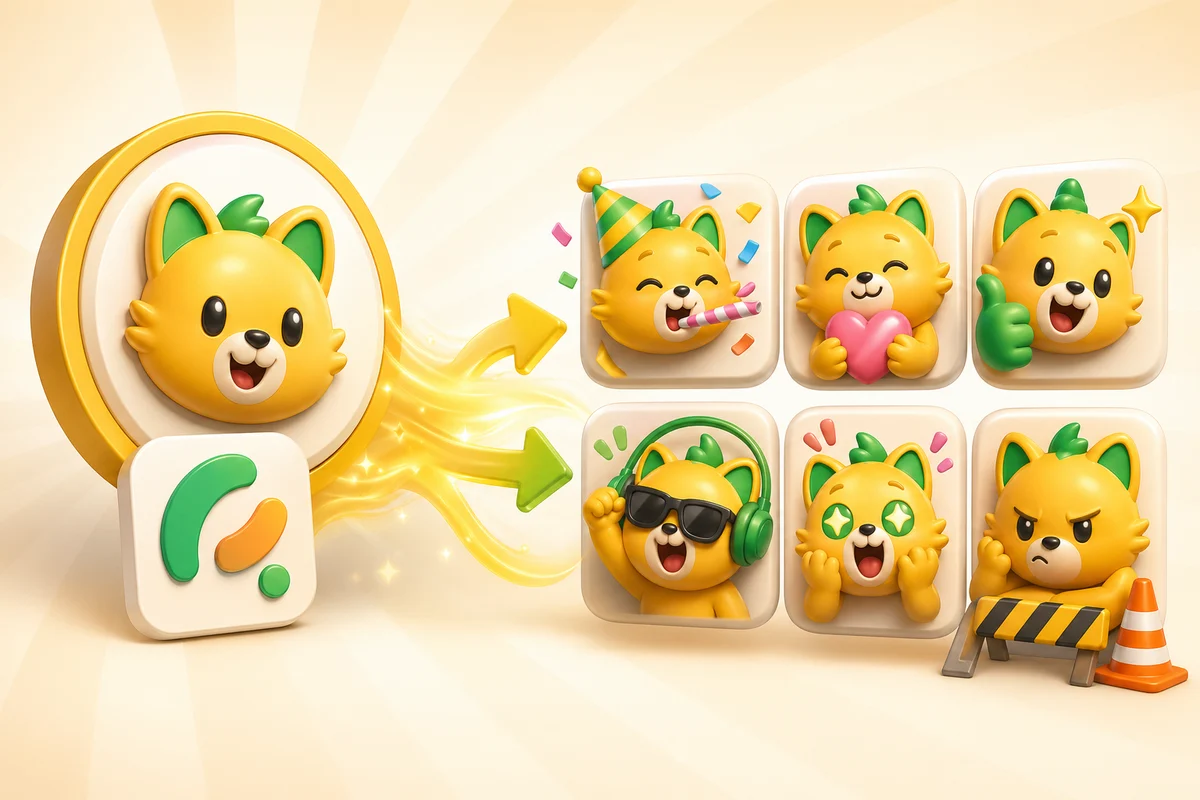
Turn a Logo or Mascot into an Animated Emoji Pack
Use classic animation for pure logos and AI animation for expressive mascots, brand characters, server icons, and reusable community reaction packs.
Short answer
Brand and mascot emoji packs work best when the source has a character, face, or expressive symbol. Use classic motion for pure logos and AI animation for mascots that can laugh, celebrate, panic, or approve.
Do not animate every logo the same way
A pure logo mark and a mascot are different inputs. A simple abstract logo often looks better with classic bounce, spin, shine, or party effects. A mascot or character logo can support AI reactions because it has a face or body language.
The best paid workflow is honest about that distinction. Do not force a faceless logo into a reaction face unless that is the desired creative direction.
| Source | Best workflow | Reason |
|---|---|---|
| Abstract logo | Classic animation | Clean motion preserves the brand mark |
| Mascot logo | Studio plus Super Animation | The character can carry expression |
| Server icon | Studio cleanup, then AI for hero reactions | The icon needs to stay recognizable after motion |
| Product badge | Classic or restrained AI | The asset should not become visually noisy |
Brand reactions to make first
Brand packs are useful when they support recurring communication: launches, shipped work, wins, customer moments, community events, and announcements.
The strongest set is usually small. Make a few hero reactions that people will actually use instead of a large pack of generic moods.
- Launch or shipped celebration.
- Thanks or customer love.
- Approved or confirmed.
- Hype for announcements.
- Blocked or working-on-it for product teams.
- Welcome for community onboarding.
Studio cleanup before animation
Step 1
Prepare the mark
Start with the cleanest logo, mascot, or brand character file available.
Step 2
Simplify for emoji use
Use Studio to simplify edges, crop tightly, and keep the identity readable.
Step 3
Choose motion type
Use classic motion for pure marks and Super Animation for expressive mascot reactions.
Step 4
Export platform variants
Check Discord, Slack, and Twitch constraints before treating the pack as finished.
Where brand packs convert
Brand mascot packs are high-intent because they often come from teams, creators, and communities that already care about identity. They are less likely to be one-off free users and more likely to want repeatable quality.
This is a strong Pro use case when the pack becomes part of a launch, server identity, streamer identity, or internal team culture.
Frame-count choice
Use 6-frame High or 12-frame Ultra only when the mascot motion needs more than Standard's 3 frames.
Avoid these mistakes
- Turning an abstract logo into a random face that no longer feels like the brand.
- Adding too much confetti or detail for small emoji sizes.
- Making every reaction animated even when static utility emoji would be clearer.
- Using different crops for each pack slot, which breaks brand consistency.
- Writing text into the emoji image instead of relying on naming and reaction design.
Next steps
FAQ
Can AI animate a logo?
Yes, but AI works best when the logo includes a mascot, face, or expressive character. Pure abstract logos often look better with classic motion.
What brand emoji should I make first?
Start with launch, shipped, thanks, approved, hype, and welcome reactions because they map to recurring team or community moments.
Should brand emoji include readable text?
Usually no. Tiny text is hard to read at emoji size. Use the emoji name and the visual reaction instead.
When is Pro worth it for a mascot pack?
Pro is worth it when the mascot reactions will be reused across announcements, launches, community posts, or creator channels.
