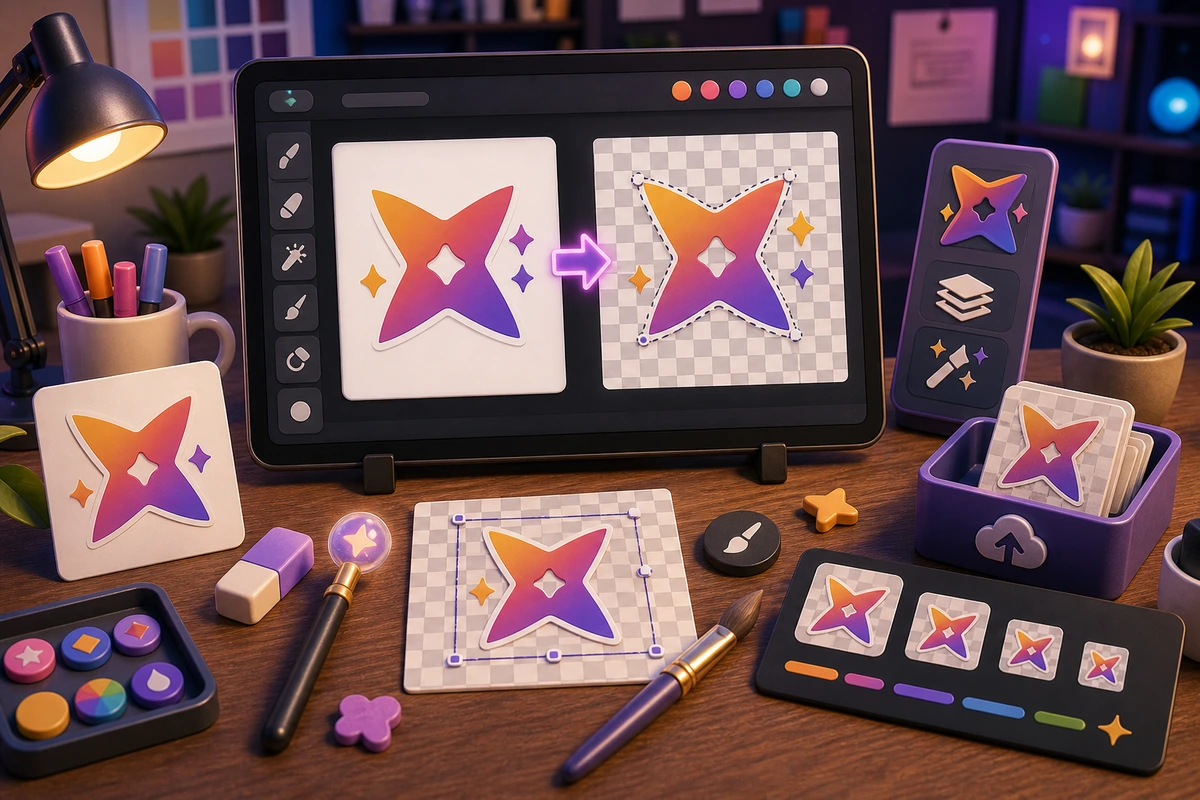
Remove a White Background from a Logo for Emoji
Clean logo backgrounds before turning brand marks into Slack, Discord, or animated custom emoji.
Short answer
A logo emoji background cleanup workflow should be planned around repeatable chat moments, not decorative filler. Start with High-resolution logo source., Transparent background., Icon-only crop., Dark-theme edge check., then add niche reactions only after the first set is getting used. Start from a high-resolution PNG or vector export whenever possible; screenshots make edge cleanup much harder.
Who this is for
This guide is for founders, marketers, esports teams, agencies, and Discord admins turning logos into emoji.
Recommended starter set
High-resolution logo source.
Transparent background.
Icon-only crop.
Dark-theme edge check.
Small-size preview.
Static fallback export.
Workflow
Step 1
Choose the real moments
Clean the source before animating, because motion makes dirty edges more visible. A smaller set tied to repeated behavior will outperform a large set of pretty reactions that nobody remembers to use.
Step 2
Create a shared visual rule
Start from a high-resolution PNG or vector export whenever possible; screenshots make edge cleanup much harder. Keep one crop, outline weight, palette, and background approach so the pack feels intentional.
Step 3
Launch with usable names
Use a short brand or action name rather than a long filename. Upload a first set, announce the names, and watch what people actually use before expanding.
Quality checklist
- Choose reactions that map to real Slack and Discord moments.
- Keep the subject large enough to read at chat size.
- Use one naming convention across the whole pack.
- Export a static fallback for any important animated reaction.
- Check edges on dark and light backgrounds before uploading.
Common mistakes
- Making the pack too broad before the first Slack and Discord upload.
- Letting tiny details carry the meaning.
- Using names only the creator understands.
- Skipping a final grid review before upload.
- Animating a logo that still has a background box.
- Using a compressed screenshot as the source.
- Leaving tiny taglines in the emoji crop.
Next steps
FAQ
What should be in a logo emoji background cleanup workflow?
Start with High-resolution logo source., Transparent background., Icon-only crop., Dark-theme edge check.. Those cover the moments people are most likely to repeat. Add niche reactions only when the core set is already being used.
Should a logo emoji background cleanup workflow use animation?
Use animation for launch, pulse, bounce, and celebration logo moments. Keep status, moderation, and text-heavy reactions static unless motion makes the meaning clearer.
How do I get people to use the pack?
Use a short brand or action name rather than a long filename. Announce the pack with the exact names, model the reactions in real conversations, and remove weak items after a usage review.


