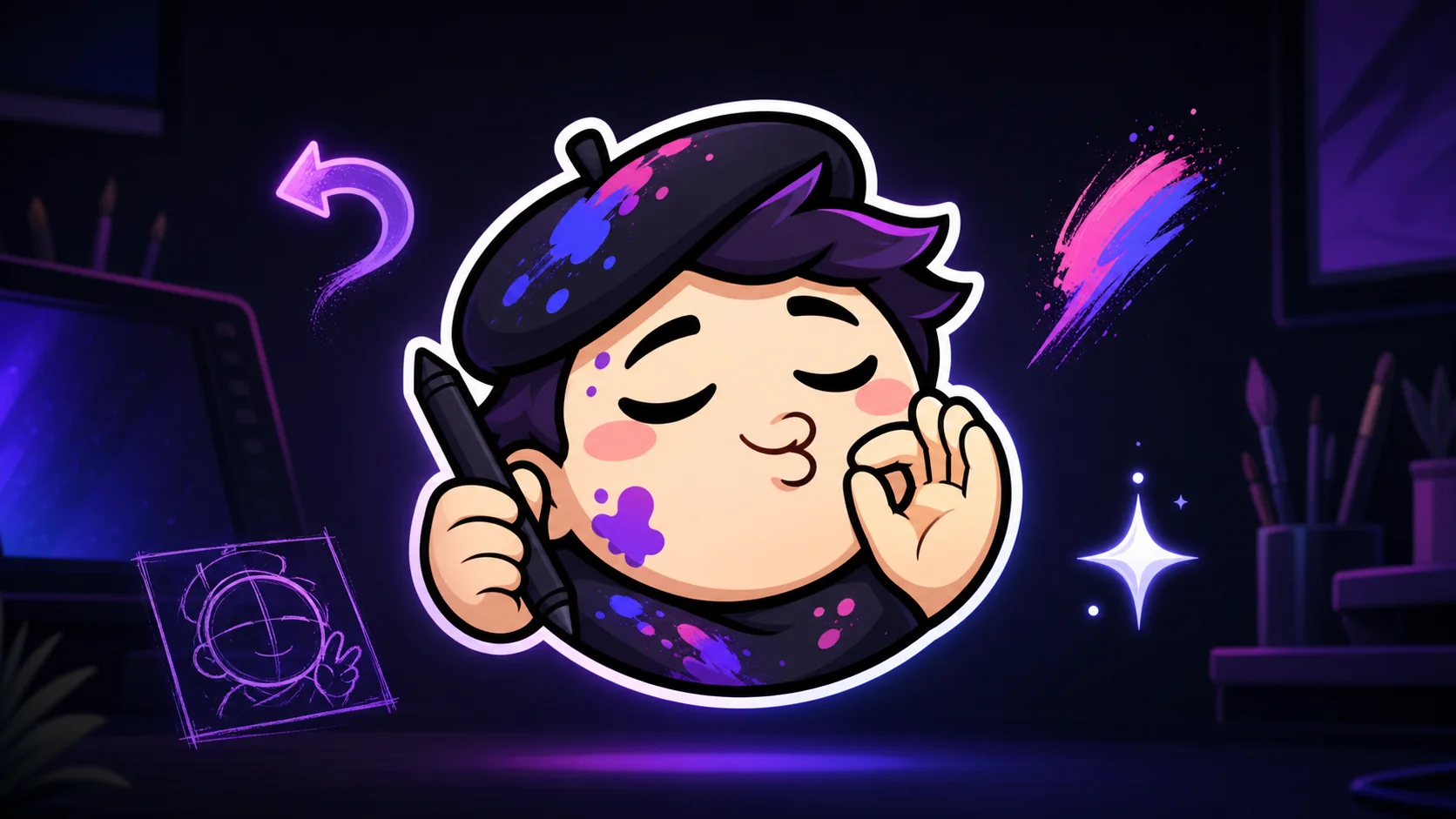
Art Streamer Emote Ideas: WIP, Chef’s Kiss, Undo, and Finished
Design art-stream emotes for work in progress, mistakes, revisions, breakthroughs, finished pieces, audience feedback, and creative breaks.
Short answer
The best art-streamer emotes turn moments that already happen in every drawing session into one-tap reactions. Start with WIP, Undo, Chef’s Kiss, and Finished. Give each a different silhouette, one unmistakable expression or prop, and enough contrast to read at 28 pixels. Test the static set in chat before spending time on animation or niche variations.
Last reviewed: 2026-08-02
An art channel has a built-in story arc: blank canvas, awkward sketch, revision, breakthrough, polish, reveal. Your emotes should help chat participate. A WIP scribble during blocking feels native to an art stream, as does an Undo panic face after a bad transform or a Finished sparkle at the reveal.
Treat the first pack as a reaction system, not a gallery. Four clear ideas beat twelve intricate drawings that blur together. Use this starter brief yourself, send it to an artist, or prototype it free before commissioning polish.
The four-emote art stream starter pack
These four cover the most repeatable beats in a live drawing session. Keep a shared mascot, face shape, or brush language across the pack, then make the pose and outer contour noticeably different. Chat should be able to pick the right reaction from the emote picker without reading its code.
| Emote | When chat uses it | Simple visual direction | Tiny-size test |
|---|---|---|---|
| WIP | Early sketch, messy midpoint, or a promising idea that is not ready yet | Mascot peeking over one bold construction circle with a pencil held high | The pencil and one sketch line still separate at 28px |
| Undo | A stray stroke, wrong layer, accidental fill, or instant regret | Wide panic eyes plus one thick curved arrow; no keyboard or tiny icons | The arrow reads from its silhouette without relying on an arrowhead detail |
| Chef’s Kiss | A satisfying color choice, clean line, or especially good rendering pass | Closed pleased eyes, puckered mouth, and one large pinched-hand gesture | Face and hand remain distinct instead of merging into one pale blob |
| Finished | Final reveal, export complete, commission delivered, or challenge cleared | Proud mascot holding the artwork edge with one oversized sparkle | The sparkle is secondary; the proud expression carries the meaning |
Pack rule
Assign one dominant verb to each emote: build, reverse, praise, reveal. If two sketches express the same verb at 28 pixels, combine them or redraw one with a more distinct pose.
Second-wave ideas once the core four get used
Add an emote when chat keeps reaching for a missing reaction. Review VOD chat or ask moderators which phrases recur around critiques, breaks, and technical mishaps.
- Layer Panic: the mascot flattened under two oversized translucent squares for a wrong-layer moment.
- Color Pick: an excited face holding one large eyedropper or color swatch, not a detailed palette grid.
- Hydrate and Stretch: a cup or raised arms for the breaks your moderators already call out.
- Reference Check: suspicious side-eye toward a single photo frame when anatomy needs another look.
- Community In-Joke: one recurring tool, creature, or mistake that regular viewers can explain in a sentence.
Design for chat, not for the portfolio zoom
Chat sees the art beside usernames, badges, and other reactions. Begin with a filled silhouette at 28 pixels. If the pose is unclear before line art, detail will not rescue it. Let the face, hand, or prop occupy most of the square.
Use two large eyes, a bold mouth, and one brow angle instead of tiny facial rendering. Keep gaps open inside the Undo arrow, between the Chef’s Kiss hand and face, and around the WIP pencil. Test on dark and light chat.
| Decision | Prefer | Avoid |
|---|---|---|
| Composition | One face or upper-body pose filling the square | Full desk scenes, monitor UI, or several small objects |
| Line work | Consistent thick contour and a few interior lines | Hairline strokes, hatch texture, or delicate construction marks |
| Color | Three to five separated value groups | Many neighboring hues with the same brightness |
| Meaning | Expression plus one supporting prop | Meaning that depends on small text or a detailed canvas |
Choose animation only when motion adds the joke
First learn which static emote chat reaches for. Then animate one meaningful motion: Undo snaps backward, WIP draws two strokes, Chef’s Kiss releases a sparkle, or Finished adds a short shine. Hold the readable pose between actions.
Keep the first frame useful. Twitch currently documents square GIFs plus frame, file-size, and flashing limits; recheck the official formatting page before delivery.
Name the emotes the way your community talks
Use short language already heard on stream: WIP, Undo, NailedIt, Render, or Done. Ask two viewers to guess the code from the thumbnail. If both choose another word, revise the visual or name. A detailed private design label can still map to a concise Twitch code.
A concrete workflow for building the pack
Step 1
Collect real chat moments
Review one recent VOD and mark every repeated drawing beat, command, or reaction. Rank moments by frequency, then choose four with clearly different meanings.
Step 2
Write one-sentence briefs
For each emote, name the trigger, dominant expression, one prop, and forbidden clutter. A useful brief can be read aloud in under twenty seconds.
Step 3
Thumbnail in grayscale
Sketch each idea inside a square and reduce it to 28 pixels. Fix merged hands, props, and hair before choosing colors or polishing line art.
Step 4
Run a two-theme preview
Place the transparent PNG on dark charcoal and near-white backgrounds, then beside a username and another emote. Adjust the contour and value separation.
Step 5
Ship static, observe, then animate
Upload the compliant static files, note which codes appear naturally for several streams, and animate only the reaction whose motion will improve the punchline.
Make your first version free
Prototype an art-streamer emote free
Start with one repeatable chat moment, make a free first version, and preview the result at tiny size before paying for a full pack or animation.
Prototype an art-streamer emote freeRelated MakeEmoji guides and tools
Sources checked
- Twitch: Emote Formatting & Instant Emote Upload Requirements
- Twitch: Subscriber Emote Guide
- Twitch Safety Center: Community Guidelines
Frequently asked questions
How many emotes should a new art streamer make first?
Start with four to six repeated reactions. A focused set is faster to test and easier to learn than overlapping expressions. Add another when chat reveals a recurring missing reaction.
Should an art-streamer emote show my face or my mascot?
Either works. Choose the subject viewers associate with the channel and that holds a clear 28-pixel expression. Mascots support exaggeration; a simplified creator likeness feels personal.
Can WIP or Finished use text inside the emote?
Yes, but a pose or prop usually reads better. If text is essential, use few bold characters, preview at 28 pixels, and check spelling at full resolution.
Which art emote should I animate first?
Animate the most-used static reaction whose meaning improves through motion. An Undo snap, WIP pencil stroke, or Finished shine has more purpose than constant idle movement.
Do these ideas guarantee Twitch approval?
No. Final content, execution, or policy changes can affect approval. Review Twitch’s current Emote Guidelines and Community Guidelines before uploading.


