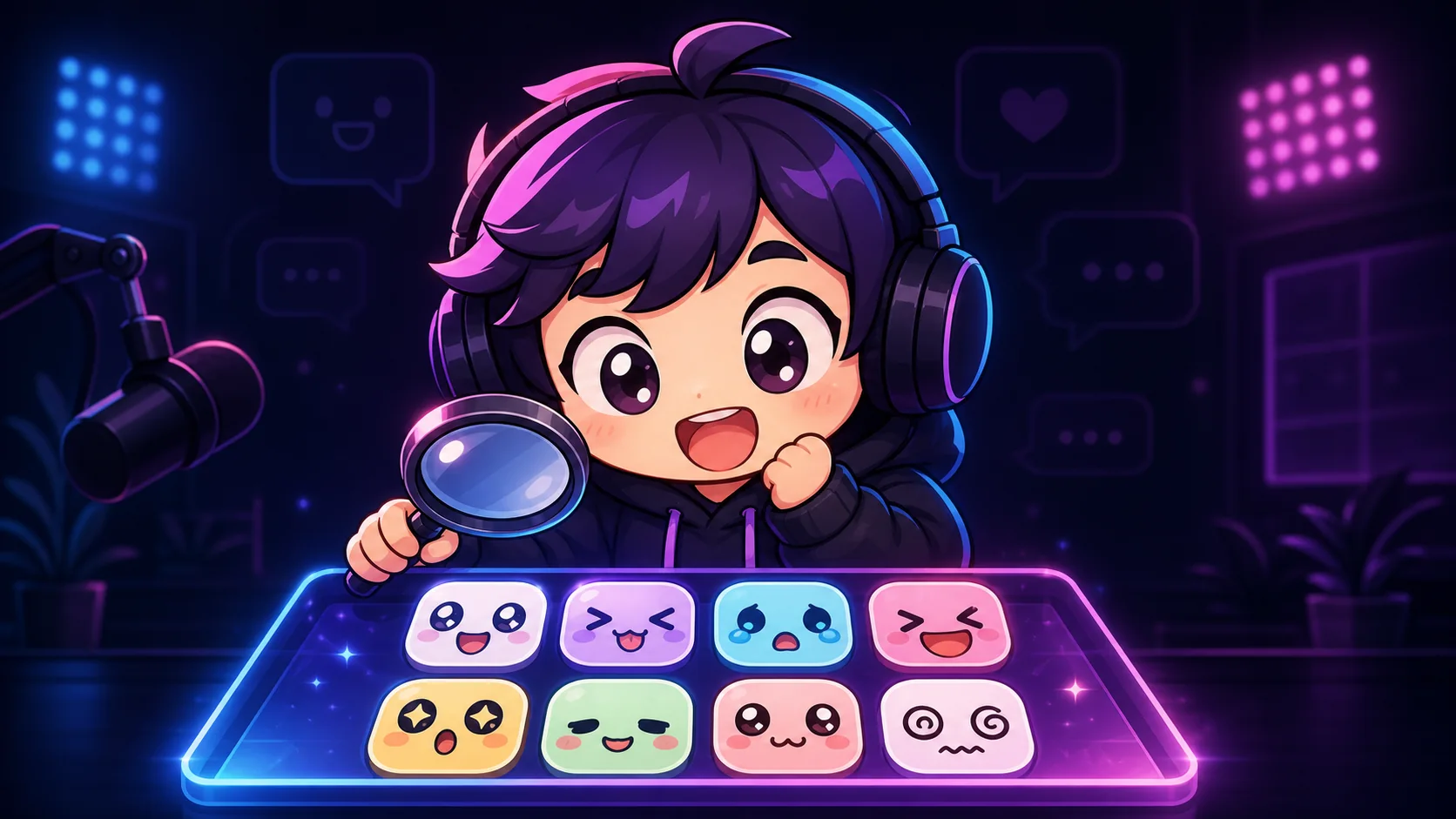
Where to Find Free Chibi Emotes for Twitch Streamers
Find genuinely usable free chibi emotes, check Twitch and commercial-use licenses, and animate artwork you are allowed to modify.
Short answer
Start with Twitch's 120 official default emotes, art you created yourself, or a creator's free pack whose written license explicitly covers your channel. A free download is not automatically free to upload: verify the exact asset, monetized use, edits, attribution, and third-party character rights before it becomes a subscriber emote.
Last reviewed: 2026-08-02
Free chibi emotes are easy to discover and surprisingly hard to clear. Search results mix official starter art, genuinely licensed creator freebies, personal-use downloads, reposts, fan art, and images with no terms at all. They can look equally downloadable even though the permissions are completely different.
Treat source selection as part of the design workflow. The safest free starter set is small, traceable, readable at 28 pixels, and backed by terms you can save. That gives a new channel useful reactions now without building its identity on art that may need to be removed later.
The safest free chibi emote sources
Use the source table as a risk order, not a list of guaranteed licenses. Twitch's own default library is the clearest platform-native starting point. For every other source, the page where the artist publishes the terms matters more than a repost, search snippet, or download button.
| Source | Why it can work | What to verify |
|---|---|---|
| Twitch's 120 default emotes | Twitch says monetized streamers can use these alongside custom emotes and access them from the Default Emotes library. | Use your Creator Dashboard or Twitch's official page, not a third-party mirror. |
| Your own original chibi art | The ownership trail is straightforward when you drew the character and did not copy someone else's design. | Check any brushes, fonts, textures, references, logos, and character elements that came from another source. |
| A creator's published free pack | Some artists publish free streamer licenses on their own shop or portfolio page. | Confirm the exact pack, monetized use, edit rights, attribution, and channels covered. |
| Open-license or public-domain art | A clear license can permit broad reuse without a purchase. | Verify the uploader, exact file, and any separate character, logo, or likeness rights. |
Best zero-cost first stop
Twitch currently documents 120 default emotes for monetized streamers. That official library is a real source, not a random roundup: open Creator Dashboard, go to Viewer Rewards, then Emotes, and look for the Default Emotes tab.
How to verify a free pack before downloading
Find the creator's original listing and read the terms that apply on the day you download. If a social post points to a shop page, the shop page is the better record. If the terms are missing, contradictory, or only say free, choose another source.
- Identity: the listing belongs to the artist or rights holder, not an aggregator or repost account.
- Scope: the terms cover use as a Twitch channel or subscriber emote, including a monetized channel when relevant.
- Changes: cropping, recoloring, resizing, adding text, and animation are allowed if you plan to do them.
- Credit: you can place the required artist credit exactly where the terms specify.
- Restrictions: you understand rules about redistribution, resale, sharing source files, exclusivity, and use across multiple channels.
License wording that changes the answer
Short labels are not complete permissions. Royalty-free does not mean no-license, commercial use does not erase attribution or edit restrictions, and credit required does not grant any right that the creator withheld. Read the full terms instead of deciding from one phrase.
| Wording you see | What it does not prove | Safe next move |
|---|---|---|
| Free download | That Twitch uploads, monetized use, or modifications are allowed. | Look for a separate license or usage section. |
| Personal use only | That use on a revenue-producing or subscriber-facing channel is permitted. | Ask the creator for a streamer license or pick another source. |
| Commercial use included | That animation, recoloring, resale, multiple channels, or no-credit use is allowed. | Check the remaining conditions and keep a copy. |
| Credit required | That credit cures copied characters, logos, or art the uploader did not own. | Verify ownership first, then record the exact credit line and location. |
| No derivatives | That you may crop, animate, recolor, or redraw the asset. | Use it unchanged only if the stated channel use is also allowed. |
Avoid the tempting sources with no permission trail
Image search, mood boards, community uploads, and fan-art threads are discovery tools, not licenses. The same warning applies to emotes copied from another streamer's chat. Twitch's Community Guidelines say creators may not share content they do not own or otherwise have rights to share.
A chibi drawing of a famous game, anime, movie, sports, or brand character can still involve protected art, character elements, trademarks, or likeness rights. Redrawing it in a cute style does not automatically make it yours. When you cannot identify both the artist and the underlying subject rights, do not make it part of the channel.
- Do not use a search-engine image just because it has a transparent background.
- Do not rely on credit to the artist unless the artist's terms actually grant the use.
- Do not upload another creator's emote, even if viewers already use a similar reaction elsewhere.
A free-to-chat workflow that preserves the receipt
Step 1
Choose a traceable source
Start in Twitch's official Default Emotes library, with art you made, or on the original creator's page. Skip mirrors and repost collections.
Step 2
Save the terms
Keep the URL, creator name, pack name, download date, receipt if there is one, required credit, and a PDF or screenshot of the license text.
Step 3
Clear the subject
Check that the chibi is original and does not borrow a recognizable character, logo, celebrity face, or another streamer's brand.
Step 4
Prepare the file
Follow Twitch's current square PNG or GIF requirements, use a transparent background, and keep the expression simple enough to survive the smallest size.
Step 5
Preview at 28 pixels
Test the face, silhouette, and any letters at actual chat size. Remove weak reactions instead of filling every slot with unreadable art.
Make your first version free
Make a Twitch emote from your own image
Start free with a photo, mascot, or original illustration you have the right to use. Crop it for chat, try a simple effect, and download a first version before paying for a pack.
Make a Twitch emote from your own imageRelated MakeEmoji guides and tools
Sources checked
- Twitch Subscriber Emote Guide, including the 120 default emotes
- Twitch Default Emotes
- Twitch emote formatting and upload requirements
- Twitch Community Guidelines, Intellectual Property Rights
Frequently asked questions
Does Twitch really provide free starter emotes?
Yes. Twitch's current Subscriber Emote Guide says it offers 120 default emotes for monetized streamers to use alongside custom emotes. Use the official Default Emotes library or help page so you know you have the Twitch-provided files.
Can I use a free chibi emote if I credit the artist?
Only when the artist's license grants the use and makes credit a condition. Credit by itself is not permission, and it cannot clear a character, logo, or other material the artist did not own.
Can I animate a free static emote?
Only if the applicable terms allow modifications or derivative versions. Twitch specifically documents downloads and supported animation uses for its own default emotes, but do not extend that permission to unrelated packs.
Are free premade emotes exclusive to my channel?
Usually you should assume nothing about exclusivity until the terms say so. A free or low-cost pack may be used by many channels, while an exclusive license must be stated clearly.


