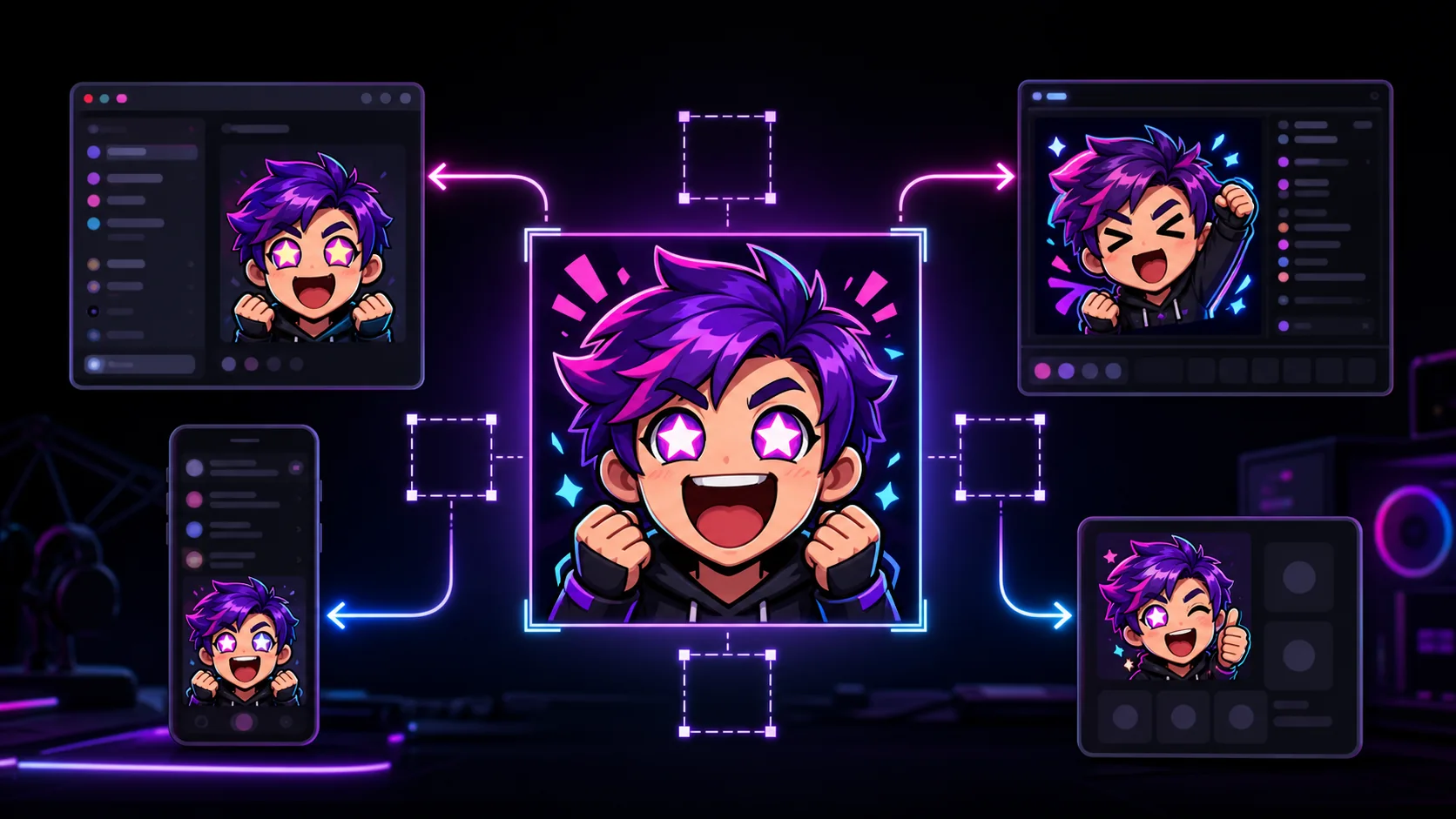
How to Reuse One Emote Pack Across Twitch, Discord, YouTube, and Kick
Keep one recognizable emote identity while producing separate platform-safe crops, sizes, formats, names, and animation variants.
Short answer
Reuse one rights-cleared master pack, not one identical upload file. Keep a large transparent square source, then export platform-specific versions: Twitch PNG/GIF sizes, Discord files under 256 KB, YouTube static-friendly files under 1 MB, and Kick 500×500 PNG/GIF files under 1 MB. Preserve the same reaction names where syntax allows, make a static fallback for animation, and confirm your artist or premade license permits every platform, edit, and monetized channel use.
Last reviewed: 2026-08-02
A cross-platform pack can keep one character, expression, outline, palette, and reaction language. Dimensions, compression, naming, animation behavior, and access still require separate deliverables.
Use a master-and-exports system: keep rights evidence and editable sources together, generate one folder per platform, and test each destination after upload. Never stretch a small platform copy into the next export.
Current requirements are similar, not identical
The table below summarizes official documentation checked on August 2, 2026. Requirements can change, so use it as a production checklist and revisit the linked platform pages before a large launch. Where a platform does not publish a preferred working-canvas size, keep your own large square master and optimize only the export.
Animation is the largest behavioral difference. Twitch and Kick accept GIF emotes under their current rules, and Discord supports animated custom emoji. YouTube accepts GIF uploads for custom emoji but displays them as static images. Every animated concept therefore needs a deliberate still frame that communicates the reaction without movement.
| Platform | Current official upload facts | Naming or behavior | Practical export |
|---|---|---|---|
| Twitch static | Transparent square PNG; auto-resize source 112–4096 px and under 1 MB; manual 28/56/112 px files | Full code combines channel prefix plus chosen code | Transparent master PNG plus tested 28 px preview |
| Twitch animated | Square GIF; auto-resize 112–4096 px under 1 MB; no more than 60 frames | First frame is the default thumbnail unless replaced | Short readable loop plus strong first-frame still |
| Discord | JPEG, PNG, GIF, or WEBP; file under 256 KB | Name at least 2 characters using alphanumerics or underscores | Square PNG/GIF/WEBP compressed below 256 KB |
| YouTube memberships | JPEG, PNG, or GIF preferred; under 1 MB; 48×48 preferred through 480×480 | Family and emoji names are 3–10 characters; GIF displays as static | Static PNG with a 3–10 character alphanumeric name |
| Kick | PNG or GIF; 500×500 px; under 1 MB | Channel emotes stay in-channel; subscriber emotes can be global for active subscribers | Dedicated 500×500 transparent PNG or optimized GIF |
Do not upload one file everywhere
A Twitch 112-pixel PNG may be visually usable elsewhere, but it is not the best master for Kick's 500-pixel requirement or future edits. Always export down or across from the largest clean source.
Clear rights before multiplying distribution
Technical compatibility and permission are separate. Kick's Emote Guide requires the necessary rights and permissions for artwork, brands, likenesses, and third-party media. YouTube's copyright help points creators toward permission, a valid license, public-domain material, or an applicable exception.
For commissioned art, request written scope naming all four platforms plus monetized emote use, resizing, cropping, derivatives, promotion, and moderator access. Premade terms may allow uploads but prohibit resale or modification. Subscription, sync, or shared-set access does not itself document republication permission.
| Asset origin | Cross-platform decision | Evidence to keep |
|---|---|---|
| Original art you made | Check that references, fonts, brands, and likenesses are also cleared | Source files and provenance notes |
| Commissioned art | Use only the platforms, edits, and monetized contexts covered in the agreement | Brief, invoice, license, and scope changes |
| Premade pack | Read current seller terms for platforms, modification, exclusivity, and redistribution | Listing snapshot, receipt, and license text |
| Synced or shared channel emote | Treat access as access, not ownership or republication permission | Separate permission from the creator or rights holder |
| Meme, game, celebrity, or brand art | Do not infer permission from popularity or another channel's upload | Applicable license or specific authorization |
Scope, not legal advice
This checklist helps you ask the right production questions. Ownership, licenses, exceptions, and contracts depend on facts and jurisdiction; get qualified advice when a dispute or material commercial use is involved.
Keep one reaction vocabulary with a platform map
Choose semantic names that survive all four platforms, then adapt capitalization or separators only when required. YouTube's custom emoji name must be 3–10 alphanumeric characters, so a shared base such as Hype, Love, Lurk, Panic, or GoodGame travels more cleanly than an underscored phrase or a two-character code. Twitch will still display its own channel prefix before the chosen suffix.
Do not force perfect text identity when it hurts retrieval. Twitch regulars may already expect GG, while YouTube requires at least three characters for a custom emoji name. Keep the meaning stable and document the mapping as GG on Twitch or Discord and GoodGame on YouTube. Consistent artwork does more identity work than identical punctuation.
| Reaction ID | Twitch suffix | Discord name | YouTube name | Kick name |
|---|---|---|---|---|
| hype | Hype | hype | Hype | Hype |
| love | Love | love | Love | Love |
| lurk | Lurk | lurk | Lurk | Lurk |
| good-game | GG | gg | GoodGame | GG |
| panic | Panic | panic | Panic | Panic |
Publish with a manifest and a live QA pass
Create a simple manifest for every reaction: stable ID, display meaning, source owner, permission reference, master file, static fallback, platform filename, public code, dimensions, format, byte size, export date, and upload status. This prevents a later editor from mistaking a platform copy for the master or assuming a shared asset is owned.
After upload, test from a viewer account where practical. Type the code, open the picker, inspect light and dark chat, verify animation and first-frame behavior, and confirm who can use the emote in which channels. Platform documentation describes the rules; a live smoke test proves your actual file and account configuration work.
One-master, four-platform workflow
Step 1
Audit ownership and licenses
Assign an owner and permission record to every emote. Pause assets with unclear platform or edit scope.
Step 2
Prepare clean masters
Keep large transparent art and editable animation sources, plus one strong static fallback per reaction.
Step 3
Create a name map
Choose one reaction ID, then record valid names for Twitch, Discord, YouTube, and Kick.
Step 4
Export per platform
Generate Twitch PNG/GIF files, Discord files under 256 KB, YouTube static-friendly files under 1 MB, and Kick 500×500 PNG/GIF files under 1 MB.
Step 5
Preview at chat size
Inspect results at 24 and 28 pixels on light and dark backgrounds. Simplify failures at the master.
Step 6
Upload and verify live
Test code, picker, animation, access, and channel scope from the intended viewer role; save the receipt.
Make your first version free
Prepare your first platform export free
Start from a large image you own or are licensed to edit, make a clean square version, and use MakeEmoji's free tools to test the Twitch-sized export before building all four folders.
Prepare your first platform export freeRelated MakeEmoji guides and tools
Sources checked
- Twitch Emote Formatting and Instant Upload Requirements
- Twitch Subscriber Emote Guide
- Discord How to Add Custom Emojis
- YouTube Channel Memberships custom emoji guide
- Kick How to Add or Edit Emotes
- Kick Emote Guide
- YouTube Copyright Help
Frequently asked questions
What master size should I use for a cross-platform emote pack?
A large square source such as 1000×1000 or larger is a practical studio choice, not a universal platform requirement. Keep editable layers and export downward rather than enlarging a 112-pixel platform file.
Will animated emotes animate on YouTube?
YouTube's current channel-membership documentation says GIF files are preferred upload formats but are displayed as static images. Choose a deliberate still frame for every animated reaction.
Does Twitch-to-Discord sync let me republish the artwork elsewhere?
Sync or subscriber access describes product availability, not your ownership or license. Get permission from the creator or rights holder before downloading, editing, or manually republishing artwork.
Do I need a separate license for every platform?
The agreement controls. Ask for written scope that explicitly names every intended platform and covers monetized emote use, resizing, compression, derivatives, promotion, and any merchandise.


