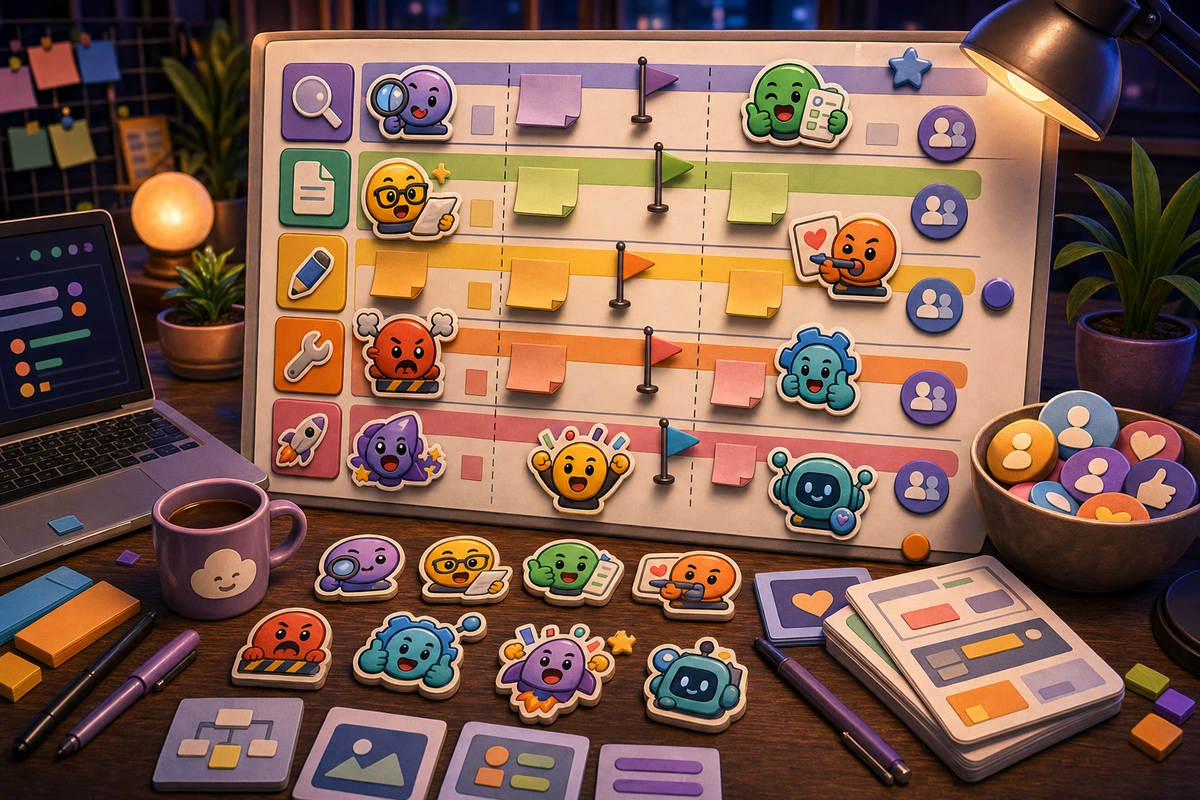
Product Manager Roadmap Emoji Pack
Use custom Slack emoji for discovery, specs, design review, build status, launch, blockers, and roadmap learning loops.
Short answer
A product manager roadmap emoji pack should be planned around repeatable chat moments, not decorative filler. Start with Discovery reaction., Spec ready reaction., Design review reaction., Blocked reaction., then add niche reactions only after the first set is getting used. Use roadmap lanes, simple product symbols, and status colors instead of detailed screenshots or dense icons.
Who this is for
This guide is for product managers, design partners, founders, and cross-functional teams using Slack or Discord for roadmap work.
Recommended starter set
Discovery reaction.
Spec ready reaction.
Design review reaction.
Blocked reaction.
Launched reaction.
Learned reaction.
Workflow
Step 1
Choose the real moments
Align the pack to your product operating model so each emoji maps to a decision or stage. A smaller set tied to repeated behavior will outperform a large set of pretty reactions that nobody remembers to use.
Step 2
Create a shared visual rule
Use roadmap lanes, simple product symbols, and status colors instead of detailed screenshots or dense icons. Keep one crop, outline weight, palette, and background approach so the pack feels intentional.
Step 3
Launch with usable names
Avoid clever names; product teams need reactions that are obvious during reviews. Upload a first set, announce the names, and watch what people actually use before expanding.
Quality checklist
- Choose reactions that map to real Slack moments.
- Keep the subject large enough to read at chat size.
- Use one naming convention across the whole pack.
- Export a static fallback for any important animated reaction.
- Use consistent status colors so teammates can scan threads quickly.
Common mistakes
- Making the pack too broad before the first Slack upload.
- Letting tiny details carry the meaning.
- Using names only the creator understands.
- Skipping a final grid review before upload.
- Turning a whole roadmap board into one unreadable emoji.
- Using vague reactions that do not change decisions.
- Adding too many priority labels without governance.
Next steps
FAQ
What should be in a product manager roadmap emoji pack?
Start with Discovery reaction., Spec ready reaction., Design review reaction., Blocked reaction.. Those cover the moments people are most likely to repeat. Add niche reactions only when the core set is already being used.
Should a product manager roadmap emoji pack use animation?
Use animation for launched, blocked, approved, and learning moments. Keep status, moderation, and text-heavy reactions static unless motion makes the meaning clearer.
How do I get people to use the pack?
Avoid clever names; product teams need reactions that are obvious during reviews. Announce the pack with the exact names, model the reactions in real conversations, and remove weak items after a usage review.


