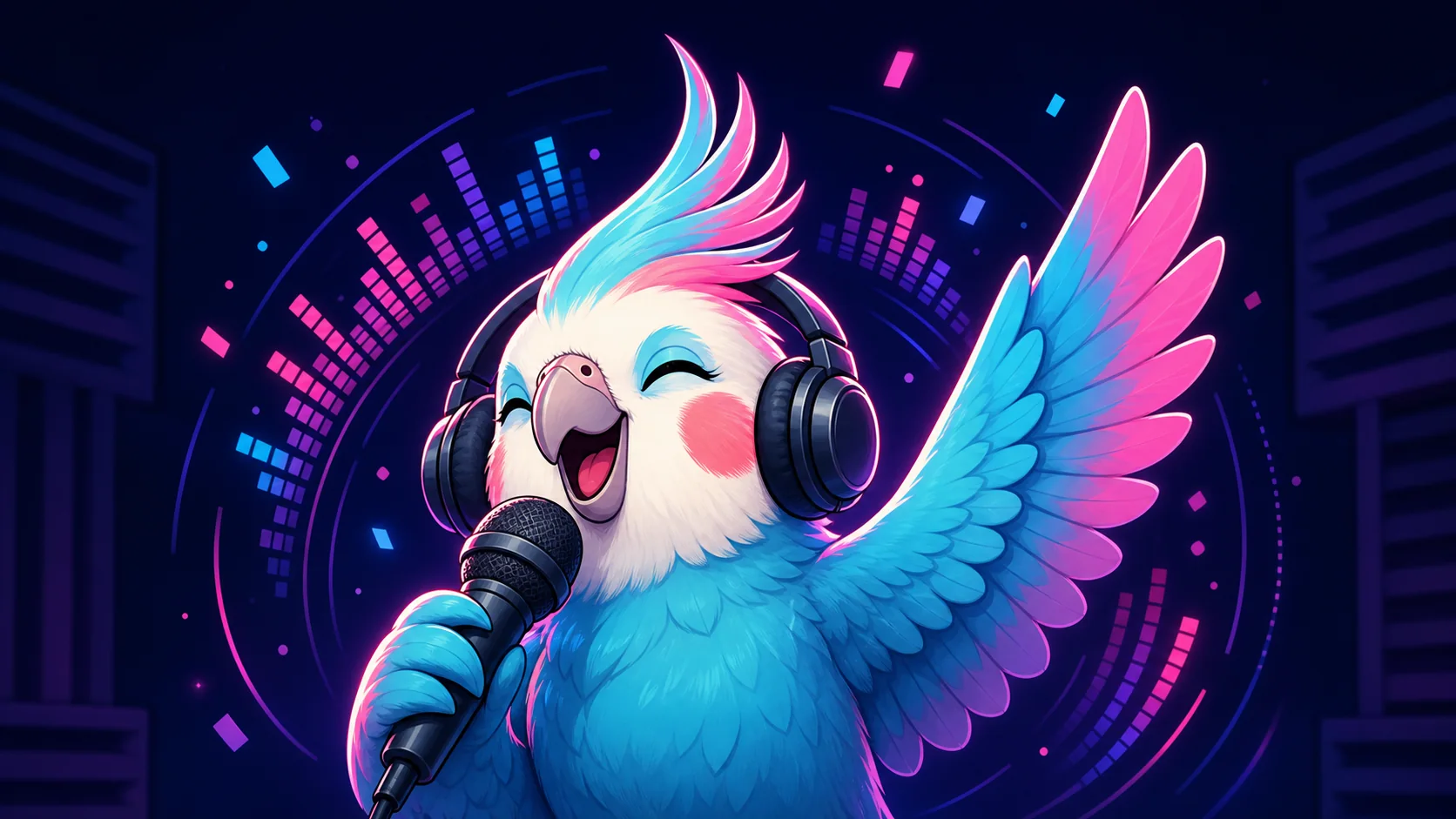
Music Streamer Emote Ideas: Jam, Encore, Hype, and Vibe
Give music-stream viewers readable reactions for a groove, solo, chorus, encore, request, technical pause, and shared listening moment.
Short answer
Start a music streamer pack with Jam for the groove, Vibe for relaxed listening, Hype for a big musical moment, and Applause for the finish. Add Encore when your audience regularly asks for another song. Use an original mascot, clear head-and-hand poses, and strong contrast so every reaction reads at 28px before you animate a rhythmic loop.
Last reviewed: 2026-08-02
Music chat moves through a different cycle than game chat: settle into the groove, react to a peak, celebrate the finish, and ask for more. A good pack gives each part of that listening cycle its own visual signal while keeping the performer or mascot recognizable.
Design around musical energy rather than a specific song, artist, album, or software interface. That keeps the set useful across rehearsals, production sessions, live performances, listening streams, and genre changes.
Music reaction map: design for the set, not one song
Each reaction below answers a different moment in the broadcast. Use the poses as a vocabulary: inward and smooth for Vibe, cyclical for Jam, expanding for Hype, and reaching upward for Encore.
| Emote | Visual direction | Best chat moment | Pack priority |
|---|---|---|---|
| Jam | Eyes closed, clear head bob, one hand or wing keeping time | A groove locks in or chat follows the rhythm | Core: build first |
| Vibe | Relaxed smile, gentle sway, soft circular accent | Warmup, background listening, or a mellow passage | Core: broad utility |
| Hype | Raised arm or wing, bright burst, open joyful face | A drop, solo, key change, or high-energy entrance | Core for peaks |
| Applause | Large clapping gesture, proud eyes, two clean motion arcs | A song, take, or performance ends well | Core for closure |
| Encore | Upward reach, eager eyes, one spotlight-like halo | The set is ending and chat genuinely wants another | Second wave |
| Nailed it | Confident grin, tiny sparkle, microphone lowered | A difficult passage or production fix lands cleanly | Add for process streams |
Prioritize a music pack for repeatable moments
Jam and Vibe make the strongest foundation because they work during the performance rather than only at its loudest moment. Add Hype for peaks and Applause for closure. Encore is powerful when it reflects a real channel ritual, but it can create mixed expectations if the show must end on schedule, so decide how you want chat to use the code before assigning the slot.
- Foundation: Jam, Vibe, Hype, Applause.
- Audience ritual: add Encore when asking for one more is welcome.
- Creation streams: consider Nailed it, Fix, or Cooking for production breakthroughs.
- Instrument-specific slot: use a generic silhouette only when that instrument defines the channel.
- Keep genre variants as palette or accent changes, not completely unrelated art styles.
Set the meaning of Encore
If an encore is not always possible, frame the code as appreciation rather than a promise. A clear community convention prevents the emote from turning into pressure at the end of a set.
Translate sound into a 28px visual
Chat cannot hear an emote, so the pose must carry the rhythm. A tilted head, closed eyes, lifted hand, or large clap is clearer than tiny notes, knobs, strings, and waveform detail. Use one motion cue around the mascot and keep the face unobstructed. The small preview should still look like Jam or Hype when the microphone and background disappear.
- Make the head angle and hands or wings part of the silhouette.
- Use smooth arcs for Vibe and sharper outward shapes for Hype.
- Keep microphones, picks, or sticks generic, large, and secondary to the face.
- Outline pale and dark areas so the mascot works on dark chat and light menus.
- Avoid text-heavy song references; lettering usually loses clarity at 28px anyway.
Animate with a musical pulse
A short head bob, two-beat sway, single clap, or expanding hype ring can suggest rhythm without turning the emote into a miniature music video. Choose one tempo-neutral loop so it does not look obviously out of sync whenever the song changes. Preserve a clear first frame because Twitch uses the first GIF frame as the default animated-emote thumbnail unless a custom static thumbnail is provided.
Avoid rapid flashing and overactive equalizers. The movement should support the mascot's expression and remain comfortable in repeated chat messages. Revisit Twitch's official animated-emote guidance before export for current square sizing, file, frame, thumbnail, and flashing requirements.
Loop the gesture, not the entire stage
One clean bob or clap is easier to recognize than moving lights, notes, equalizers, particles, and the mascot at the same time.
Keep the visual identity original and rights-aware
Use your own mascot, likeness, channel palette, and original catchphrases. Do not copy album art, an artist's portrait, band marks, tour graphics, proprietary software screens, or a recognizable branded instrument unless you have the rights for that use. Emote artwork and streamed audio are separate rights questions; Twitch publishes dedicated Music Guidelines for the music included in a channel, so review those rules for the performance itself.
A practical music emote workflow
Step 1
Map the broadcast set
List recurring moments such as warmup, groove, solo or drop, finish, audience request, and production breakthrough. Choose reactions that match your real format.
Step 2
Build one visual vocabulary
Sketch the same original mascot doing Jam, Vibe, Hype, Applause, and Encore. Keep the face, outline, and palette constant while changing the gesture.
Step 3
Create the core static reactions
Use the free Twitch emote maker for Jam, Vibe, and Hype first. Crop tightly enough that the expression survives when props and background accents shrink away.
Step 4
Test codes during a mock set
Preview every option at 28px and place its code beside a sample stream moment. Rename or redraw any pair that asks chat to make the same reaction twice.
Step 5
Animate one neutral rhythm
Add a short bob, sway, or clap that works across tempos, inspect the first frame, and check Twitch's current content and animated-emote rules before upload.
Make your first version free
Make a free music emote
Start with one original Jam, Vibe, or Hype reaction. Confirm that the pose reads at 28px before expanding the set or adding a rhythmic animation.
Make a free music emoteRelated MakeEmoji guides and tools
Sources checked
- Twitch: Emote Guidelines and formatting requirements
- Twitch: Animated Emotes
- Twitch: Music Guidelines
- Twitch Safety Center: Community Guidelines
Frequently asked questions
Which music streamer emotes should I make first?
Start with Jam, Vibe, Hype, and Applause. They cover the groove, relaxed listening, a musical peak, and the finish. Add Encore once it has a clear role in your channel.
How should Jam differ from Vibe?
Jam should show active rhythm with a head bob or hand keeping time. Vibe should feel relaxed and sustained, using a softer smile, slower sway, and rounder shapes.
Should every music emote show an instrument?
No. Face and gesture usually read more clearly at chat size. Use a generic microphone, pick, or stick only when it strengthens the reaction and belongs to your channel identity.
Can a music emote use album art or an artist logo?
Only when you own the artwork or have the necessary permission. Original mascot art, channel colors, and abstract rhythm cues avoid relying on another artist's protected visual identity.
Which music emote is best to animate?
Jam is a natural first choice because one short head bob or hand pulse reinforces its meaning. Keep the loop tempo-neutral, the first frame readable, and the background still.


