Add Top and Bottom Text to a Meme Image
Create captioned memes with real PNG examples. Learn line breaks, text outlines, alignment, size limits, and the current caption tool controls.
Open the Captioned Meme Builder, upload an image, and enter a top caption and a bottom caption. You can change the font size, add a black outline, and align both captions left, center, or right. Download the result as a PNG.
The best starting image has room for text above and below the subject. A large face that fills every corner can be a poor caption template, even if it is a good emoji. Decide where the words should go before you increase the type size.
Three layouts from one source
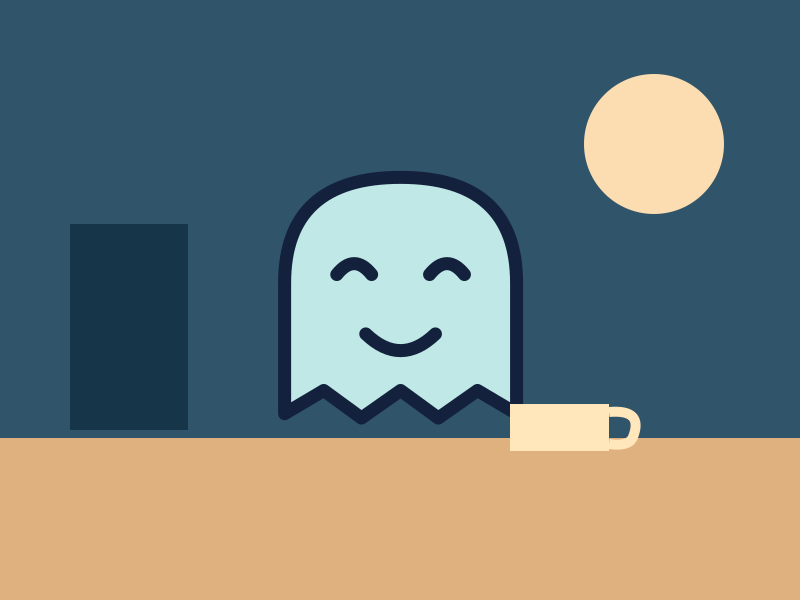
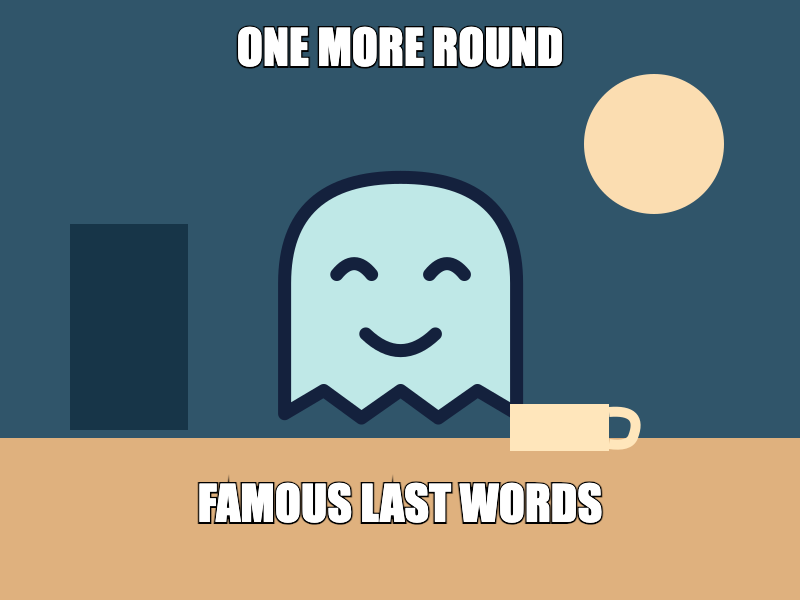
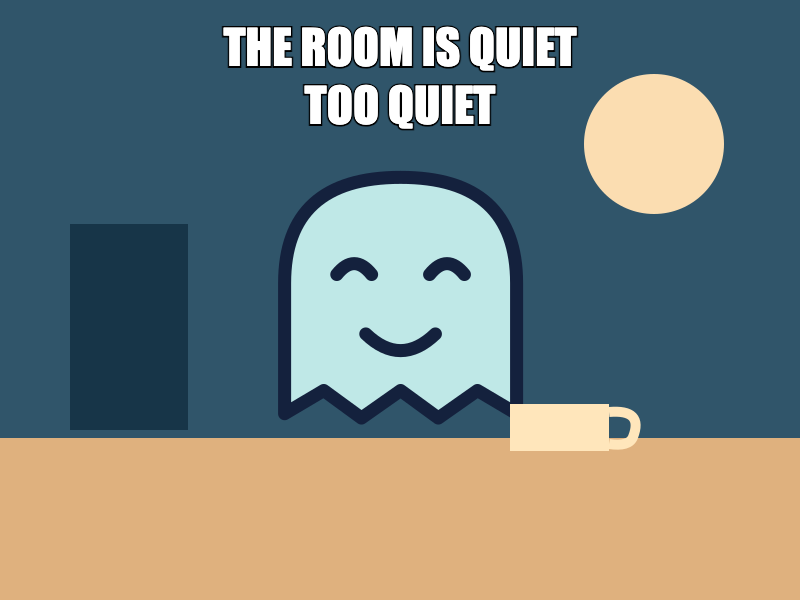
These files use our original Moon-at-a-desk illustration. It is a drawn example, not a photograph. We uploaded the same 800 × 600 px source for the three layouts and exported each through the actual tool in Chromium 139. All use the 48 px font setting and black outline.
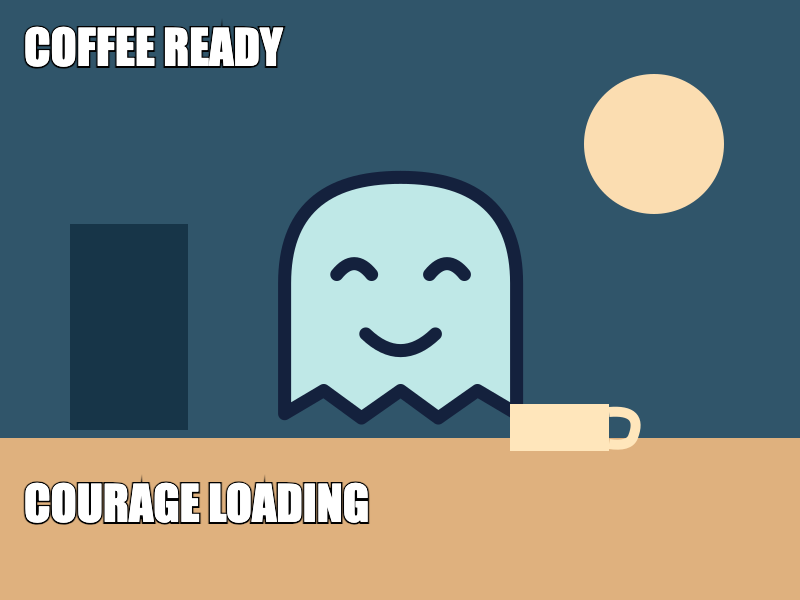
Download the uncaptioned source to try your own text. The export record contains the exact captions and settings. The source background is solid, so these PNGs are also solid; PNG format does not automatically remove a background.
Write the setup, then the response
In the first example, “ONE MORE ROUND” sets up a familiar decision. “FAMOUS LAST WORDS” changes how we read it. Each line does one job. If both lines explain the entire joke, the text takes over the image and the viewer has more to read.
- Upload the source. Replace the default text in Top caption and Bottom caption.
- Start with short phrases. The text does not automatically wrap to fit the picture.
- Use Center for the classic layout. Leave Text outline selected when the background contains different colors.
- Adjust Font size until the full words fit. Check the first and last letters as well as the center.
- Select Download meme. Open the file and read it at the size where you expect people to see it.
Use deliberate line breaks
Press Enter in a caption field to make another line. In the second example, “THE ROOM IS QUIET” and “TOO QUIET” are two lines in the top field. The bottom field is blank. This keeps the lower part of the illustration open.
The tool draws each line you enter rather than fitting a paragraph into a text box. A long line can run beyond the sides. Several bottom lines can also reach below the image because they are placed near the lower edge. Use one bottom line for the safest result, and inspect any multiline bottom caption carefully before you download.
When a caption does not fit, shorten it first. Then try a line break or a smaller font. Shrinking every word until a long sentence fits often makes a weak mobile image. The picture should still carry part of the meaning.
Choose alignment and outline
The alignment buttons affect both caption fields. You cannot center the top while right-aligning the bottom in the current tool. The third example uses Left for both. This works because the source has clear space near the left edge and a subject placed lower in the center.
The outline is black and the letters are white. There is no font-family picker or text-color picker in the current controls. The font uses Impact when available, with browser font fallbacks, so the exact letter shape can differ between devices. Inspect the export on the device you use to make it.
White letters without an outline can disappear on a light sky or shirt. Keep the outline unless the background gives enough separation throughout the words. An outline improves the edge of each letter; it does not make a crowded paragraph easy to read.
Know the output limits
The builder reduces images wider than 1,000 px while keeping their proportions. Smaller images are not enlarged. It produces a still PNG and does not preserve an animation. Keep your original and caption text if you want to revise the meme later.
For an empty bubble that fits the shape of a Discord conversation, use the separate speech-bubble meme guide. For captions over a photo or illustration, finish by checking spelling, edge clipping, and readability in a narrow chat column. Those checks matter more than filling every available line.