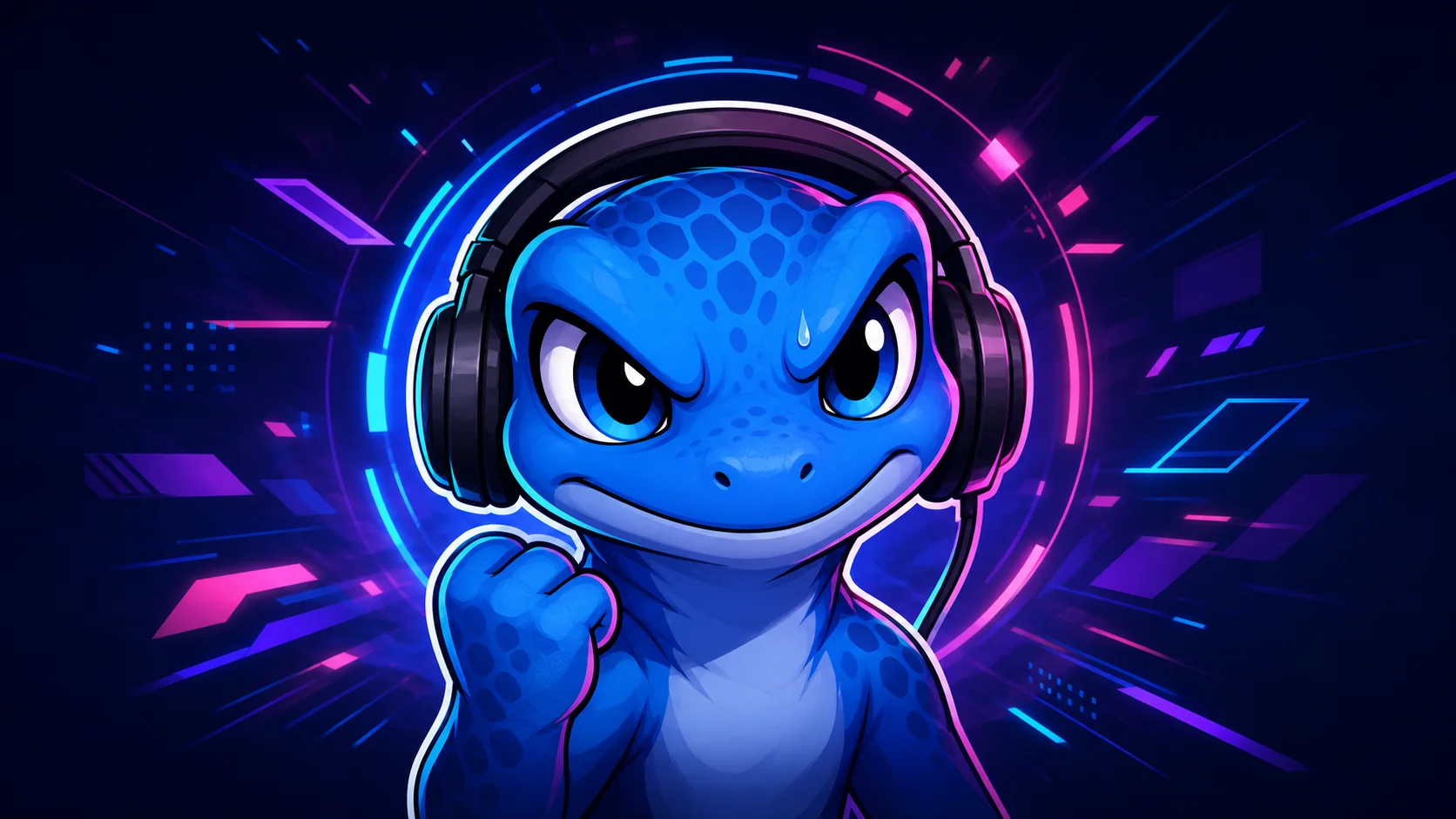
FPS Streamer Emote Ideas: Clutch, Rage, GG, RIP, and Panic
Plan readable FPS stream reactions for clutches, losses, teamwork, bad luck, tense rounds, and community celebration without copying game art.
Short answer
Build an FPS emote pack around moments chat can identify instantly: Clutch for the win, GG for sportsmanship, Panic for tense rounds, Rage for comic frustration, and RIP for a failed play. Start with three broad reactions, keep each face readable at 28px, and add animation only after the static silhouette works.
Last reviewed: 2026-08-02
A useful FPS pack follows the emotional rhythm of a match instead of copying a particular game. Chat needs one reaction for pressure, one for the payoff, and one for the miss. A consistent original mascot can cover all three while staying recognizable when you switch titles, modes, or seasons.
Treat every slot as a job. If Clutch and Hype show the same open mouth, or Rage and Panic share the same eyes, viewers have to guess what each code means. Distinct brows, mouth shapes, poses, and color accents make the set easier to learn.
FPS reaction map: give every emote one job
Choose reactions from moments that recur in your own broadcasts. The table is a starting system, not a requirement to fill every slot. Notice that each idea has a different emotional temperature and silhouette.
| Emote | Visual direction | Best chat moment | Pack priority |
|---|---|---|---|
| Clutch | Focused eyes, tight fist, forward lean, bright rim light | A comeback, last-second objective, or precision play | Core: build first |
| GG | Relaxed grin, open paw, small clean sparkle | A good round, close series, or respectful finish | Core: broad utility |
| Panic | Wide eyes, one sweat drop, compressed shoulders | Low time, sudden pressure, or a chaotic escape | Core: tension reaction |
| Rage | Scrunched brow, puffed cheeks, comic steam curl | A frustrating miss or unlucky loss | Second wave |
| RIP | Flat eyes, slumped pose, tiny fading halo | An eliminated run or plan that immediately fails | Second wave |
| Hold | Narrow eyes, raised paw, still listening pose | A quiet angle, pause, or wait-for-it setup | Add if chat uses suspense |
Prioritize a five-emote FPS pack
For a small first pack, lead with Clutch, GG, and Panic. Together they cover success, closure, and tension without depending on one game. Add RIP for comic failure, then Rage only if frustration is part of your on-stream persona. A playful Rage reads very differently from anger aimed at another person, so exaggerate the mascot rather than depicting a target.
- Core three: Clutch, GG, Panic.
- First expansion: RIP, then a clearly comic Rage.
- Channel-specific slot: a recurring callout such as Hold, Reset, or Focus.
- Defer rank badges, map jokes, and gear references until your chat repeatedly asks for them.
- Keep the same mascot, outline weight, and palette across the pack so the reactions feel related.
Do not spend two slots on one face
If viewers cannot explain the difference between two reactions without reading their codes, merge them or redraw one. A smaller set with distinct jobs is more useful than a large set of near-duplicate hype faces.
Design for the 28px chat version
FPS overlays are already visually busy. Your emote should survive beside usernames, badges, and fast chat without relying on a tiny prop. Zoom out early: at 28px, the eye direction, mouth, and outer silhouette should still communicate the reaction. Twitch also offers manual emote sizing at 28px, 56px, and 112px; use the smallest preview as the design test even when you upload a larger square source for automatic resizing.
- Crop to the face and upper body; full-body poses lose expression at chat size.
- Use one large gesture, such as a fist or raised paw, instead of several small accessories.
- Separate the mascot from dark chat with a crisp light or saturated outline.
- Remove map details, crosshairs, weapon models, and miniature interface elements.
- Preview on both dark and light backgrounds before exporting.
Animate the reaction, not the whole scene
Motion works best when it reinforces the code: a short fist snap for Clutch, a restrained tremble for Panic, or a quick slump for RIP. Keep the face stable enough to read and make the loop return cleanly to its starting pose. Avoid rapid flashing and dense particle fields; they compete with the reaction and can create accessibility problems.
Start static, test the code in your own chat mockup, then animate the one reaction that benefits most from timing. Twitch's animated-emote guidance currently describes GIF upload, manual and automatic resize modes, frame limits, and flashing restrictions, so check the official page again when you prepare the final file.
Static-first rule
Pause the animation on its least dramatic frame and shrink it to 28px. If the reaction becomes ambiguous, simplify the base drawing before adding more motion.
Keep the FPS energy without borrowed game art
Build from your own mascot, face, colors, and recurring phrases. Abstract timer rings, motion lines, geometric panels, and headset shapes can suggest competitive play without recreating a game's character, weapon skin, rank icon, map, user interface, esports logo, or publisher mark. If you do not own an element or have permission to use it, replace it with an original visual cue before upload.
A practical FPS emote workflow
Step 1
List repeatable match moments
Review a few representative streams and note recurring beats such as tense holds, comebacks, clean finishes, bad misses, and resets. Choose reactions that occur across multiple games.
Step 2
Sketch an expression sheet
Draw the same original mascot making Clutch, GG, Panic, RIP, and Rage. Change brows, mouth, pose, and accent color so every face has a separate silhouette.
Step 3
Build the core three static
Create Clutch, GG, and Panic first. Use the free Twitch emote maker to crop a clean square and compare the set before investing in extra variants.
Step 4
Run the 28px identification test
Show the tiny previews without their codes. If a moderator cannot distinguish pressure from victory, simplify the eyes, pose, or color cue and test again.
Step 5
Animate one proven reaction
Choose the static emote whose meaning depends on timing, add one short loop, and recheck Twitch's current formatting and content guidance before uploading.
Make your first version free
Make a free FPS emote
Start with one original Clutch, GG, or Panic reaction. Prove that the expression reads in a square static preview before you spend time on a complete animated pack.
Make a free FPS emoteRelated MakeEmoji guides and tools
Sources checked
- Twitch: Emote Guidelines and formatting requirements
- Twitch: Animated Emotes
- Twitch Safety Center: Community Guidelines
Frequently asked questions
Which FPS emotes should I make first?
Start with Clutch, GG, and Panic. They cover a win, a respectful finish, and tension across many FPS games. Add RIP and comic Rage after the core three are visually distinct.
How should Rage differ from Panic?
Panic should look startled and compressed, with wide eyes or sweat. Rage should look frustrated and outwardly explosive, with a scrunched brow or comic steam. Do not reuse the same open-mouth face.
Should an FPS emote include a weapon?
It usually does not need one. The face, hands, headset, timer shapes, and motion lines can communicate competitive pressure more clearly at 28px while avoiding copied weapon designs.
Which FPS reaction is best to animate?
Panic and RIP gain the clearest meaning from a short tremble, recoil, or slump. Keep the motion simple, avoid rapid flashes, and make sure the first frame still reads on its own.
How do I test an FPS emote before uploading?
Preview it at 28px on dark and light backgrounds, then ask someone to name the reaction without seeing its code. If they hesitate, enlarge the expression and remove secondary details.


