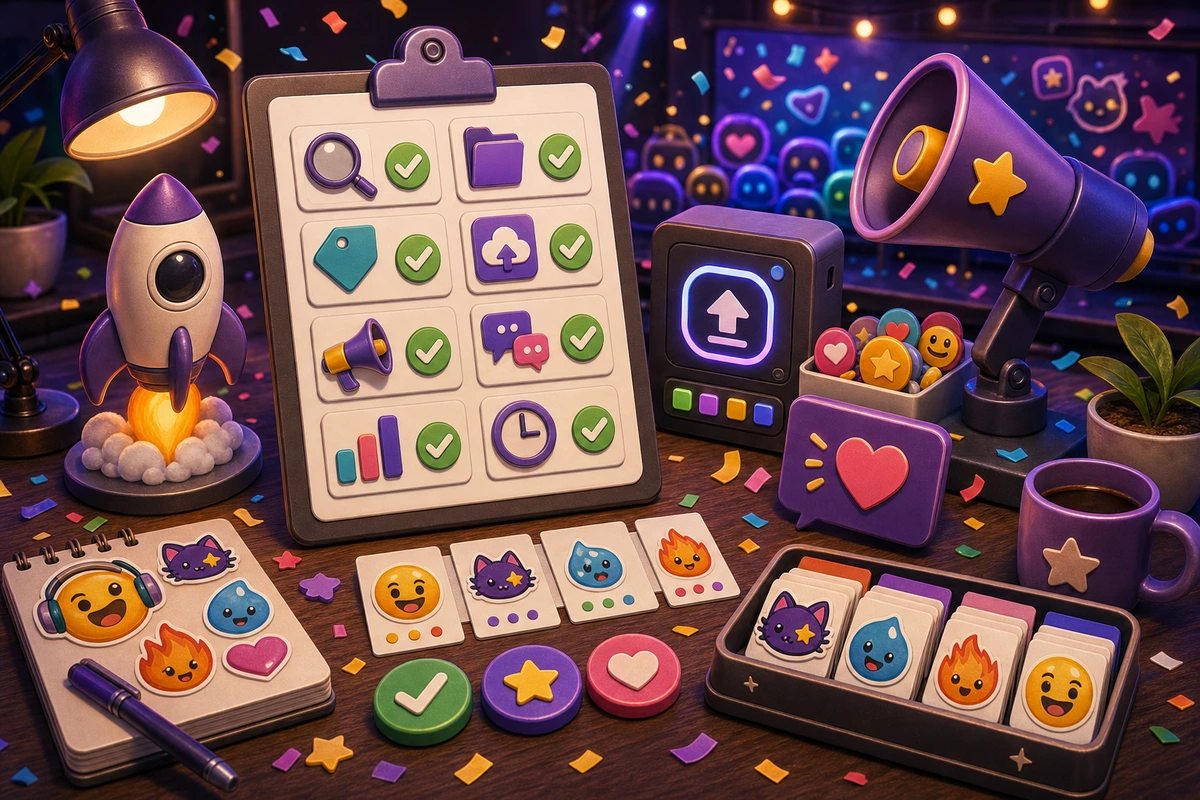
Emoji Pack Launch Checklist
Launch a custom emoji pack with final QA, names, upload checks, announcements, usage prompts, analytics, and cleanup timing.
Short answer
An emoji pack launch checklist should be planned around repeatable chat moments, not decorative filler. Start with Final pack grid review., Short names approved., Platform upload check., Announcement post., then add niche reactions only after the first set is getting used. Review the pack as a system before upload so names, colors, crops, and chat app downloads feel intentional.
Who this is for
This guide is for Discord admins, Slack owners, streamers, marketers, and community managers launching a new custom emoji set.
Recommended starter set
Final pack grid review.
Short names approved.
Platform upload check.
Announcement post.
Usage prompt.
Cleanup date.
Workflow
Step 1
Choose the real moments
Treat launch as more than uploading files; introduce the pack where people already talk. A smaller set tied to repeated behavior will outperform a large set of pretty reactions that nobody remembers to use.
Step 2
Create a shared visual rule
Review the pack as a system before upload so names, colors, crops, and chat app downloads feel intentional. Keep one crop, outline weight, palette, and background approach so the pack feels intentional.
Step 3
Launch with usable names
Use names that members can guess, then include those names in the launch announcement. Upload a first set, announce the names, and watch what people actually use before expanding.
Quality checklist
- Choose reactions that map to real Discord, Slack, and Twitch moments.
- Keep the subject large enough to read at chat size.
- Use one naming convention across the whole pack.
- Export a static fallback for any important animated reaction.
- After two weeks, remove weak reactions and expand the ones people actually use.
Common mistakes
- Making the pack too broad before the first Discord, Slack, and Twitch upload.
- Letting tiny details carry the meaning.
- Using names only the creator understands.
- Skipping a final grid review before upload.
- Uploading silently and expecting adoption.
- Changing names after members learn them.
- Keeping every weak emoji because it took time to make.
Next steps
FAQ
What should be in an emoji pack launch checklist?
Start with Final pack grid review., Short names approved., Platform upload check., Announcement post.. Those cover the moments people are most likely to repeat. Add niche reactions only when the core set is already being used.
Should an emoji pack launch checklist use animation?
Use animation for announcement, celebration, and hero reactions. Keep status, moderation, and text-heavy reactions static unless motion makes the meaning clearer.
How do I get people to use the pack?
Use names that members can guess, then include those names in the launch announcement. Announce the pack with the exact names, model the reactions in real conversations, and remove weak items after a usage review.


