Best Twitch Emote Animations for Raids, Subs, and Stream Entrances
Match entrance, celebration, reveal, and welcome animations to raids, subscriptions, milestones, and the opening moments of a stream.
Short answer
Match motion to the event: Enter or Reveal for an arrival, Pet or a welcoming bounce for a raid, Party or Jam for shared celebration, and Crown Drop or Medal Drop for recognition. Build one readable event emote first, preview its first frame and 28px loop, then expand only when each animation has a different chat job.
Last reviewed: 2026-08-03
Raids, subscriptions, and entrances all feel energetic, but they are not the same moment. An entrance says someone arrived. A raid says a new group should be welcomed. A subscription says one supporter should be recognized. When every slot uses the same confetti loop, chat loses that distinction.
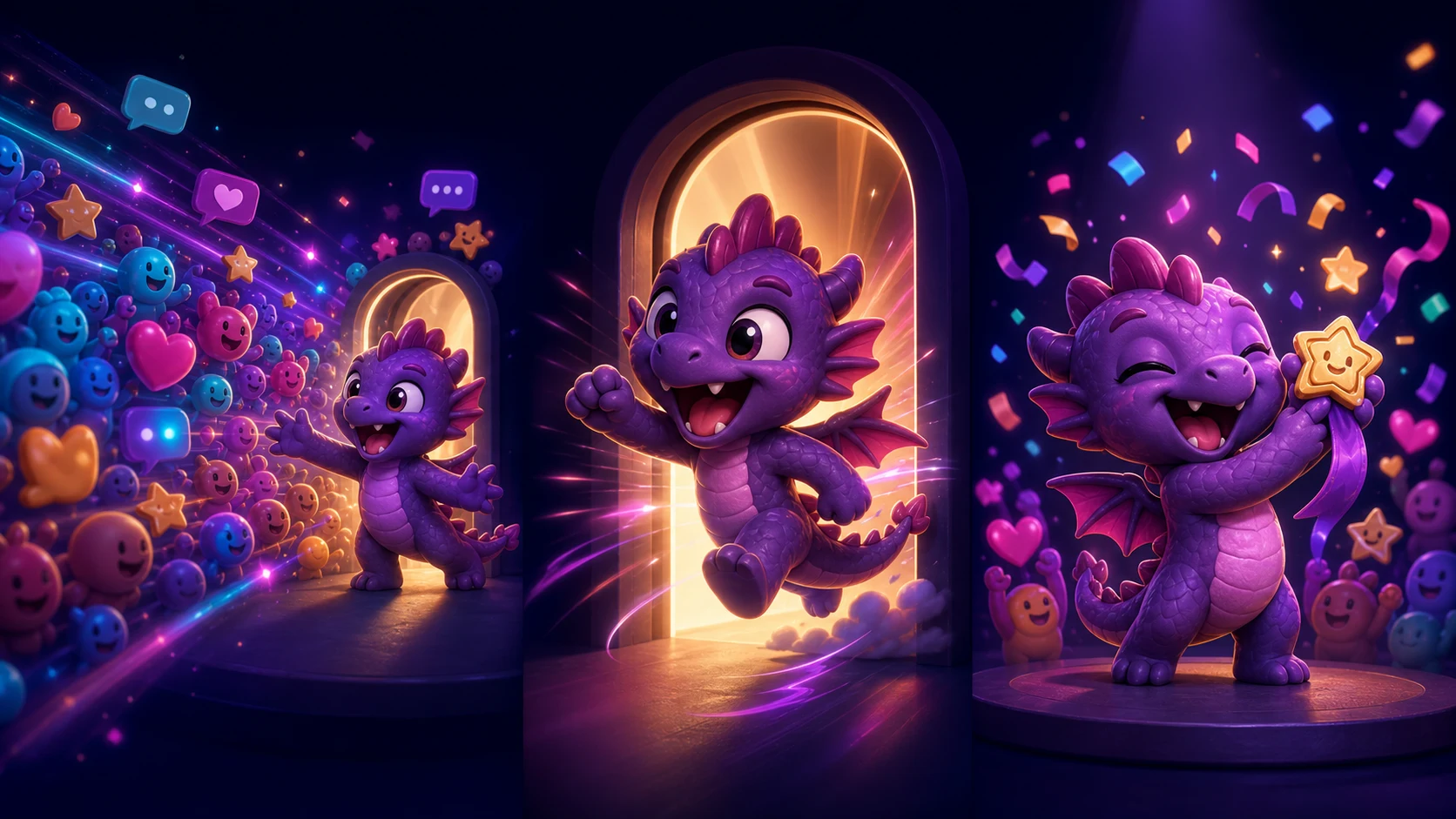
MakeEmoji's catalog has classic effects for each phase, including Enter, Reveal, Conga Line, Party, Pet, Crown Drop, Medal Drop, Elevator Reveal, Toaster Pop, and Jack in the Box. The hero above is original editorial art illustrating the event sequence, not a literal generated result.
Map the event before choosing an effect
Give the emote one verb. Arrive, welcome, recognize, celebrate, and close are different verbs, and each suggests a different loop. This event map prevents a pack from filling with five interchangeable hype animations.
| Moment | Chat needs to say | Strong motion family | Code direction |
|---|---|---|---|
| Streamer entrance | We're live; the host has arrived | Enter, Reveal, Elevator Reveal | here, enter, live |
| Incoming raid | Welcome the arriving group | Bounce, Pet, Conga Line | welcome, hello, raid |
| New subscription | Recognize one supporter | Crown Drop, Medal Drop, Sparkle | sub, crown, thankyou |
| Gift or community burst | Celebrate together | Party, Jam, Hype Shake | party, hype, gifts |
| Return from break | The host is back | Toaster Pop, Jack in the Box, Reveal | back, pop, return |
| Stream ending | Carry the energy outward | Exit, Wave, Conga Line | bye, raidout, later |
Best animations for stream entrances
Enter is the clearest general-purpose option because its motion is the message: the subject arrives into frame. Reveal suits an announcement or a more deliberate opening. Newer playful catalog options such as Elevator Reveal, Toaster Pop, and Jack in the Box can fit channels whose humor is built around an exaggerated return.
Keep the first frame useful. Twitch currently uses the first GIF frame as an animated emote's thumbnail, so a long empty lead-in can make the emote look blank in places where it is not moving. Start close to the action and return to a recognizable resting frame.
- Use Enter for a neutral, reusable arrival.
- Use Reveal when suspense or a new announcement is part of the moment.
- Use Elevator Reveal for a slow comic arrival.
- Use Toaster Pop or Jack in the Box for a sudden playful return.
- Avoid a fully empty first frame, even when the entrance begins off-canvas.
Best animations for raids and welcomes
A raid emote should welcome people rather than depict ownership of the arriving community. A cheerful bounce, wave, pet, or line of your own mascot can make the invitation obvious. Conga Line is especially useful when your channel treats a raid as a group moving together, but check that the repeated figures still read at 28px.
Twitch's raid help describes raids as sending viewers to another live channel. That means the same welcome artwork can also support your outgoing ritual: chat uses it while arriving elsewhere, provided the emote is available to those viewers. Keep the code short enough to type during a fast transition.
Design the welcome, not the raider's logo
Use your own mascot opening the door, waving, or making room. Do not copy another creator's emote, logo, or character to represent the incoming raid unless you have explicit permission.
Best animations for subscriptions and milestones
Recognition benefits from a clear focal point. Crown Drop and Medal Drop frame the subject as honored, while Sparkle gives a quieter thank-you. Party and Jam work better for the group reaction after chat begins celebrating. Keeping a recognition emote separate from a group-celebration emote gives both moments a readable role.
Twitch's current subscription guidance explains that custom subscriber emotes are a subscription benefit and can be used across Twitch, subject to the viewer's access and the creator's account status. Avoid promising a specific emote slot or entitlement in the artwork itself; confirm the channel's current dashboard before planning a tiered pack.
- Crown Drop: prominent, playful recognition.
- Medal Drop: achievement or milestone language.
- Sparkle: a calmer thank-you that works beyond subscriptions.
- Party: the room joins the celebration.
- Jam: sustained good energy after the alert ends.
Make motion readable and comfortable
Event emotes often compete with alerts, overlays, and a surge of chat. Use one large action, hold the face near center, and reduce secondary particles. Rapid flashing does not make an event feel more important; it makes the loop harder to read and may create an accessibility or policy problem.
Twitch's current guide requires a square GIF for animated emotes and lists automatic and manual upload options. Test the 28px presentation, the first frame, the full loop, and the exported file size. Recheck the official requirements at upload time because formatting rules can change.
Build a three-moment event set
Step 1
Choose three event verbs
Start with arrive, welcome, and recognize. Write the recurring stream moment beside each verb so no two emotes compete for the same use.
Step 2
Use one owned subject
Crop your streamer photo or original mascot consistently. A coordinated subject helps chat learn the family even when the movement changes.
Step 3
Preview one effect per job
Try Enter for arrival, Pet or Bounce for welcome, and Crown Drop or Medal Drop for recognition. Compare alternatives only within the same job.
Step 4
Run the event-speed test
Show each 28px loop for only a few seconds. The moment moves quickly, so a moderator should identify the purpose without waiting through several cycles.
Step 5
Export and rehearse
Check the first frame and current Twitch requirements, then rehearse the codes with moderators so the right emote appears during the actual entrance, raid, or subscription.
Make your first version free
Preview an event emote for free
Upload your own streamer photo or mascot and compare one arrival, one welcome, and one recognition effect. Choose the loop whose job stays obvious at 28px.
Preview an event emote for freeRelated MakeEmoji guides and tools
Sources checked
- Twitch: How to Use Raids
- Twitch: Supporting Streamers With Subscriptions
- Twitch: Emote Formatting and Instant Upload Requirements
- Twitch Safety Center: Community Guidelines
Frequently asked questions
What is the best animation for a Twitch raid?
Use a welcoming Bounce, Pet, Wave, or Conga Line with your own mascot. The best option makes an arriving group feel invited and remains readable during fast chat.
Which animation works best for a new subscription?
Crown Drop or Medal Drop creates focused recognition; Sparkle is a calmer alternative. Use Party or Jam for the broader chat celebration rather than making every subscription emote confetti-based.
Should an entrance emote begin with an empty frame?
Avoid a fully empty first frame. Twitch uses the first GIF frame as the animated thumbnail, so keep the subject or a recognizable part of the entrance visible immediately.
How many event emotes should I make first?
Start with three: one arrival, one welcome, and one recognition emote. Add a group celebration or stream-ending loop only after chat consistently uses the core three.


