
chronark
@chronark
"this is the best website ever"
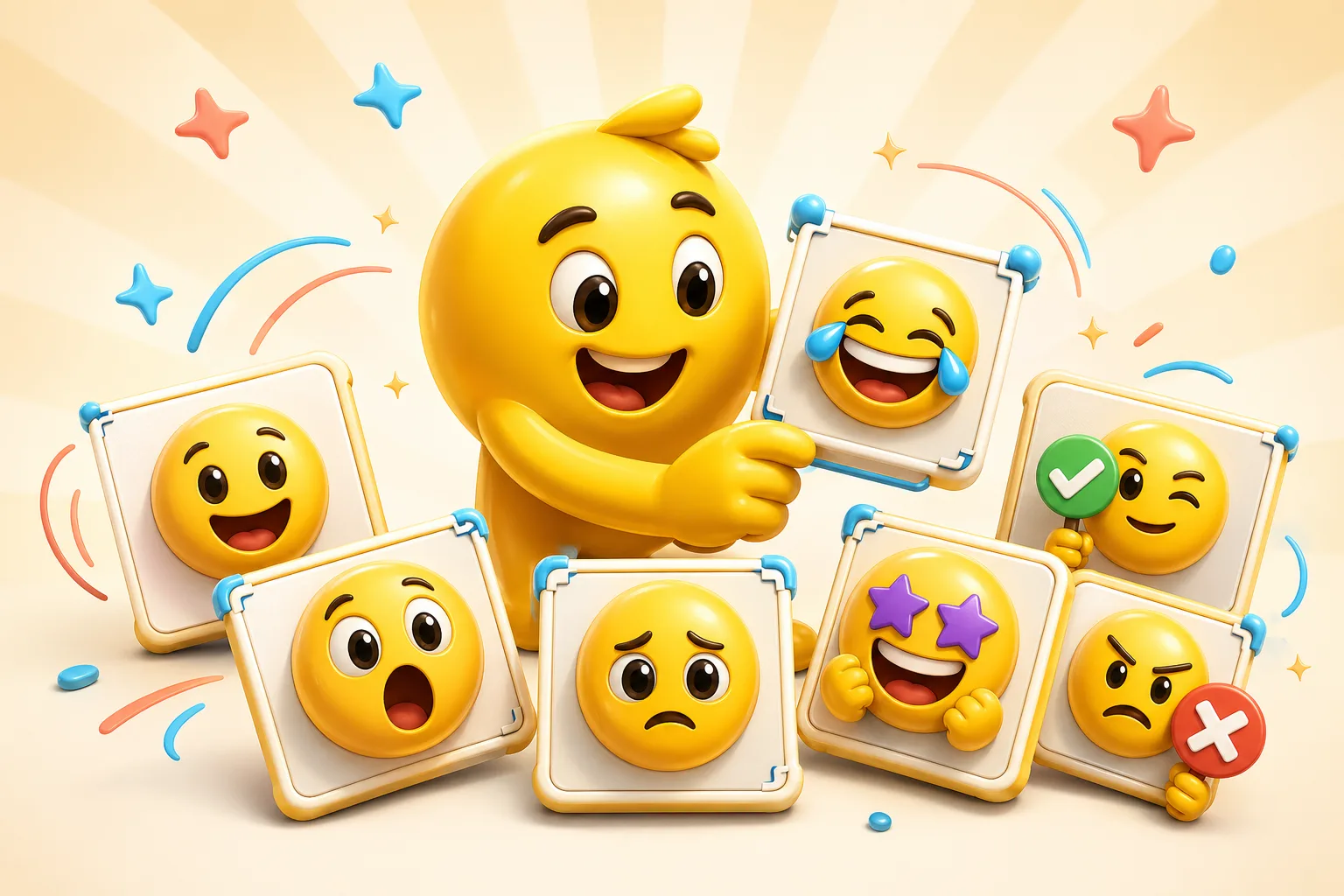
Pet emoji packs work best when the source photo has a big face, clear eyes, and a simple background. Use credits to test Standard reactions before upgrading quality.
A clear happy pet photo is a strong first Standard credit-pack test.
Dramatic pet expressions are good paid AI candidates when the face stays readable.
One pet photo can seed a small pack, but different emotions may need different source photos.
The eyes, mouth, and head shape should survive at emoji size before animation is added.
Busy backgrounds usually get worse after AI motion.
A 3-frame credit-pack run is the right first step before spending credits on a higher frame count.
Paid AI Pack Workflow
Upload a clear pet photo and use a credit pack to create an emoji with AI. Choose Pro when you want higher animation frame counts, generated source variants, monthly credits, and ad-free editing.
Credit packs cover 3-frame Standard animation. Pro unlocks 6-frame High, 12-frame Ultra, Studio image creation, monthly credits, and ad-free editing.
Yes. Credit packs can be used for 3-frame Standard animation from uploaded pet photos. Pro is required for 6-frame High, 12-frame Ultra, Studio image creation, monthly credits, and ad-free editing.
Close, bright photos with a clear face and simple background work best because they stay readable after animation and downscaling.
Use one photo if it supports multiple reactions. Otherwise, use several consistent pet photos and keep the crop style unified.
Emoji Guides & Playbooks
Return to the main guide hub for start with your image guides, platform pages, and solution paths.
Photo to Animated Emoji AI
Turn a source photo into paid AI animation with credits or Pro.
Animated Emoji Maker
Best when the pack needs looping motion or animated download help.
Image to Emoji Converter
Best when the starting point is already a usable image you upload that needs cleanup and export.
AI Reaction Emoji Maker
Pick the pet reaction mode before spending credits.
Discord Emoji Maker
Platform-specific page for Discord emoji and animated emote exports.
Slack Emoji Maker
Platform-specific page for Slack reacji packs, team headshots, and under-128 KB loops.
Twitch Emote Maker
Platform-specific page for Twitch readability and 28, 56, and 112 pixel download help.
AI Animation Credits
Compare credit packs and Pro for pet photo animation.
Trusted by creators
Used by over two million creators worldwide, including streamers, developers, teams, and community builders.
Start From Your Own Image
Turn the real face, mascot, meme, or team asset into a usable reaction pack instead of a one-off graphic.

