
chronark
@chronark
"this is the best website ever"
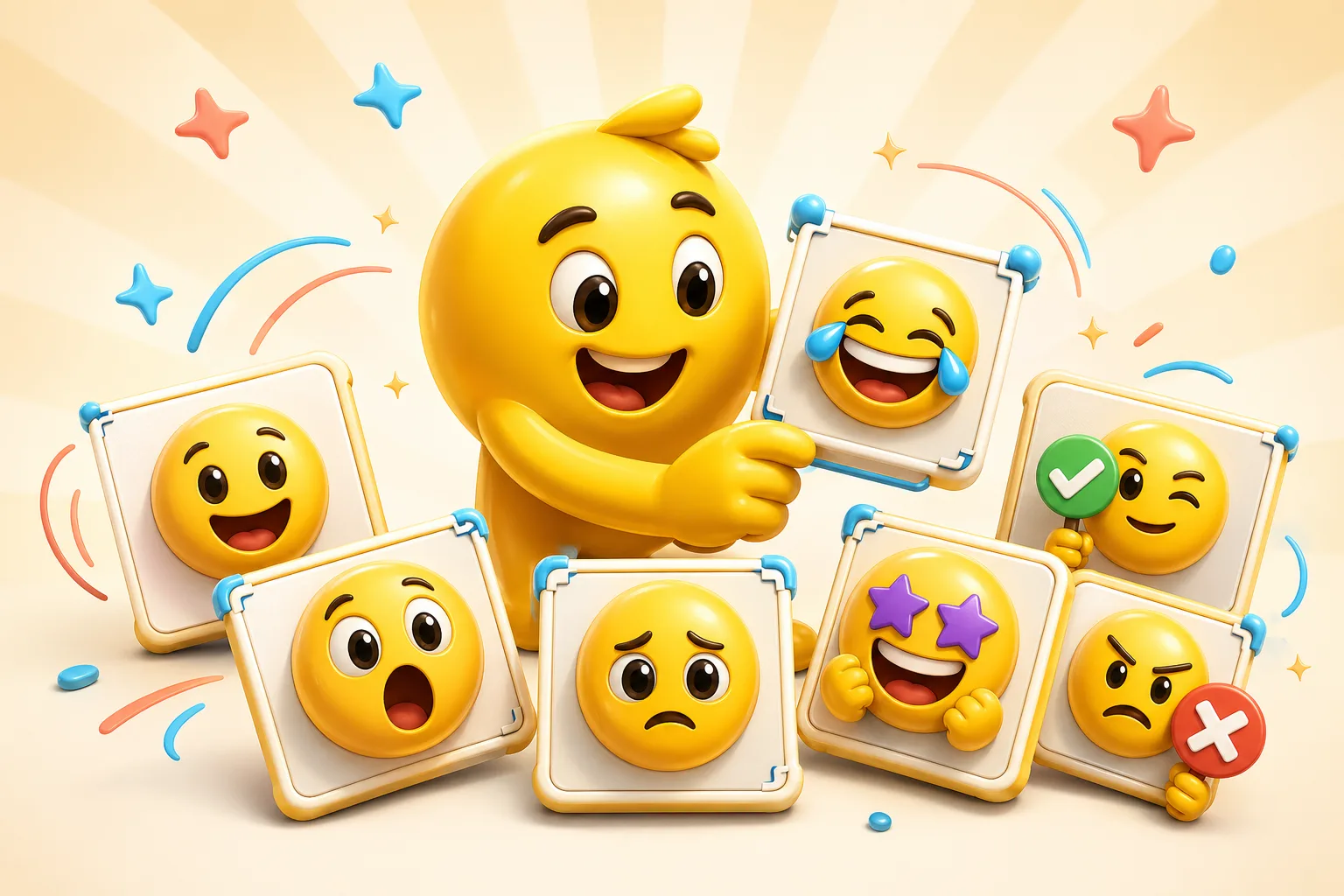
Inside-joke packs win when they reuse one shared reference in multiple reactions. That could be one face, one screencap, or one community meme everyone already gets instantly.
A pack anchor built from the expression everyone in the community already associates with the joke.
Best when the meme already carries a strong negative or deadpan expression.
A good place to use a light animated loop if the inside joke is used frequently.
Works when the source expression already reads strongly before any motion is added.
A quieter slot the community can use in normal chat, not only in hype moments.
A real inside-joke pack should feel like a mini language for the community.
If the source needs explanation, it probably is not strong enough to anchor a whole pack.
Trying to keep too much of the original meme scene usually hurts small-size readability.
Good community packs have reactions that can appear daily, not only once as a novelty.
Motion is useful when it amplifies the joke, not when it just makes the file larger.
The best sources are memes, faces, or screencaps that the community already recognizes instantly and that still read when tightly cropped.
A focused set of around six to ten reactions is usually enough to establish the inside joke as a real reaction language.
Use classic effects first and only add AI when the motion clearly makes the joke land better without muddying the small-size output.
Tighten the crop, simplify the frame, and optimize motion only after the still reaction already works at the platform size.
Emoji Guides & Playbooks
Return to the main guide hub for start with your image guides, platform pages, and solution paths.
Image to Emoji Converter
Best core workflow for cleaning up one meme frame or photo before it becomes a pack.
Animated Emoji Maker
Best when the pack needs looping motion or animated download help.
Animate AI-Generated Emojis
Useful if the inside joke started as generated art that still needs motion and export help.
Discord Emoji Maker
Platform-specific page for Discord emoji and animated emote exports.
Slack Emoji Maker
Platform-specific page for Slack reacji packs, team headshots, and under-128 KB loops.
Twitch Emote Maker
Platform-specific page for Twitch readability and 28, 56, and 112 pixel download help.
Trusted by creators
Used by over two million creators worldwide, including streamers, developers, teams, and community builders.
Start From Your Own Image
Turn the real face, mascot, meme, or team asset into a usable reaction pack instead of a one-off graphic.

