
chronark
@chronark
"this is the best website ever"
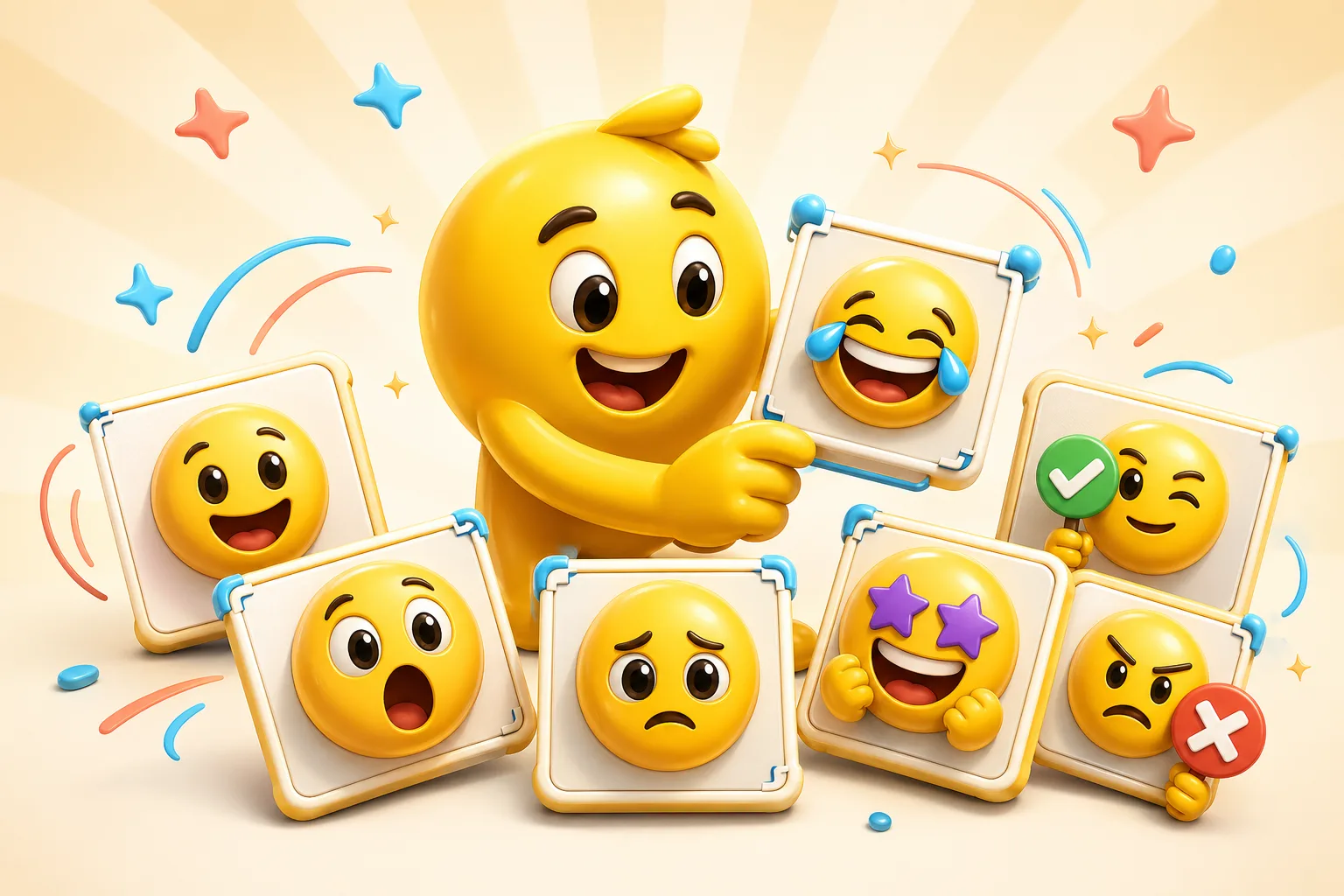
A paid AI Discord pack should have a clear server job: hype, laugh, cry, panic, welcome, mod reaction, and one or two mascot or inside-joke hero slots.
Use Pro frame counts only when the mascot motion needs more than Standard's 3 frames.
Credit packs are a good fit for testing several Standard variants of one server joke.
High-reuse celebration slots are the strongest candidates for paid AI motion.
Mascots, recurring memes, creator faces, and logos convert better than generic prompt art.
Run a 3-frame Standard version before spending credits on a higher frame count.
Discord AI emotes need short loops, simple crops, and export discipline.
Platform Tools
Use the platform constraint before spending more time generating, animating, or packaging the emoji set.
Separate file problems from server permission, slot, and naming issues before regenerating art.
File may pass, but the upload flow needs attention
Check server permissions, available slots, and emoji naming before spending more time on art.
Choose the paid path around the job, not around a vague upgrade prompt.
Credit pack is the simpler path
Buy a one-time Standard credit pack when the image you upload is ready and the job is occasional.
Paid AI Pack Workflow
Upload a server image and create an emoji with AI using credits. Use Pro when the pack needs 6-frame High or 12-frame Ultra animation, Studio image creation, or recurring monthly credits.
Credit packs cover 3-frame Standard animation. Pro unlocks 6-frame High, 12-frame Ultra, Studio image creation, monthly credits, and ad-free editing.
Buy credits for occasional 3-frame Standard Discord AI emotes. Choose Pro for 6-frame High or 12-frame Ultra animation, Studio image creation, monthly credits, and ad-free editing.
Start with three to six paid AI hero reactions and fill the rest of the pack with simpler static or classic animated utility slots.
Yes. Paid AI does not remove Discord's upload limits, so the final export still needs short, readable motion.
Emoji Guides & Playbooks
Return to the main guide hub for start with your image guides, platform pages, and solution paths.
Discord Emoji Maker
Platform page for Discord emoji sizing, animation, and upload guidance.
Animated Emoji Maker
Best when the pack needs looping motion or animated download help.
Image to Emoji Converter
Best when the starting point is already a usable image you upload that needs cleanup and export.
AI Discord Emote Maker
Use AI on Discord emotes when the added motion survives the 256 KB and tiny-size checks.
Discord Emoji Maker
Platform-specific page for Discord emoji and animated emote exports.
Slack Emoji Maker
Platform-specific page for Slack reacji packs, team headshots, and under-128 KB loops.
Twitch Emote Maker
Platform-specific page for Twitch readability and 28, 56, and 112 pixel download help.
AI Animation Credits
Compare Standard credit packs against Pro before running paid AI Discord jobs.
Trusted by creators
Used by over two million creators worldwide, including streamers, developers, teams, and community builders.
Start From Your Own Image
Turn the real face, mascot, meme, or team asset into a usable reaction pack instead of a one-off graphic.

