
chronark
@chronark
"this is the best website ever"
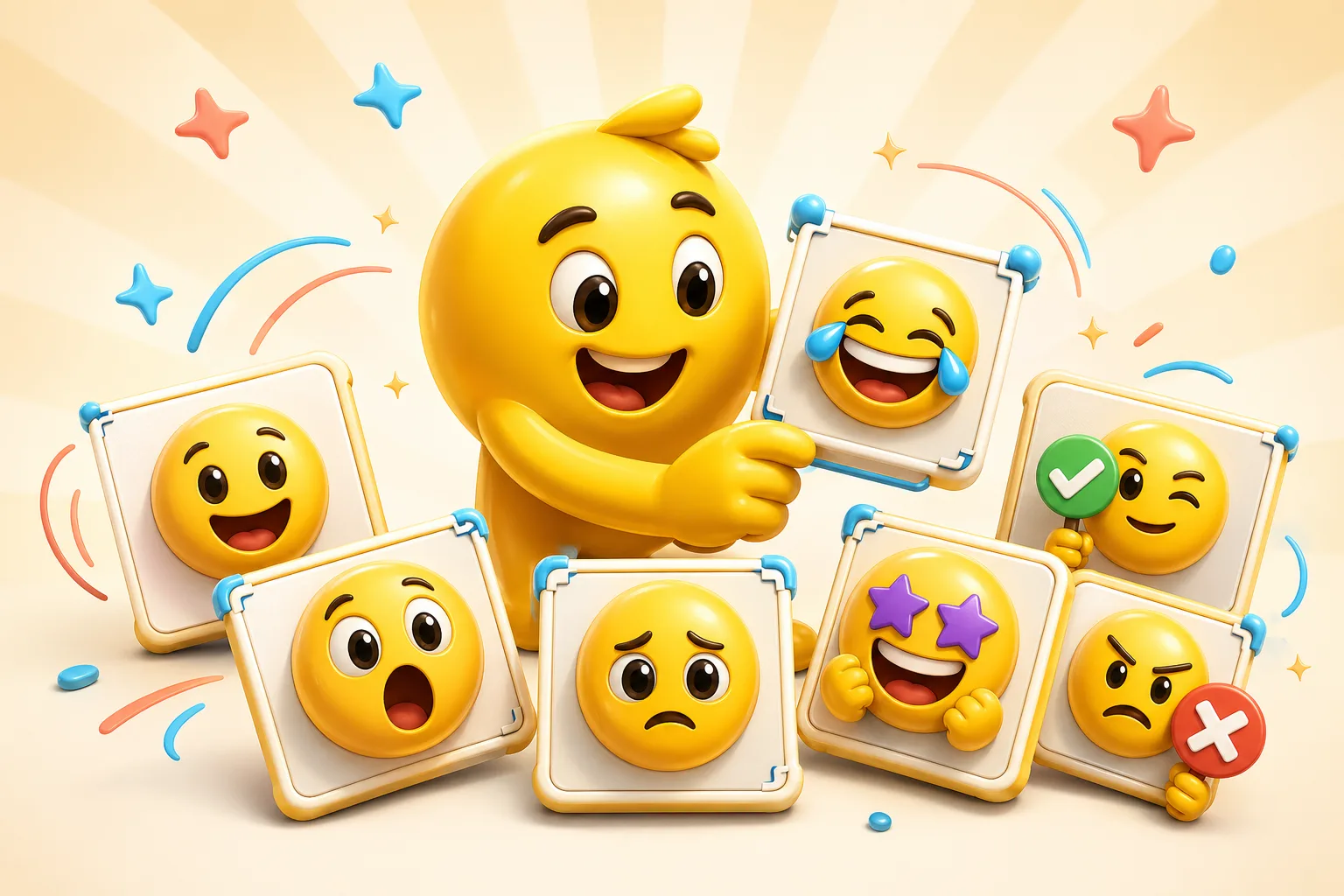
Extension-platform packs often move fast and spread organically. That makes readability and distinct reactions more important than ornate art direction.
A bold reaction the community can use repeatedly without needing context each time.
Strong facial focus works especially well when chat uses the emote constantly.
Use motion for the most iconic pack slots and keep the rest simpler.
Perfect when the extension-platform audience already shares the meme reference.
A strong fit when the creator or channel identity is already visually clear.
The best extension-platform packs feel like a real community language, not a loose collection.
Extension-platform emotes often get spammed, so the strongest reactions are the ones that read instantly over and over.
Face, mascot, or meme crop should dominate the frame instead of competing with side details.
These packs work best when the reactions connect to a real stream or community vocabulary.
A few animated hero emotes often go further than trying to animate the entire set.
Strong faces, mascots, meme crops, and recurring channel images work best because they can become quickly recognizable chat tokens.
Around six to ten strong spam-worthy reactions is usually enough to establish a real extension-platform vocabulary.
Most packs benefit from mostly static or lighter classic motion, with AI reserved for the hero emotes that truly need more performance.
Use Twitch-style tiny-size checks as your quality filter, keep the silhouette simple, and avoid motion that falls apart at the smallest preview.
Emoji Guides & Playbooks
Return to the main guide hub for start with your image guides, platform pages, and solution paths.
Twitch Emote Maker
Core platform workflow for stream-adjacent emote sizing and readability.
Animated Emoji Maker
Best when the pack needs looping motion or animated download help.
Image to Emoji Converter
Best when the starting point is already a usable image you upload that needs cleanup and export.
AI Twitch Emote Maker
Use AI for a few standout extension-platform emotes when the source is already strong.
Discord Emoji Maker
Platform-specific page for Discord emoji and animated emote exports.
Slack Emoji Maker
Platform-specific page for Slack reacji packs, team headshots, and under-128 KB loops.
Twitch Emote Maker
Platform-specific page for Twitch readability and 28, 56, and 112 pixel download help.
Trusted by creators
Used by over two million creators worldwide, including streamers, developers, teams, and community builders.
Start From Your Own Image
Turn the real face, mascot, meme, or team asset into a usable reaction pack instead of a one-off graphic.

