
make this animated in a loop: the arrow shoots up, the numbers move in the background, the man laughs, etc
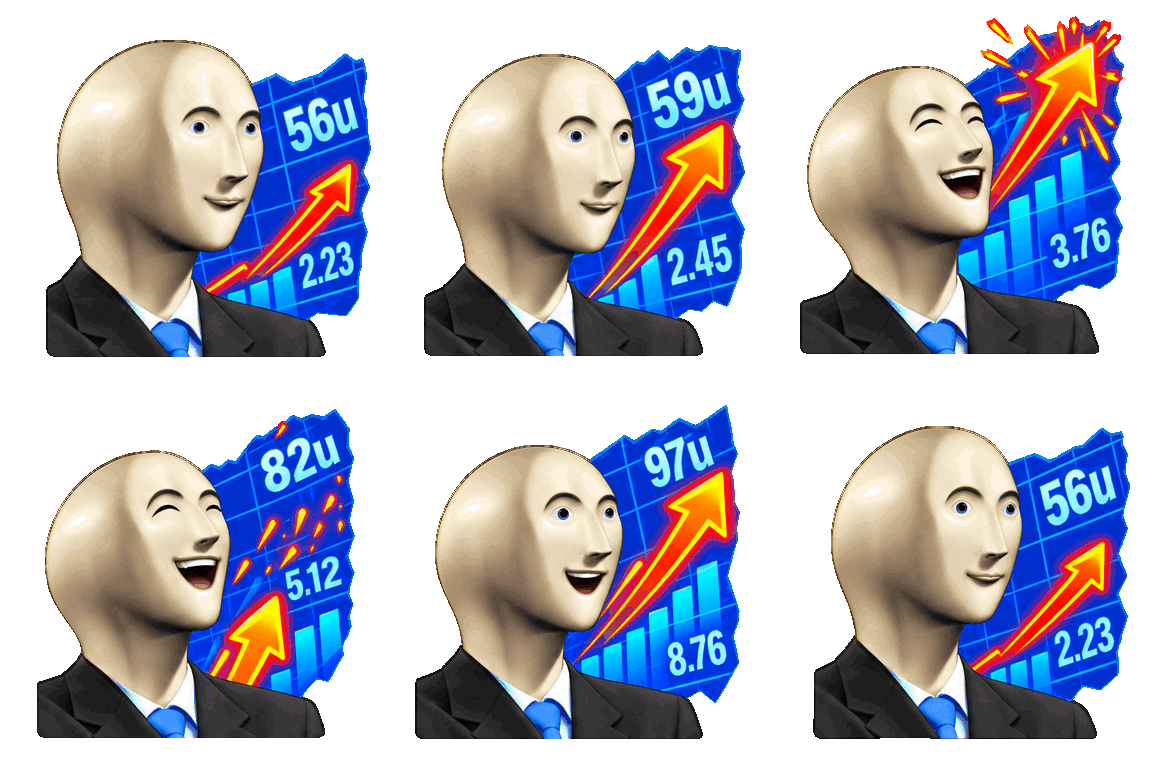
Make your custom emotes laugh, cry, scream, thumbs-up, and much more with Super Animations!
 Super Animations
Turn an uploaded image into an animated reaction. Save, edit, and export it for Discord, Slack, Twitch, and more.
Edit animated emojis, or make a new animated emoji from a static image or text prompt
make this animated in a loop: the arrow shoots up, the numbers move in the background, the man laughs, etc

make him sobbing in a loop


have him get hit by lightning in a loop


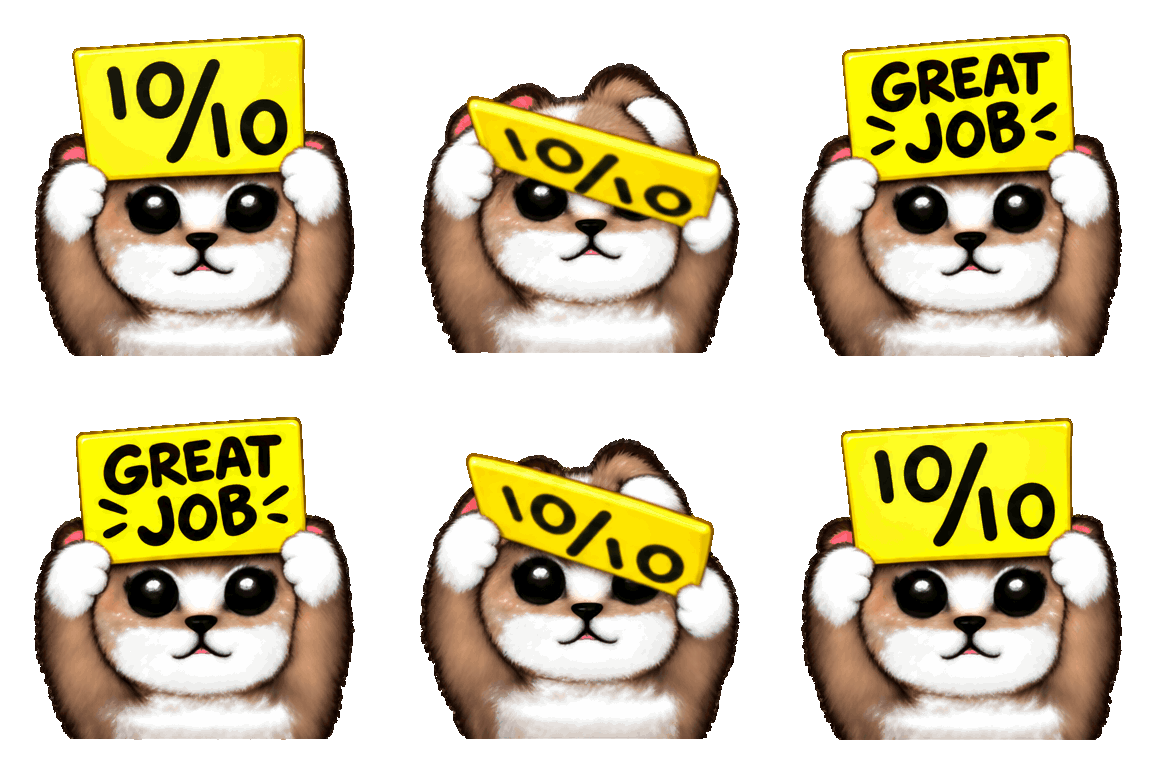
have him flip the sign (says 'great job' on the back) and then flip it back in a loop
Get 100 credits with Individual or 300 with Creator to make AI emoji art and run Super Animation jobs.
Use your credits for High with 6 frames or Ultra with 12. All quality levels are also available with credit packs.
Use your credits to make emoji art from text and reference images, then animate it with custom motion prompts. Studio also works with credit packs.
Create, edit, and download without ads interrupting your workflow.
Keep reusable emoji collections aligned across connected platforms and publish supported updates from one place.
Try beta features like Sets, with more Pro tools coming soon.
No. You can use credit packs or earned credits for Studio and all quality levels. Individual and Creator add monthly credits that roll over and ad-free editing.
No. Unused Individual and Creator credits roll over each month until you spend them.
Super Animation animates an image you upload. Studio makes new images from text or reference photos, and can also animate an uploaded image.
Yes. Make the image in Studio first, then animate it.
Use Standard for 3 frames, High for 6, or Ultra for 12. Ultra can preserve up to 24 frames from longer animated sources.
Packs give you one-time credits for Studio and Standard, High, or Ultra quality. Individual and Creator give you monthly credits that roll over and remove editor ads.
30 credits
$7
For creating a few emojis with AI.
One-time credits for creating emojis with AI.
100 credits
$19
For a full reaction set at any quality level.
One-time credits for creating emojis with AI.
300 credits
$49
For larger emoji packs at any quality level.
One-time credits for creating emojis with AI.
100 Credits Per Month
Unused credits roll over
$120 billed annually
Secure payment via Stripe • Cancel anytime
300 Credits Per Month
Unused credits roll over
$290 billed annually
Secure payment via Stripe • Cancel anytime