
chronark
@chronark
"this is the best website ever"
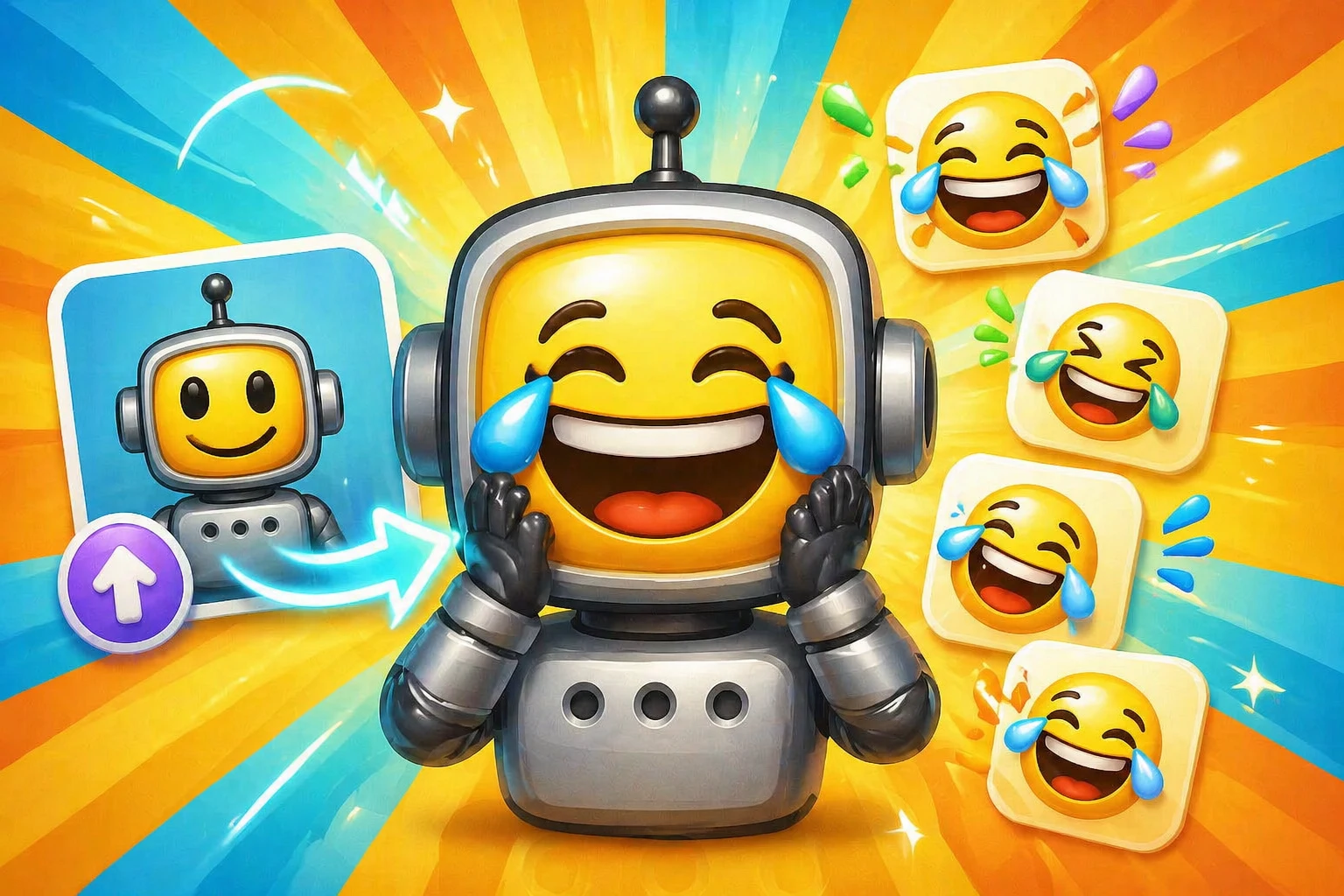
Steps
Turn one uploaded image you upload into a laughing animated reaction.
FAQ
Faces, pets, mascots, and meme characters with simple shapes work best. The subject should already be recognizable before the AI adds expression.
Yes. Export the result at a small size and check the file limit for the platform where you plan to upload it.
Yes. Laughing is a Super Animation mode, so it uses credits. Standard mode is the best first run for most users.
Yes. After laughing, try crying, shocked, angry, panicking, dancing, or thumbs-up to build a fuller reaction set.
Classic animation
Upload your image first, then run Super Animation when you need a more expressive reaction.
Next
Continue with the closest chat app, file format, or how-to guide.
Next
More guides for emojis, emotes, AI animation, and chat uploads.
Categories
Jump into broader emoji-maker categories when you are starting from a theme instead of a platform.
Trusted by creators
Used by over two million creators worldwide, including streamers, developers, teams, and community builders.
Start

