Signal Sticker Pack Dimensions and Workflow
Prepare privacy-safe Signal sticker packs with consistent square art, clear cover images, transparent backgrounds, and useful reactions.
Short answer
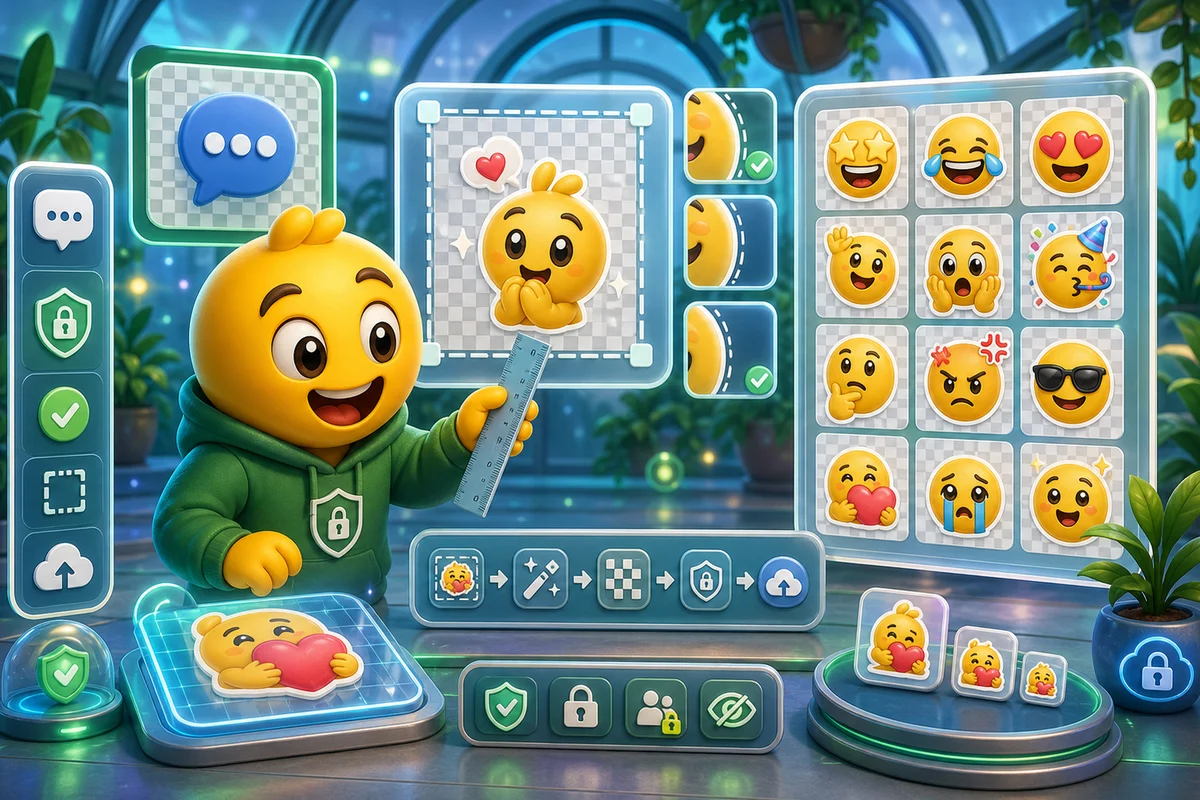
Signal sticker packs should be clean, square, privacy-safe, and consistent. Use transparent PNG-style artwork, keep each sticker readable, and verify current Signal creator guidance before publishing a pack.
Who this is for
This guide is for privacy-minded communities and creators repurposing emoji art into Signal sticker packs.
Recommended starter set
Pack cover image.
Greeting sticker.
Thanks sticker.
Laugh or reaction sticker.
No or stop sticker.
Celebration sticker.
Workflow
Step 1
Build the cover first
The cover sets expectations. It should match the sticker style and remain recognizable at small browse size.
Step 2
Keep stickers simple
Signal stickers are often used quickly. Avoid scenes that require reading tiny text or understanding private context.
Step 3
Export a consistent pack
Use the same padding, outline, and background treatment across every sticker so the pack feels intentional.
Quality checklist
- Verify current Signal sticker dimensions.
- Use transparent backgrounds where possible.
- Keep a consistent visual margin.
- Avoid sensitive personal images.
- Test the pack before sharing.
Common mistakes
- Treating a sticker pack like a random image dump.
- Using private faces without permission.
- Mixing styles and sizes.
- Forgetting a clear cover image.
Next steps
FAQ
Can I turn MakeEmoji art into Signal stickers?
Yes. Use MakeEmoji to create clean square reaction art, then prepare the final pack according to Signal's current sticker guidance.
How many stickers should a Signal pack include?
Start with a small useful set rather than a large unfocused pack. Greeting, thanks, laugh, no, and celebrate cover most conversations.
Should Signal stickers use real faces?
Only with clear permission. Privacy expectations are higher in many Signal communities, so avoid sensitive or identifiable images unless everyone agrees.


