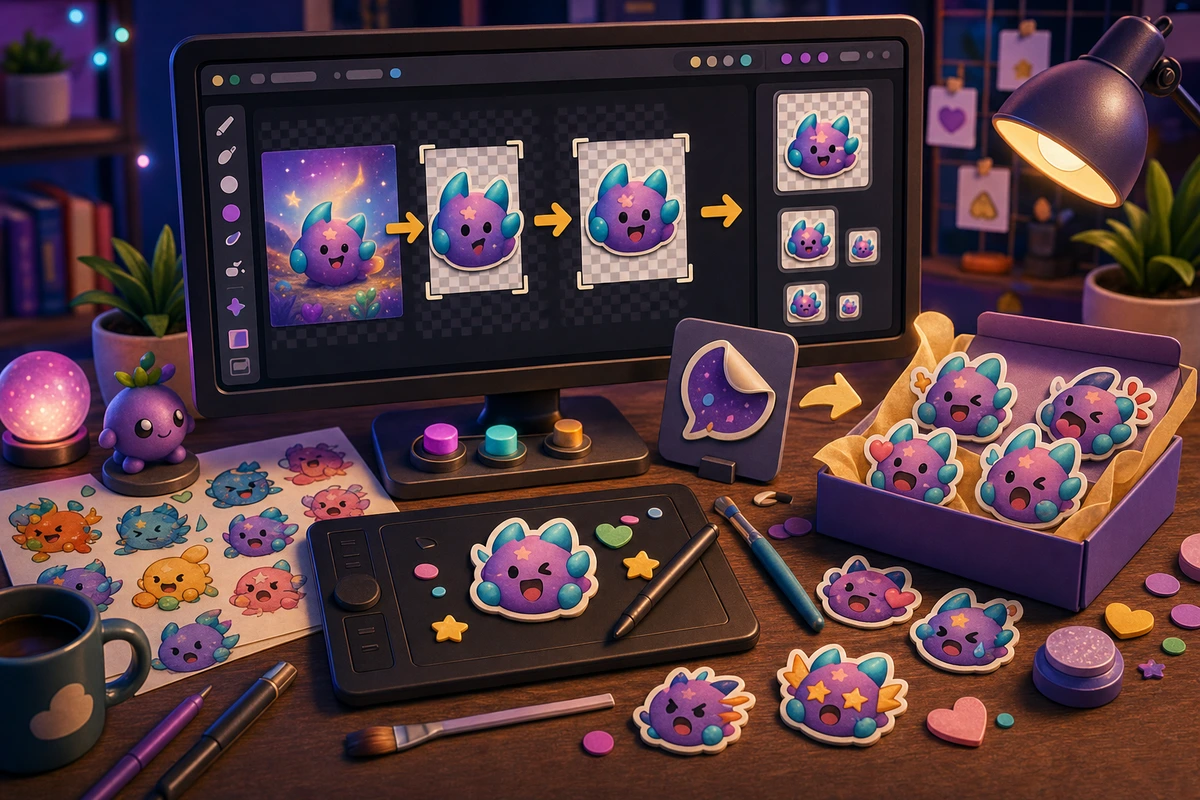
Midjourney to Discord Emotes Workflow
Convert AI-generated art into readable Discord emotes with crop, cleanup, background removal, animation, and upload checks.
Short answer
A Midjourney to Discord emotes workflow should be planned around repeatable chat moments, not decorative filler. Start with Pick one strong generated source., Crop to a square face or mascot., Remove the background., Simplify tiny details., then add niche reactions only after the first set is getting used. Choose AI outputs with one centered subject, clear expression, and simple edges instead of cinematic scenes.
Who this is for
This guide is for AI art users, Discord admins, creators, and community managers turning generated images into emotes.
Recommended starter set
Pick one strong generated source.
Crop to a square face or mascot.
Remove the background.
Simplify tiny details.
Animate only keeper reactions.
Export under Discord limits.
Workflow
Step 1
Choose the real moments
Treat Midjourney as the source-art step, then use MakeEmoji for emoji-specific cleanup, animation, and export. A smaller set tied to repeated behavior will outperform a large set of pretty reactions that nobody remembers to use.
Step 2
Create a shared visual rule
Choose AI outputs with one centered subject, clear expression, and simple edges instead of cinematic scenes. Keep one crop, outline weight, palette, and background approach so the pack feels intentional.
Step 3
Launch with usable names
Name the final reaction by use case, not by the prompt that created it. Upload a first set, announce the names, and watch what people actually use before expanding.
Quality checklist
- Choose reactions that map to real Discord moments.
- Keep the subject large enough to read at chat size.
- Use one naming convention across the whole pack.
- Export a static fallback for any important animated reaction.
- Preview the result at chat size before spending time on variants.
Common mistakes
- Making the pack too broad before the first Discord upload.
- Letting tiny details carry the meaning.
- Using names only the creator understands.
- Skipping a final grid review before upload.
- Using wide cinematic compositions as emoji.
- Keeping messy AI backgrounds.
- Assuming a beautiful large image will work at 32 px.
Next steps
FAQ
What should be in a midjourney to discord emotes workflow?
Start with Pick one strong generated source., Crop to a square face or mascot., Remove the background., Simplify tiny details.. Those cover the moments people are most likely to repeat. Add niche reactions only when the core set is already being used.
Should a midjourney to discord emotes workflow use animation?
Use animation for mascot reactions, hype, panic, and celebration. Keep status, moderation, and text-heavy reactions static unless motion makes the meaning clearer.
How do I get people to use the pack?
Name the final reaction by use case, not by the prompt that created it. Announce the pack with the exact names, model the reactions in real conversations, and remove weak items after a usage review.


