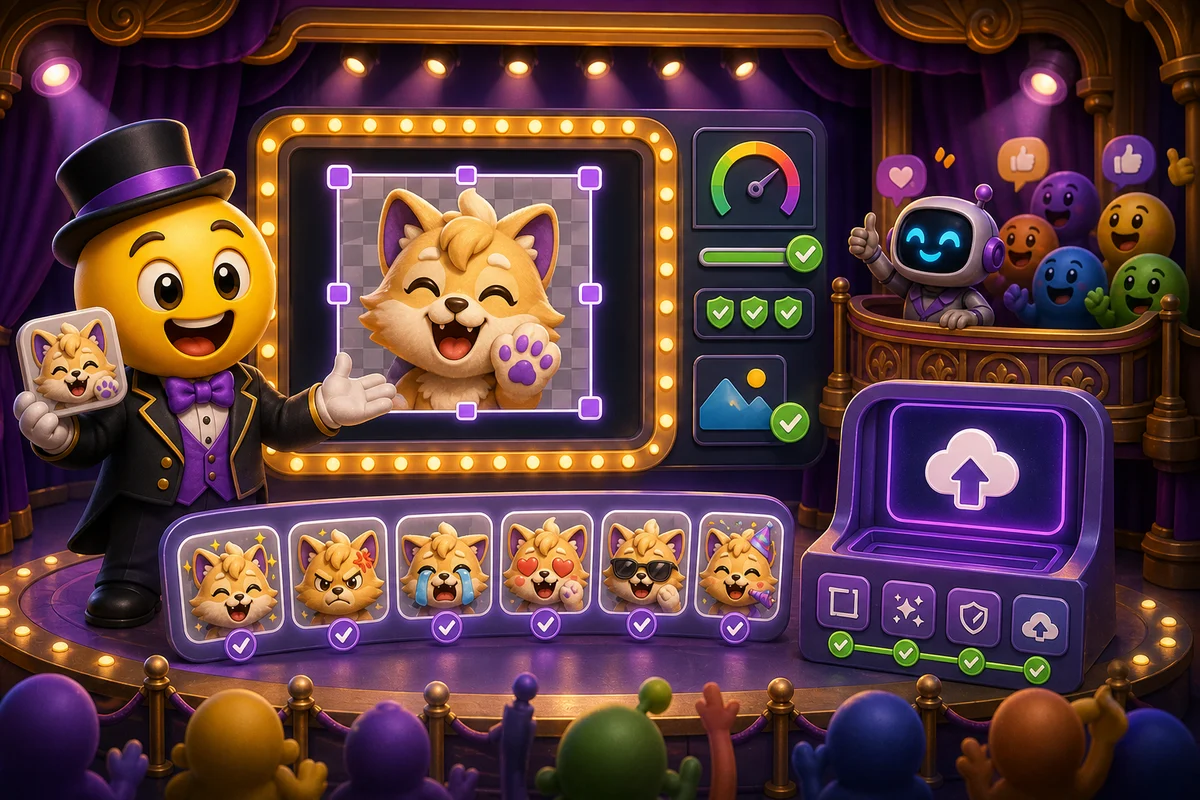
How to Upload Emotes to FFZ
Prepare FrankerFaceZ emotes with clear art, smart names, platform expectations, and final chat-size previews.
Short answer
For FFZ, treat upload as both an art-prep and channel-setup task. Make a clean emote, submit it with a clear name, then test visibility with FFZ enabled.
Who this is for
This guide is for streamers and moderators preparing FrankerFaceZ emotes from MakeEmoji exports.
Recommended starter set
FFZ account and channel access.
Square readable emote.
Short prefix or channel naming scheme.
Transparent static fallback.
Viewer test with extension enabled.
Moderation-safe content review.
Workflow
Step 1
Prepare a clean file
Use a bold subject, transparent background, and simple shape. Avoid wide text emotes unless current rules and channel context clearly support them.
Step 2
Submit with naming intent
A channel prefix can reduce conflicts and help viewers autocomplete. Names should be easy to type during live chat.
Step 3
Verify in chat
After upload and approval, test in the real chat environment. Dashboard success does not always mean every viewer sees the emote.
Quality checklist
- Check current FFZ submission rules.
- Use readable square art.
- Prefer short channel-prefixed names.
- Avoid copyrighted or policy-risk material.
- Test extension visibility.
Common mistakes
- Submitting text that is too wide or too small.
- Forgetting viewer extension dependency.
- Using a name that conflicts with existing culture.
- Skipping moderation review.
Next steps
FAQ
Do FFZ emotes work for every Twitch viewer?
No. Viewers generally need FFZ support. Native Twitch emotes remain the broadest option.
What names work best for FFZ?
Short, memorable names with a channel prefix often work well because they reduce confusion and make autocomplete easier.
Can animated MakeEmoji exports be used for FFZ?
Use MakeEmoji to create the source, then check FFZ's current format and submission requirements before upload.


