Emoji AI Studio vs Super Animation: Which AI Emoji Workflow Should You Use?
Compare Emoji AI Studio and Super Animation so you know when to create art, remix references, use custom motion, or run fast preset AI reactions.
Short answer
Emoji AI Studio is the flexible workspace for creating, remixing, and custom-directing emoji art. Super Animation is the fast preset path for turning an existing image into an animated reaction with less setup.
The practical difference
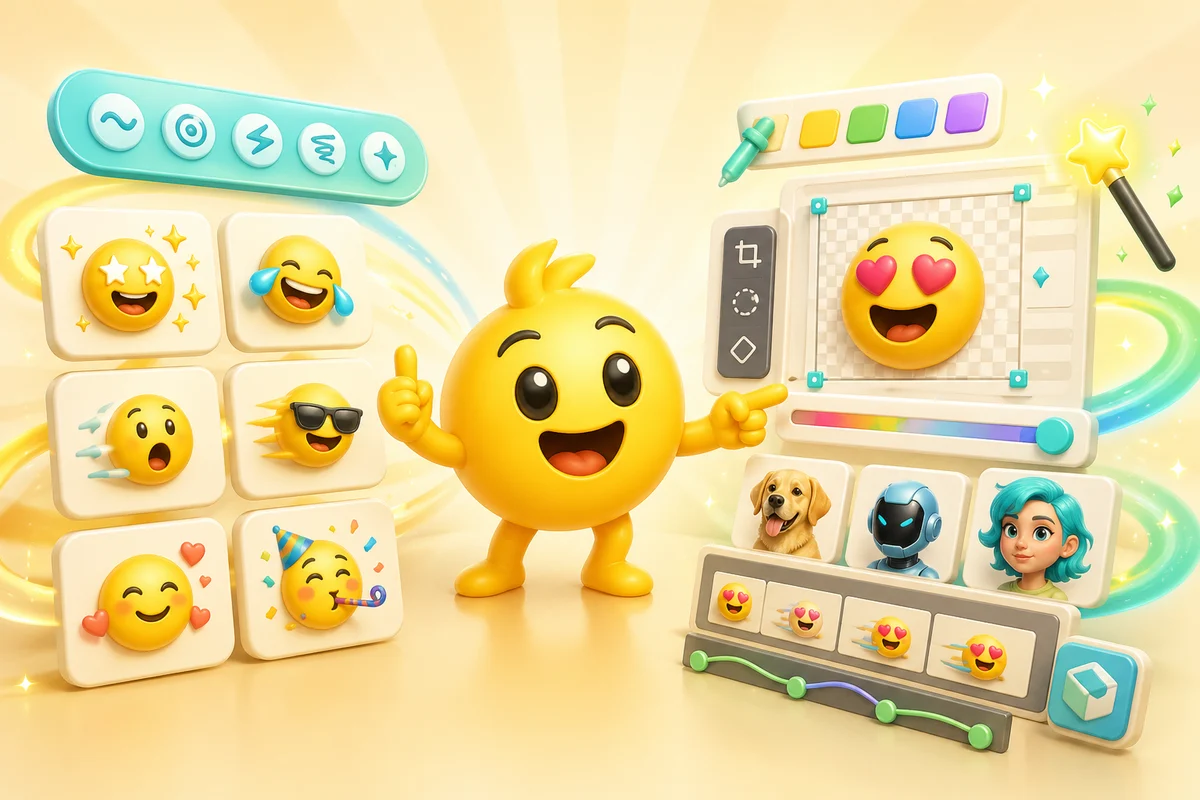
Studio and Super Animation are not competing features. They solve different points in the same workflow. Studio helps when the image you upload is missing, messy, or needs custom direction. Super Animation helps when the image you upload is already good and you want an easy prepackaged AI motion style.
If the user starts with a clear face, mascot, logo, pet, or existing emoji, Super Animation can be the fastest route. If the user starts with an idea, a weak reference, or multiple references, Studio gives more control.
| Workflow | Best for | Control level | Paid fit |
|---|---|---|---|
| Studio | Creating art, remixing references, custom motion prompts | High | Pro making images from text and higher-frame-count animation |
| Super Animation | Preset AI reactions from a strong upload | Medium | Credits for Standard, Pro for High and Ultra |
| Classic animation | Fast predictable motion like bounce, spin, shake, and party | Low | Good free or low-stakes first pass |
Use Studio when the image needs work
Studio is the better first stop when the user needs art from a prompt, wants to combine references, or has an upload that needs cleanup before it becomes a useful emoji.
It also matters when the motion should be specific. Presets are great for common reactions, but a custom motion prompt can describe something like a mascot nervously peeking, a pet doing a tiny victory wiggle, or a logo-inspired character celebrating a launch.
- Start from a text prompt when no image exists yet.
- Upload one or more references when identity matters.
- Crop, rotate, reorder, or clean sources before generation.
- Create static art before animating the best version.
- Describe custom motion when a preset is too generic.
Use Super Animation when the image is already strong
Super Animation is intentionally simpler. Pick an uploaded image, choose a preset reaction, select the frame count, and generate. It is the right path when the user wants a fast animated emoji rather than a custom creative workspace.
The best inputs already contain the reaction seed: a face, avatar, pet, mascot, or character that can laugh, cry, panic, dance, cheer, or give a thumbs-up.
Step 1
Upload a clear source
Use a tight crop with one subject and enough contrast for chat-size readability.
Step 2
Pick the preset
Choose the Super Animation mode that matches the reaction job.
Step 3
Choose the frame count
Standard has 3 frames, High has 6, and Ultra has 12.
Step 4
Export for the platform
Check the result against Discord, Slack, or Twitch size and readability limits.
How to combine both paths
A paid workflow can use both tools. Create or clean art in Studio, then choose the Super Animation frame count separately.
For a reaction pack, make one clean source first, then generate multiple reaction variants from that source. This keeps the pack visually consistent and avoids paying for ten unrelated experiments.
Revenue-safe recommendation
Push users toward Studio plus Pro when they need image creation and higher animation frame counts, not when they are only testing one 3-frame reaction.
Which path should you choose?
| Starting point | Recommended path | Reason |
|---|---|---|
| I have no image yet | Studio | Prompt-to-art is the first job |
| I have a good face or mascot | Super Animation | Preset reactions can work quickly |
| I have a messy reference | Studio, then Super Animation | Clean the source before choosing the frame count |
| I need a custom motion | Studio | A motion prompt gives more control than a preset |
| I need more animation frames | Pro | High produces 6 frames and Ultra produces 12 |
Next steps
FAQ
Is Emoji AI Studio the same as Super Animation?
No. Studio is a flexible creation and editing workspace. Super Animation is a faster preset AI animation path for existing uploads.
Can I use Studio before Super Animation?
Yes. That is often the best workflow: create or clean a image you upload in Studio, then animate the strongest version with Super Animation.
Which workflow is better for beginners?
Super Animation is simpler when the image you upload is already strong. Studio is better when the user needs to create the image you upload or control the motion more precisely.
Does Pro help both workflows?
Yes. Pro adds 6-frame High and 12-frame Ultra animation plus more Studio image-making capacity.
