Discord Emoji vs Sticker vs Image: Which Should You Upload?
Choose an emoji, sticker, or image attachment for your Discord message. Compare three actual artwork exports and current upload and access requirements.
Use a Discord emoji for a small reusable reaction, a sticker for a larger expressive image, and a normal image attachment when the picture itself is the message. The same artwork can support all three, but each route has different preparation and access checks.
Choose the message form before you export. A detailed scene that works as an attachment may become unreadable as an emoji. A tightly cropped face can be a strong emoji but feel too empty when posted as a large standalone picture.
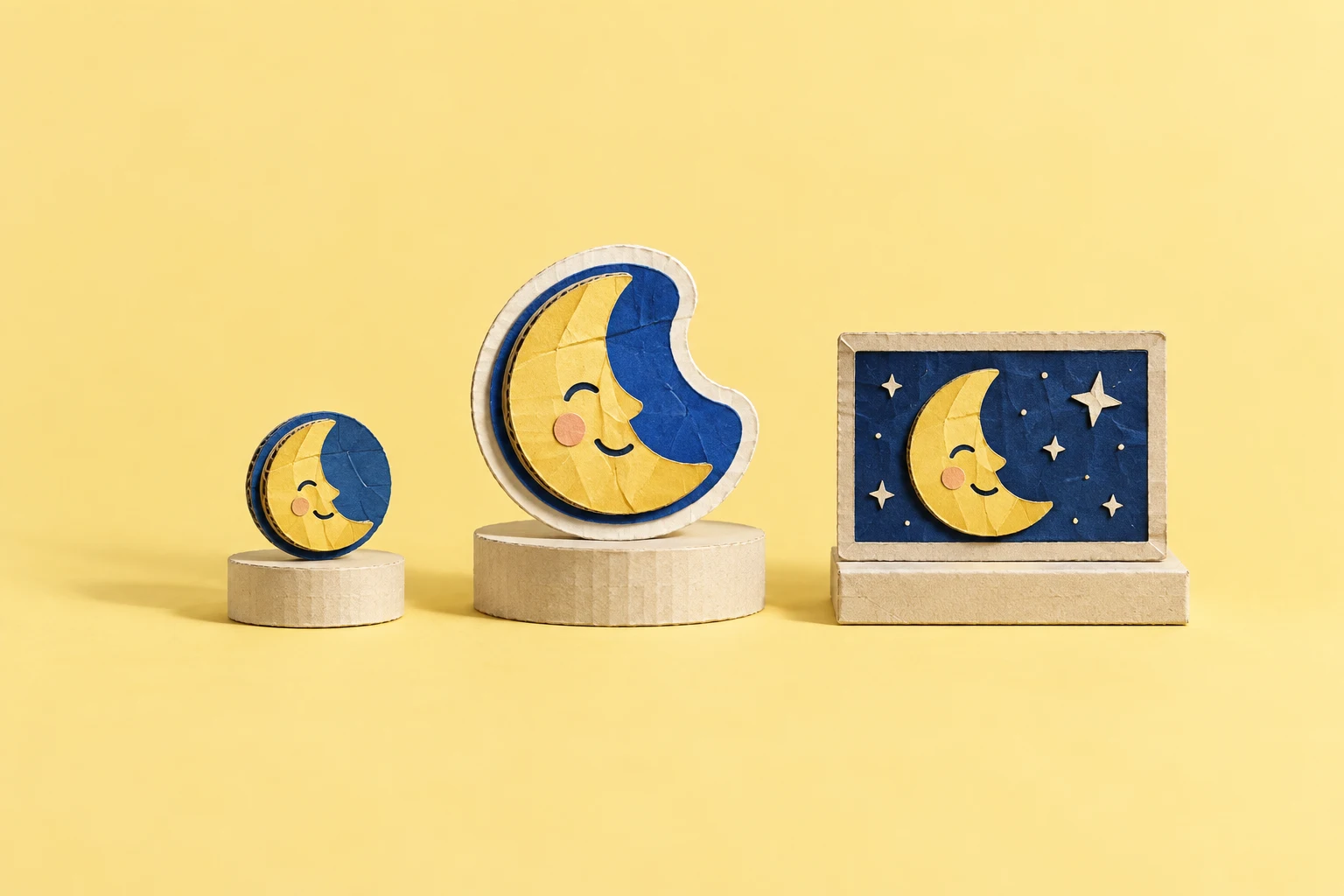
The same original artwork in three sizes

Emoji candidate
128 × 128 px; 3,034 bytes.
Download PNG
Sticker candidate
320 × 320 px; 8,380 bytes.
Download PNG
Image attachment
800 × 800 px; 24,452 bytes.
Download PNGThese are original Moon artwork exports and size demonstrations, not screenshots of Discord messages. The previews illustrate how the face reads at different scales. Actual display sizes depend on the client, location, and message layout.
Choose emoji for repeated short reactions
An emoji works well beside a sentence or as a reaction to another message. It should be recognizable without a caption. Our face has separated eyes and a broad mouth, so the main expression survives the small preview. A scene with a desk, cup, and several lines of text would need a different crop.
Use the Discord emote resizer when you need to prepare that small file. Then inspect the saved output at chat size. The Discord emoji size guide explains the file checks in detail.
Adding a server emoji and using it are separate actions. You need access to add it, and the server needs an appropriate slot. Sending custom emoji outside the original server also depends on the account and destination permissions. Check the current Discord emoji guide rather than assuming that a successful upload gives every viewer the same use rights.
Choose a sticker when the pose needs room
A sticker gives a character more visual space. It can show a body pose, a prop, or a short phrase that would be too small in an emoji. Keep the central reaction easy to read even then: a bigger canvas is not a reason to fill every corner.
For a static sticker, Discord's creator requirements specify PNG at exactly 320 × 320 px, with a maximum file size of 512 KB. That is why the middle download uses a separate 320 px export. Do not enlarge a tiny finished emoji when you still have the larger source.
On desktop or web, open Server Settings → Stickers → Upload Sticker. Add a useful name, related Unicode emoji, and a description. Discord's Custom Stickers FAQ explains permissions, available slots, and use outside the server. It also confirms that mobile does not provide sticker management.
For our image, a useful description is “Pale blue ghost smiles with closed eyes.” It tells a reader what the sticker communicates. A description such as “file version three” only describes your production process.
Choose an attachment for detail or a one-time message
An image attachment fits a full illustration, a captioned meme, a diagram, or a picture you do not need to add to the server's reusable list. Keep the composition large enough to read in a chat column. If the details matter, provide normal message text to explain them.
Posting a file in chat does not register it as a custom emoji or sticker. The file is part of that message. Other users may save it if the context allows, but it does not automatically become a named reaction in their picker.
Check that the channel permits attachments and that the file fits the upload limit shown for your account. There is no need to compress our small example aggressively, but a high-resolution screenshot or animated scene can be much larger. Keep an original copy before you resize.
Make the choice with one question
Ask what the viewer needs to do next. If they should repeat the reaction many times, start with an emoji. If the expressive pose is the point, prepare a sticker. If they need to inspect or read the picture, send an attachment.
You can provide more than one form from the same source, as we did here. Name the exports by purpose so you do not upload the wrong one. Test each in its intended route; a file that opens correctly as an attachment has not yet proved that it meets the server's emoji or sticker requirements.


