Discord Emoji Sizes — Complete Size Guide & Requirements
Everything you need to know about Discord emoji sizes. File limits, format requirements, and best practices for crisp emojis.
Creating custom Discord emojis? Getting the size right is crucial for crisp, clear emojis that look great in your server. This guide covers everything you need to know about Discord emoji sizes, file limits, and best practices.
Discord Emoji Size Requirements
Discord Emoji Size Requirements
| Platform | Size | Max File Size | Format | Notes |
|---|---|---|---|---|
| Discord | 128×128 px (recommended) | 256 KB | PNG, JPG, GIF, WebP | Discord displays emojis at 32–48px, so 128px exports scale perfectly |
| Discord (Nitro) | 128×128 px (recommended) | 256 KB per emoji | PNG, JPG, GIF, WebP | Up to 50 custom emojis per server (Nitro) |
| Discord (Free) | 128×128 px (recommended) | 256 KB per emoji | PNG, JPG, GIF, WebP | Up to 50 custom emojis per server (free tier) |
Why 128×128 px?
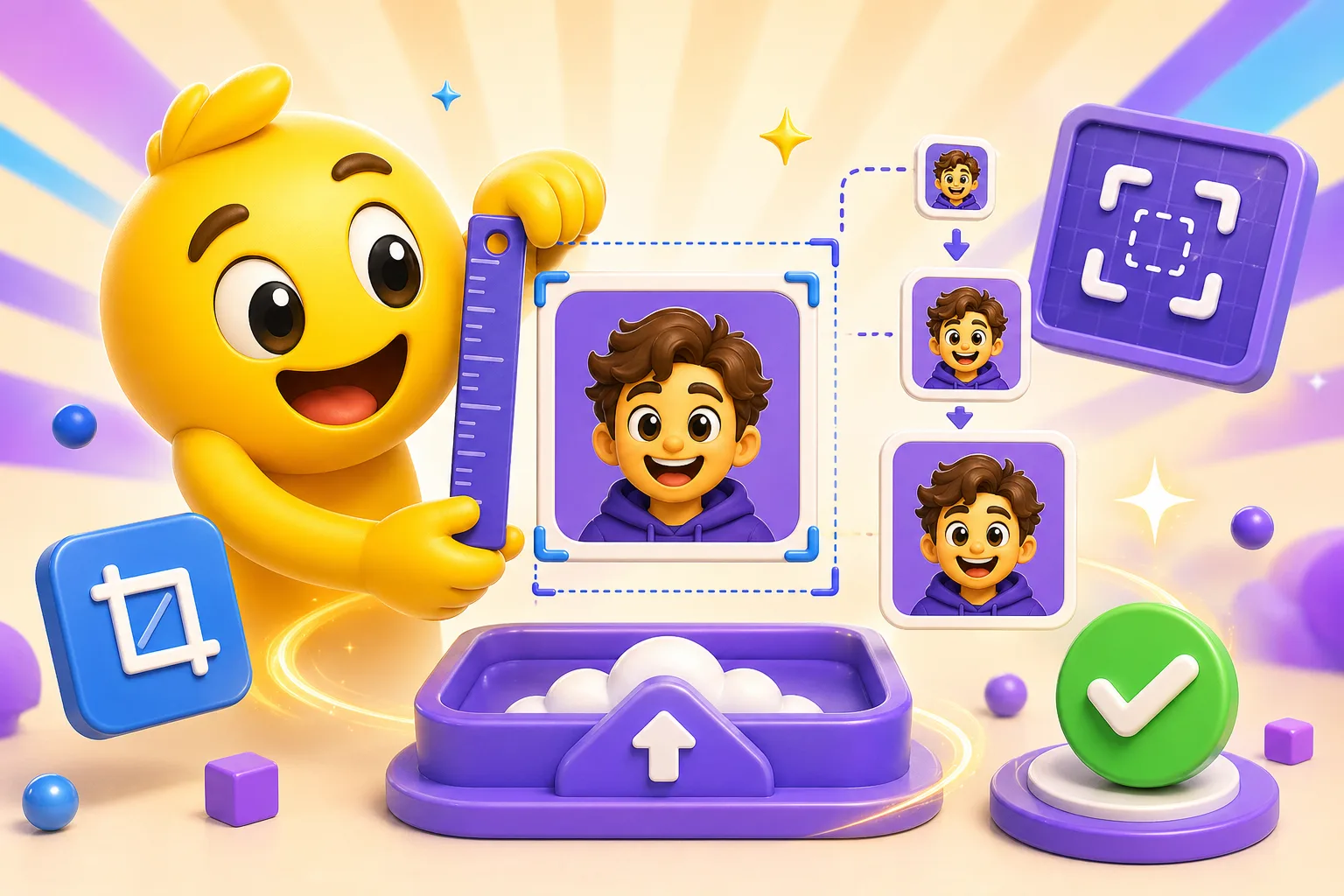
Discord displays emojis at 32–48px in chat, so exporting at 128×128 px gives you 4x resolution. This ensures your emoji stays crisp when Discord scales it down. Smaller sizes (like 64×64) may look blurry, and larger sizes (like 256×256) won't improve quality but will increase file size.
File Size Limits
Discord allows up to 256 KB per emoji, regardless of whether you have Nitro or not. This applies to both static and animated emojis. Our Discord emoji maker automatically optimizes file sizes to meet this limit.
Format Recommendations
- GIF: Best for animated emojis. Widely supported and works perfectly on Discord.
- WebP: Great for Discord! Better compression than GIF, smaller file sizes, and supports animation. Discord fully supports WebP emojis.
- PNG: Perfect for static emojis with transparency. High quality and small file sizes.
- JPG: Works but not recommended. No transparency support and lower quality than PNG.
Tips for Best Results
- Export at exactly 128×128 px for optimal quality and file size balance.
- Use transparent backgrounds (PNG or GIF with transparency) for best integration.
- Keep designs simple and bold—they'll be displayed at 32–48px, so fine details may be lost.
- For animated emojis, keep animations smooth and looping. Avoid rapid flashing.
- Test your emoji at actual Discord display size (32–48px) before uploading.
Quick Tip: Use our Discord emoji maker to create emojis at the perfect size. We automatically optimize for Discord's 256 KB limit and export at 128×128 px for best results.
Common Issues and Solutions
"File too large" error
If your emoji exceeds 256 KB, try reducing the export size to 112px, simplifying the animation, or exporting as WebP instead of GIF for better compression.
Blurry emoji
Make sure you're exporting at 128×128 px. If your source image is low-resolution, use a higher-quality image. Avoid upscaling small images.
Need help creating Discord emojis? Check out our complete guide to making Discord emotes or start creating emojis with our free Discord emoji maker.


