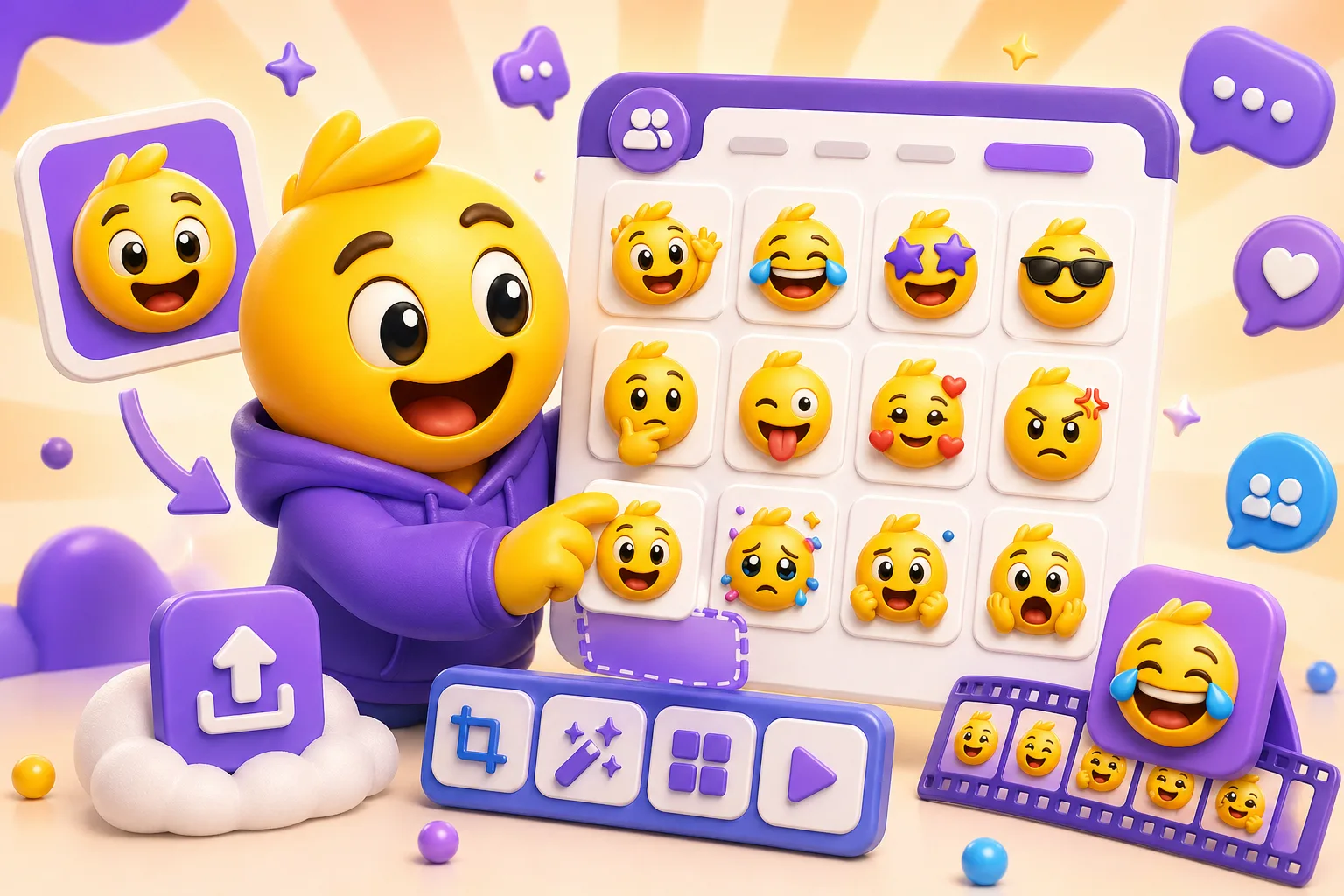
Best Discord Emoji Makers for Custom Server Reactions
An honest Discord emoji tool roundup focused on server admins, community managers, and creators who need reaction packs built from real uploads.
Editorial methodology
- This roundup focuses on Discord-specific needs: 256 KB awareness, 128 pixel export practicality, and whether the tool helps after animation or design creation.
- Tools are compared by how they work and whether the final file is easy to upload, not by fake ratings.
- The Discord admin and community-builder lens matters more than broad design branding.
Best picks by use case
MakeEmoji
Best for: Discord admins and community builders turning real images into reactions built from uploads.
Not for: Users who only want image generation from text or a broad brand suite.
Strengths: Steps for your own image, Discord-focused export help, and practical support around the 256 KB rule.
Tradeoffs: Narrower than a broad creative suite.
Canva
Best for: Teams already using a broad design suite and templates.
Not for: Admins who only need a focused Discord emoji workflow from a real upload.
Strengths: Template variety and general design flexibility.
Tradeoffs: Less made for Discord file constraints and emoji-specific output.
Fotor
Best for: Users who want broader AI or template creation before Discord adaptation.
Not for: Admins who already have the image and mainly need a Discord-focused finish.
Strengths: AI and template creation breadth.
Tradeoffs: Less focused on downstream Discord export help.
Pixa
Best for: Users who need AI idea generation from text before the Discord workflow even begins.
Not for: Admins whose image you upload already exists.
Strengths: AI idea generation from text.
Tradeoffs: Less directly centered on Discord-focused export from uploads.
Comparison matrix
| Tool | Workflow | Animation | Platform fit | Best for |
|---|---|---|---|---|
| MakeEmoji | Start with your image | Classic plus AI | Discord-focused download help | Server admins and community builders |
| Canva | Template/blank canvas | General creative motion | Needs extra Discord adaptation | Design teams already on Canva |
| Fotor | Template and AI-first | Broader creative options | Less Discord-specific | Users still ideating the asset |
| Pixa | AI from text | AI-first | Needs later Discord adaptation | Prompt-based asset exploration |
Where MakeEmoji stands out
- MakeEmoji is especially strong for Discord when the admin already has the mascot, meme, or member image they want to turn into a server reaction.
- The workflow keeps the 256 KB limit, upload path, and small-size readability in view instead of making them cleanup tasks at the end.
- AI motion is available, but classic and static Discord workflows remain part of the same clear export path.
Compare deeper
FAQ
Which tool is best if I already have an image to use?
MakeEmoji is usually the best Discord fit in that situation because the workflow starts from the upload and ends in a Discord-ready export.
Which tool is best for animation?
For Discord, animation only matters when the file still fits under 256 KB and the motion remains readable in a small emoji slot. MakeEmoji keeps those constraints central.
Which tool is best for Discord, Twitch, or Slack?
This roundup is Discord-first, but MakeEmoji stands out when you want one set of your own image that still branches cleanly into Twitch and Slack later.
