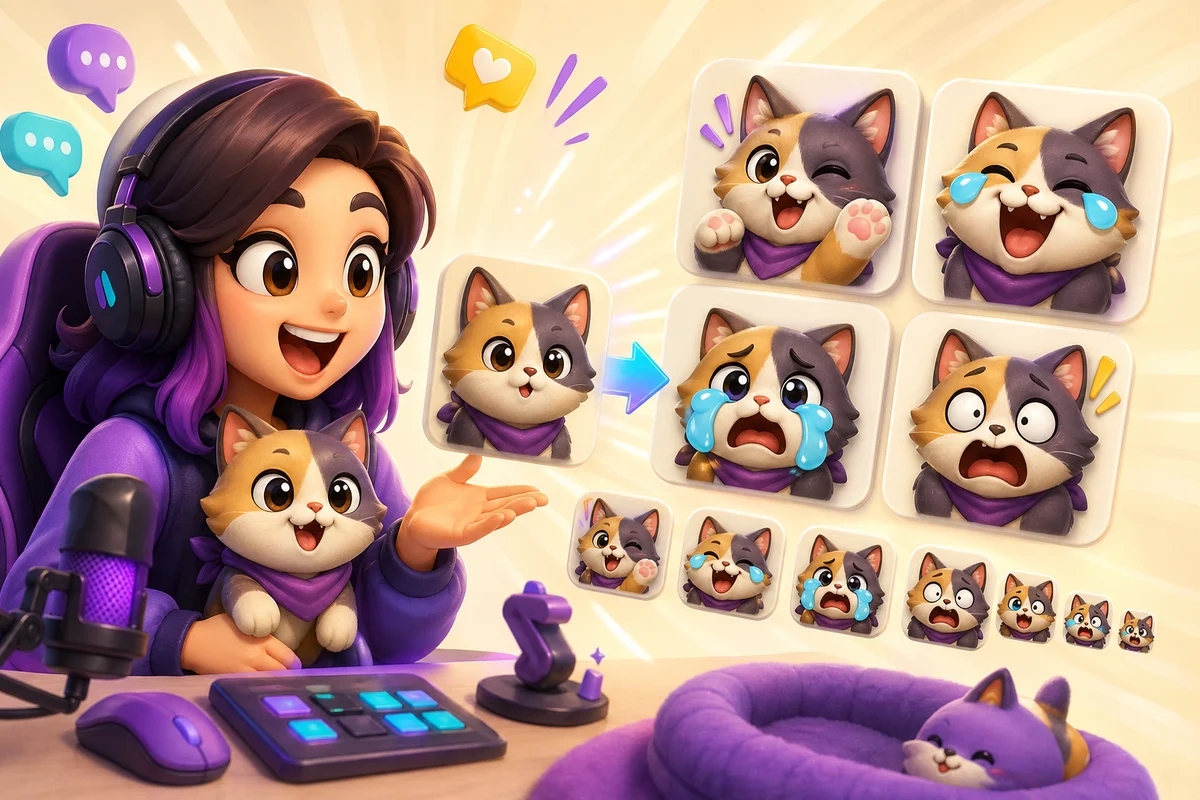
AI Twitch Emote Pack Workflow for Streamers
Create AI Twitch emotes from streamer faces, avatars, VTuber art, mascots, or pet photos while keeping every reaction readable at chat size.
Short answer
AI Twitch emote packs work when the source reads at 28 x 28. Start with a face, avatar, VTuber art, mascot, or pet crop that already communicates emotion before adding AI motion.
Design for the smallest size first
Twitch emotes are judged in chat, not in the large preview. If the eyes, mouth, or gesture disappear at the smallest size, the emote is not ready for animation.
AI motion can make a streamer pack more expressive, but it also adds detail. The source should be simple enough to survive the motion and the chat app download.
Twitch readability
Twitch workflows still revolve around small emote previews. Treat 28 x 28 as the real test, even when you also prepare 56 x 56 and 112 x 112 exports.
Best image types
| Source | Best reactions | Why it works |
|---|---|---|
| Streamer face | LOL, HYPE, RIP, CRY | The channel identity is already recognizable |
| VTuber or PNGTuber art | Shock, laugh, panic, heart | Clean avatar art usually has strong silhouettes |
| Mascot | GG, raid, celebrate, lurk | One character can support a whole pack |
| Pet face | Cute, panic, sleep, stare | Works when the face dominates the crop |
Pack order
Step 1
Make the static set
Create the core ideas first: GG, LOL, HYPE, RIP, LURK, and CRY.
Step 2
Test at 28 px
Remove any emote that only works at the large preview size.
Step 3
Animate the hero slots
Use AI motion for the reactions that need performance, like HYPE or panic.
Step 4
Keep the pack consistent
Use the same crop, outline weight, and character identity across the set.
AI motion that helps Twitch chat
The best Twitch AI motion is bold and short. Laughing, cheering, shocked, and crying can work because the expression changes are visible even when small. Subtle motion usually disappears.
If the animation makes the face smear, reduce complexity or return to a classic effect. A simple bounce can beat a busy AI loop if the chat-size read is stronger.
- Use hype motion for raid, sub, and win moments.
- Use crying or RIP for losses and failed runs.
- Use panic for speedrun mistakes or chaotic gameplay.
- Use laugh for channel jokes and clip reactions.
- Avoid long or cinematic motion that turns into a tiny video.
When to use Pro frame counts
Pro unlocks 6-frame High and 12-frame Ultra animation. Ultra can preserve up to 24 frames from longer animated sources.
Use the lowest frame count that captures the motion and still fits Twitch's size requirements.
Next steps
FAQ
Can AI animated emotes work on Twitch?
Yes, but only when the image you upload is simple, face-forward, and readable at Twitch chat size.
What Twitch emotes should I animate first?
Start with HYPE, LOL, RIP, CRY, panic, and celebration. These reactions benefit most from expressive motion.
Are VTuber avatars good AI emote sources?
Yes. Clean VTuber and PNGTuber art often works well because the face, eyes, and silhouette are already designed for readability.
When should I use Ultra for Twitch?
Use Ultra when the motion needs 12 frames instead of Standard's 3 or High's 6. Check the resulting file at Twitch's required sizes.
