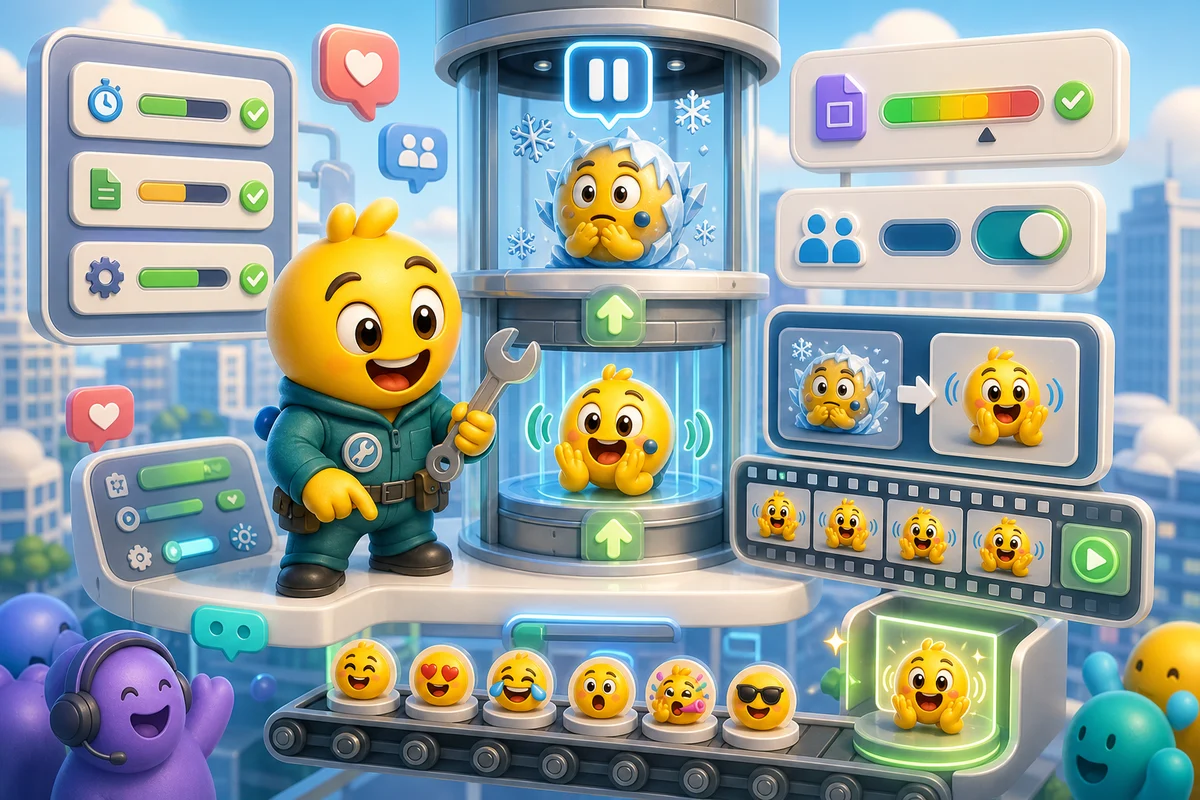
Slack Animated Emoji Not Moving? Common Causes and Fixes
Fix Slack animated emoji failures with file-size, format, workspace setting, crop, and loop troubleshooting.
Short answer
If a Slack animated emoji is not moving, first verify the GIF itself, then check Slack's file constraints, frame count, permissions, and whether the client cache needs time or a restart.
Who this is for
This guide is for Slack users and admins troubleshooting custom GIF emoji that upload but appear static.
Recommended starter set
A locally animated GIF.
Square crop.
Small file size.
Reasonable frame count.
Workspace permission to add emoji.
Cache or client refresh if needed.
Workflow
Step 1
Test the GIF outside Slack
If the file does not animate in a browser or preview app, Slack cannot fix it. Re-export the animation first.
Step 2
Cut complexity
Slack emoji constraints are tight. Remove extra frames, crop dead space, and avoid gradients that bloat GIF size.
Step 3
Refresh the client
If the uploaded emoji is valid but still appears stale, try Slack reload or cache clearing before deleting and re-uploading.
Quality checklist
- GIF animates locally.
- File meets Slack's current size guidance.
- Frame count is reasonable.
- Name is unique.
- Workspace permits custom emoji uploads.
Common mistakes
- Using a huge meme GIF as-is.
- Keeping transparent dead space.
- Uploading duplicate names.
- Assuming every Slack client refreshes instantly.
Next steps
FAQ
Why does Slack show my GIF as static?
The GIF may be invalid, too large, too complex, or temporarily cached. Verify the file locally before changing Slack settings.
Do Slack GIF emoji need transparent backgrounds?
Transparent backgrounds usually look best, but file size and frame count matter too. A transparent GIF that is too heavy can still fail.
Can workspace settings block animated emoji?
Workspace owners can restrict custom emoji permissions. If you cannot add or replace emoji, ask an owner or admin.


