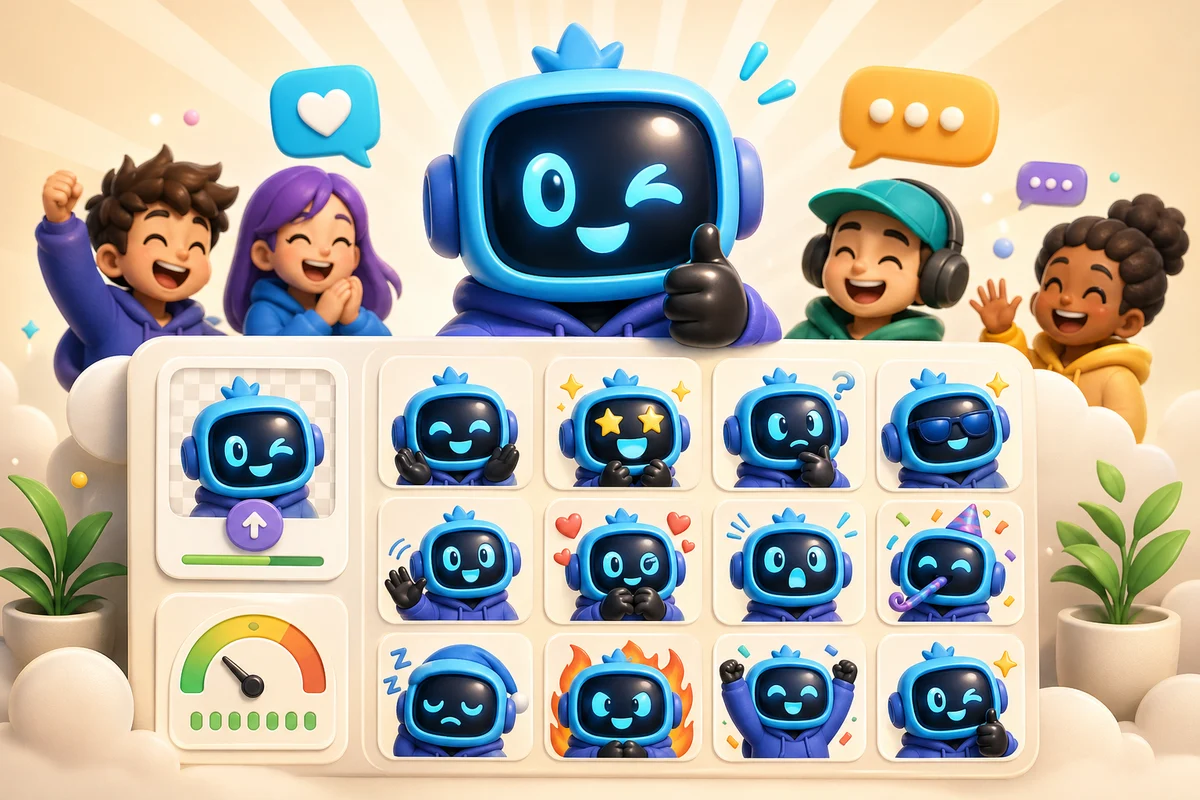
How to Build an AI Discord Emote Pack That Actually Gets Used
Plan a Discord AI emote pack around real server behavior, useful reactions, short names, platform limits, and a image you upload members already recognize.
Short answer
A Discord emote pack gets used when it maps to real server behavior: jokes, wins, losses, moderation moments, welcomes, and hype. Build around a recognizable source and keep every animated file under Discord's upload limit.
Plan around server behavior
Discord packs fail when they are only pretty. They work when members know exactly when to use each emote. Before generating anything, list the reactions your server already types every week.
The highest-value AI pack usually starts from a mascot, server icon, creator face, pet, or recurring joke. That gives the pack a center and helps members adopt it.
- Hype for announcements and wins.
- Laugh for jokes and clips.
- Cry or RIP for losses and failed attempts.
- Shock for reveals and surprising messages.
- Welcome for new members.
- Approve for moderation, support, or admin acknowledgements.
Discord constraints to respect
Discord can resize custom emoji, but that does not remove the need for a clean source. A noisy animation can still upload and still be unusable because it turns into a blur in chat.
Animated AI emotes should be short, readable, and centered. The source should already work as a still before motion is added.
Discord upload reality
Discord documents custom emoji upload requirements including a 256 KB file limit. It also now promotes its own desktop Emoji Studio flow, so MakeEmoji content should clearly explain AI animation for images you upload and Studio control rather than sounding generic.
Pack structure
| Slot type | Example | Why it earns a place |
|---|---|---|
| Identity | Mascot laugh, creator face, server icon reaction | Makes the pack feel unique to the server |
| Utility | Yes, no, approved, blocked, fixed | Used in daily conversations |
| Emotion | Cry, shock, panic, hype | Covers fast chat reactions |
| Event | Launch, raid, drop, welcome | Supports announcements and community moments |
Build workflow
Step 1
Pick one recognizable source
Choose the mascot, face, pet, logo character, or inside joke that should anchor the pack.
Step 2
Create a clean static base
Use Studio if the source needs cleanup, tighter framing, or a more emoji-like shape.
Step 3
Animate the hero reactions
Use Super Animation for the few reactions that benefit from expressive motion.
Step 4
Name for use
Use short names members can type quickly, such as mascot_lol, hype, rip, shocked, and welcome.
When to use more frames
Use 3-frame Standard first. Choose 6-frame High or 12-frame Ultra only when the motion needs the additional frames.
For Discord, more frames also mean a larger file to compress. Use the lowest frame count that captures the motion.
Next steps
FAQ
What makes a Discord emote pack useful?
Useful packs map to real server habits: laughs, wins, losses, welcomes, approvals, and announcements.
Can AI animated Discord emotes upload cleanly?
Yes, but they need simple motion, a strong crop, and files that stay under Discord's upload limit.
Should I make a pack from a mascot or prompt art?
A mascot or existing server identity usually converts better because members already recognize it.
How many animated emotes should a new Discord pack include?
Start with a small set of three to six animated hero reactions, then add static utility emoji as the server proves what it uses.
