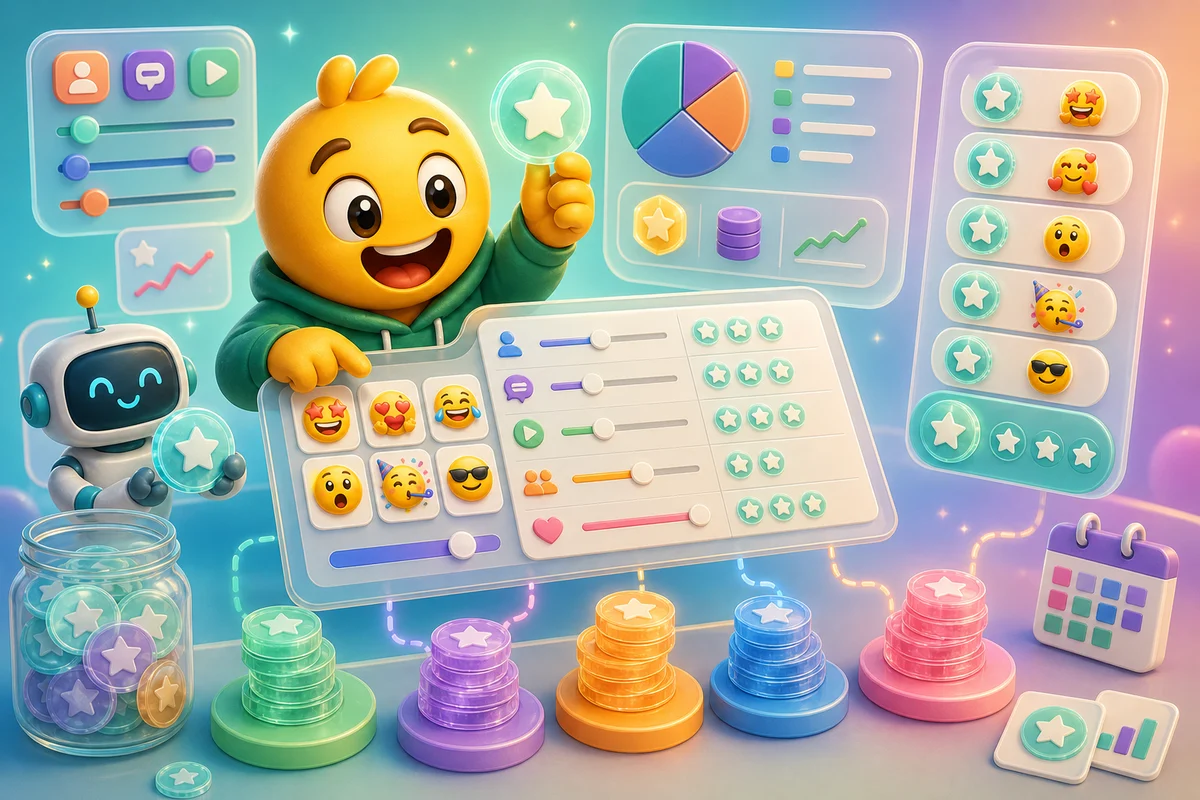
AI Emoji Credit Calculator: How Many Credits Do You Need?
Plan AI emoji credits for Discord, Slack, Twitch, mascot, and pet packs before buying a one-time pack or upgrading to MakeEmoji Pro.
Short answer
Plan AI emoji credits around finished reactions, not random attempts. A small test pack usually needs 6 to 12 credits, while a polished community pack usually needs enough budget for drafts, keeper exports, and at least one retry on the most important reactions.
Who this is for
This guide is for Discord admins, Slack workspace owners, streamers, and brand teams who want to know whether a one-time credit pack or MakeEmoji Pro is the smarter purchase before they start generating.
Recommended starter set
One hero reaction that must look excellent.
Three common utility reactions such as yes, no, thanks, and blocked.
Two emotional reactions such as laugh, cry, panic, or hype.
One platform-specific export target before generation starts.
One image you upload that can anchor the whole pack.
A retry budget for the reaction members will use most.
Workflow
Step 1
Estimate the pack size
Count only reactions you would actually upload. A six-item pack is a better first paid AI job than a 30-item brainstorm because every reaction needs naming, QA, and chat app download checks.
Step 2
Separate drafts from keepers
Use 3-frame Standard generation for exploration, then choose High or Ultra only when the motion needs 6 or 12 frames.
Step 3
Finish with platform checks
Before buying more credits, test the exported file at the smallest expected display size. Discord, Slack, and Twitch punish tiny details differently.
Quality checklist
- Start from one clean image you upload whenever possible.
- Write the exact reactions before opening the generator.
- Use Standard for first-pass exploration.
- Use High or Ultra when the motion needs 6 or 12 frames.
- Keep enough budget for at least one failed or weak result.
Common mistakes
- Buying credits before deciding the pack.
- Generating five versions of the same vague reaction.
- Increasing the frame count on an image with a bad crop.
- Ignoring the final platform size until the end.
Next steps
FAQ
How many credits should I buy for a first AI emoji test?
Start with enough credits for a small test pack and one or two retries. If you expect to make packs every month, Pro is usually easier to budget than repeated one-time purchases.
Should every emoji in a pack use AI animation?
No. Use AI animation on hero reactions, expressive faces, mascots, pets, and moments where motion adds meaning. Simple checkmarks, text labels, and status icons often work better as static or classic animated emojis.
What wastes the most credits?
The biggest waste is starting with unclear art or vague reactions. Decide the pack, clean the image you upload, and test readability before spending credits on additional animation frames.


