
chronark
@chronark
"this is the best website ever"
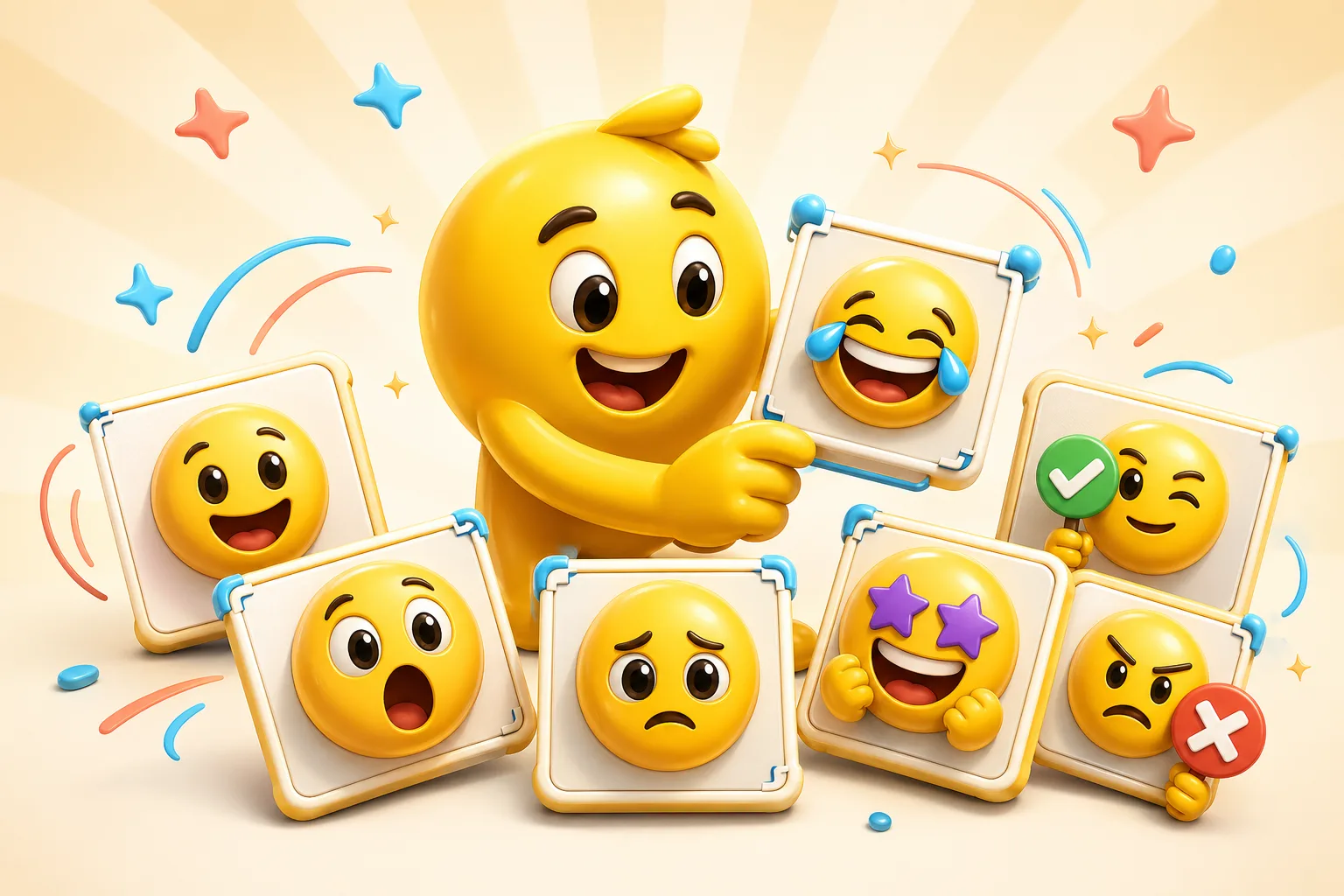
The best Discord server packs start from one shared visual identity. That could be a mascot, a member photo, or a meme frame the community already understands instantly.
A reliable reaction the whole server can use in everyday chat.
Best when the expression is strong enough to be legible in the emoji picker and in-line chat.
A useful animated slot if the pack has room for a few more expressive emotes.
Build around one expression the server already uses, not around the whole scene.
A short jam loop can work well for boosts, launches, and event wins.
The pack should feel like one server's identity instead of unrelated uploads.
A server mascot, recurring member face, or community meme gives the pack a coherent center.
Focus on reactions the server will actually spam: yes, no, lol, hype, rip, sad, wow.
A smaller set of highly used reactions is better than many weak uploads.
Animated Discord slots are valuable, so reserve them for reactions that really benefit from motion.
Mascots, recurring inside-joke frames, and strong member face crops work best because they build a recognizable server language.
Around six to ten is a solid first set. That is enough to cover everyday server conversation without wasting slots.
Most Discord packs should stay mostly static or lightly animated, with AI reserved for a few standout reactions that are worth the heavier file weight.
Use 128 pixel exports, simplify animated loops, and validate everything against Discord's 256 KB rule before upload.
Emoji Guides & Playbooks
Return to the main guide hub for start with your image guides, platform pages, and solution paths.
Emoji Maker
Core your own image for building custom Discord server reactions.
Animated Emoji Maker
Best when the pack needs looping motion or animated download help.
Image to Emoji Converter
Best when the starting point is already a usable image you upload that needs cleanup and export.
AI Discord Emote Maker
Use AI for a few higher-expression Discord hero emotes from the same source.
Discord Emoji Maker
Platform-specific page for Discord emoji and animated emote exports.
Slack Emoji Maker
Platform-specific page for Slack reacji packs, team headshots, and under-128 KB loops.
Twitch Emote Maker
Platform-specific page for Twitch readability and 28, 56, and 112 pixel download help.
Trusted by creators
Used by over two million creators worldwide, including streamers, developers, teams, and community builders.
Start From Your Own Image
Turn the real face, mascot, meme, or team asset into a usable reaction pack instead of a one-off graphic.

