
chronark
@chronark
"this is the best website ever"
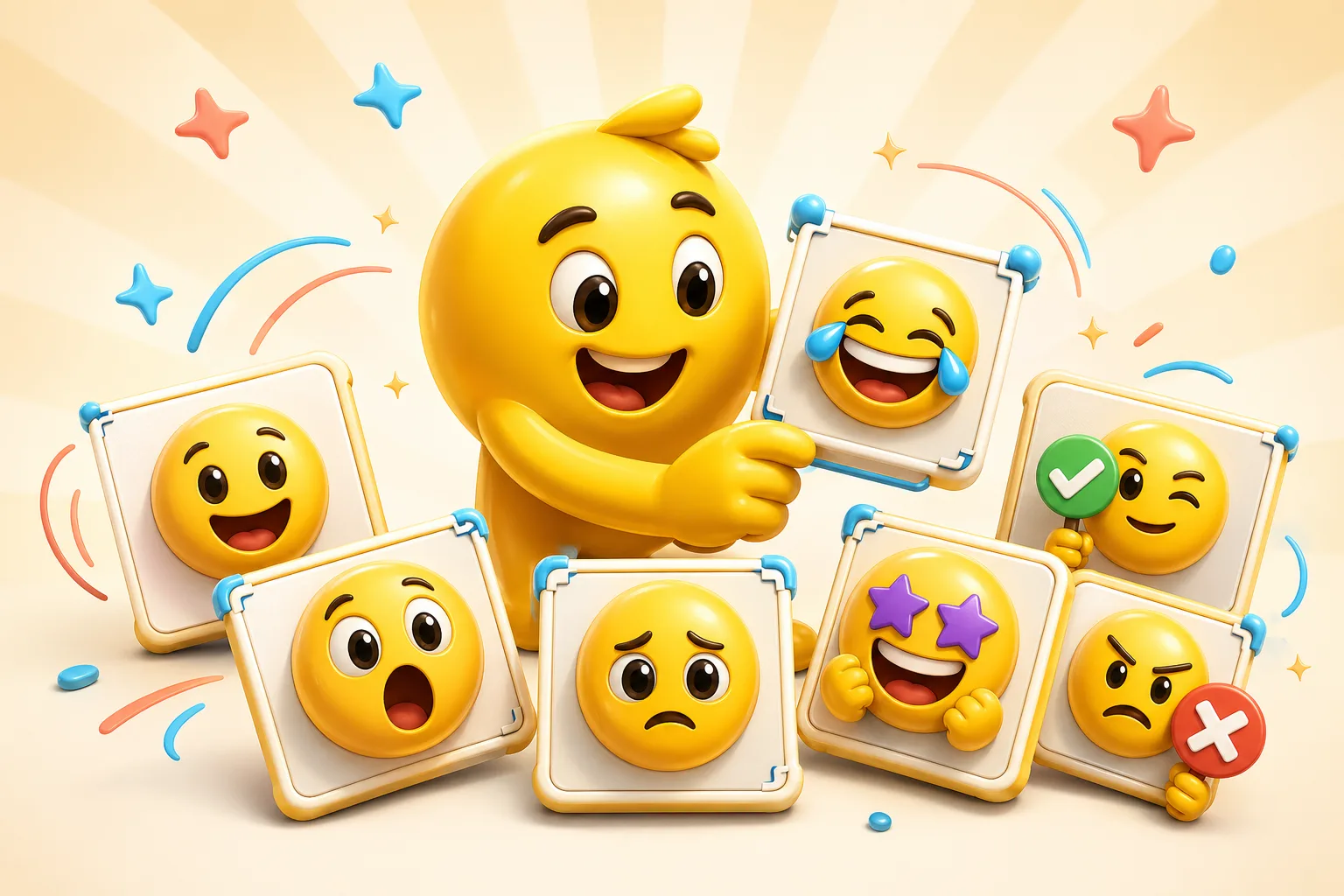
Mascot packs work when the character stays identifiable across every reaction. The pack should feel like one personality, not a set of unrelated faces.
A high-clarity win slot that can work across Twitch, Discord, and Slack.
Works well when the character design already has large expressive features.
Reserve motion for the reactions that benefit most from it.
Good for channels with a recurring playful failure or loss vocabulary.
Best when the face area is large enough to keep the reaction clear at small sizes.
The entire set should still look like the same mascot in different moods.
A mascot pack feels stronger when the head shape, colors, and silhouette stay consistent across every slot.
The best mascot packs feel like the character has a personality instead of simply repeating generic emotion labels.
Character design only helps if the eyes, mouth, or gesture still read small.
Use animation or AI on a few hero emotes and keep the rest easier to reproduce consistently.
A clean mascot render, logo character, or avatar illustration with strong shape language works best. The subject should already be identifiable at small size.
A focused set of six to ten reactions is usually enough to establish the mascot's vocabulary without stretching into low-value slots.
Use classic motion for most mascot slots and reserve AI for a few standout reactions when the character performance clearly benefits.
Keep the mascot centered, simplify any busy detail, and export with the destination platform's size and file limits in mind.
Emoji Guides & Playbooks
Return to the main guide hub for start with your image guides, platform pages, and solution paths.
Emoji Maker
Core your own image for turning a mascot or character into custom emoji.
Animated Emoji Maker
Best when the pack needs looping motion or animated download help.
Image to Emoji Converter
Best when the starting point is already a usable image you upload that needs cleanup and export.
AI Animated Emoji Maker
Use AI when a few mascot hero emotes need more expressive motion.
Discord Emoji Maker
Platform-specific page for Discord emoji and animated emote exports.
Slack Emoji Maker
Platform-specific page for Slack reacji packs, team headshots, and under-128 KB loops.
Twitch Emote Maker
Platform-specific page for Twitch readability and 28, 56, and 112 pixel download help.
Trusted by creators
Used by over two million creators worldwide, including streamers, developers, teams, and community builders.
Start From Your Own Image
Turn the real face, mascot, meme, or team asset into a usable reaction pack instead of a one-off graphic.

