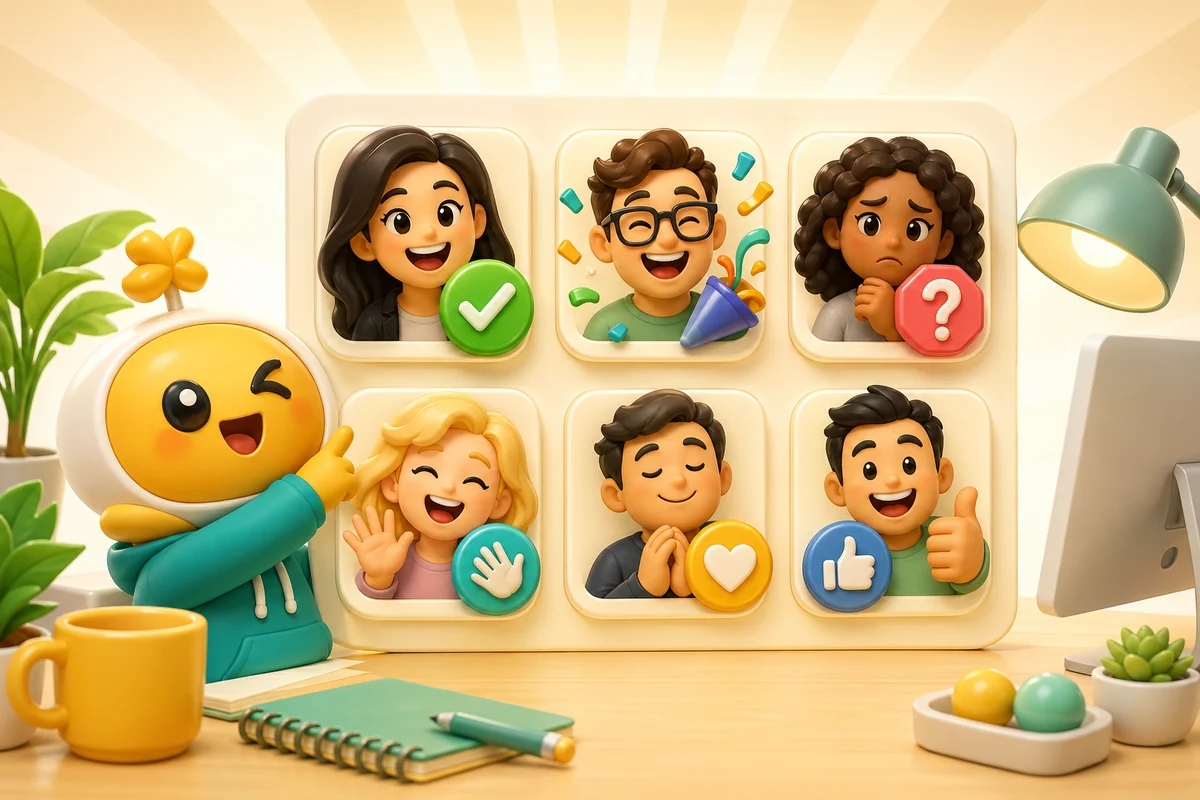
Slack AI Reaction Packs for Teams: Headshots, Mascots, and Reacji
Build practical Slack AI reaction packs for shipped, approved, blocked, thanks, welcome, launch, and celebration moments without breaking Slack emoji limits.
Short answer
Slack AI reaction packs should be practical first: shipped, approved, blocked, thanks, welcome, launch, and celebration. Keep animation restrained because Slack's tiny interface and 128 KB file cap reward simple loops.
Slack reactions are workplace tools
Slack custom emoji live inside real work. The best packs help people acknowledge, approve, celebrate, clarify, and move on. That makes them different from Discord or Twitch packs, where louder emotional reactions often win.
Use AI for the reactions that benefit from personality: a team mascot celebrating, a founder headshot saying thanks, a product mascot looking blocked, or a launch mascot cheering.
- approved for reviews and signoffs.
- shipped for releases and launch notes.
- blocked for project status.
- thanks for support and handoffs.
- welcome for onboarding.
- hype for milestones and wins.
Images you upload that work
Headshots, mascots, pets, and simple logos can all work, but the source must be readable at a very small size. Slack is not the place for subtle facial expressions, tiny full-body poses, or long loops.
If the image is not clean enough, use Studio to turn it into a simpler source before animating it.
| Source | Good use | Watch for |
|---|---|---|
| Headshot | Thanks, approve, celebrate, owner reactions | Avoid awkward or overly personal reactions |
| Mascot | Launch, shipped, blocked, welcome | Keep the same character across the pack |
| Logo | Launch and milestone reactions | Pure abstract logos often need classic motion |
| Pet | Light culture moments | Use close face crops only |
Slack file constraints
Slack recommends square images under 128 KB. Animated GIFs can work, but the loop should be short and clean because long animation adds weight without improving the reaction.
The right question is not how much animation you can add. It is whether the animation makes the reaction easier to understand in a busy thread.
Slack constraint
Slack's custom emoji docs call for square images under 128 KB and allow animated GIFs up to 50 frames. That makes simple motion and clean silhouettes especially important.
Recommended workflow
Step 1
Choose the work vocabulary
Pick the recurring status and celebration moments the team actually uses.
Step 2
Create one visual anchor
Use a mascot, team face crop, pet, or logo-inspired character as the pack anchor.
Step 3
Generate static first
Make the static version readable before using animation credits.
Step 4
Animate sparingly
Use motion for launch, shipped, and celebration reactions, not every utility emoji.
Where Pro fits
Pro adds 6-frame High and 12-frame Ultra animation for teams whose motion needs more than Standard's 3 frames.
For quick experiments, keep the workflow Standard. Increase the frame count only when the animation requires it.
Next steps
FAQ
What AI reactions are best for Slack?
Shipped, approved, blocked, thanks, welcome, launch, and celebration reactions usually beat random novelty reactions.
Should Slack custom emoji be animated?
Only when motion helps the reaction. Slack's file cap and dense interface make restrained animation better than noisy loops.
Can I use coworker headshots?
Yes, when the team is comfortable with it and the reactions are respectful. Mascots and pets are safer for broader reuse.
Does Pro make sense for Slack teams?
Pro makes sense when the pack is part of recurring team culture or launch communication, not for one-off joke uploads.
