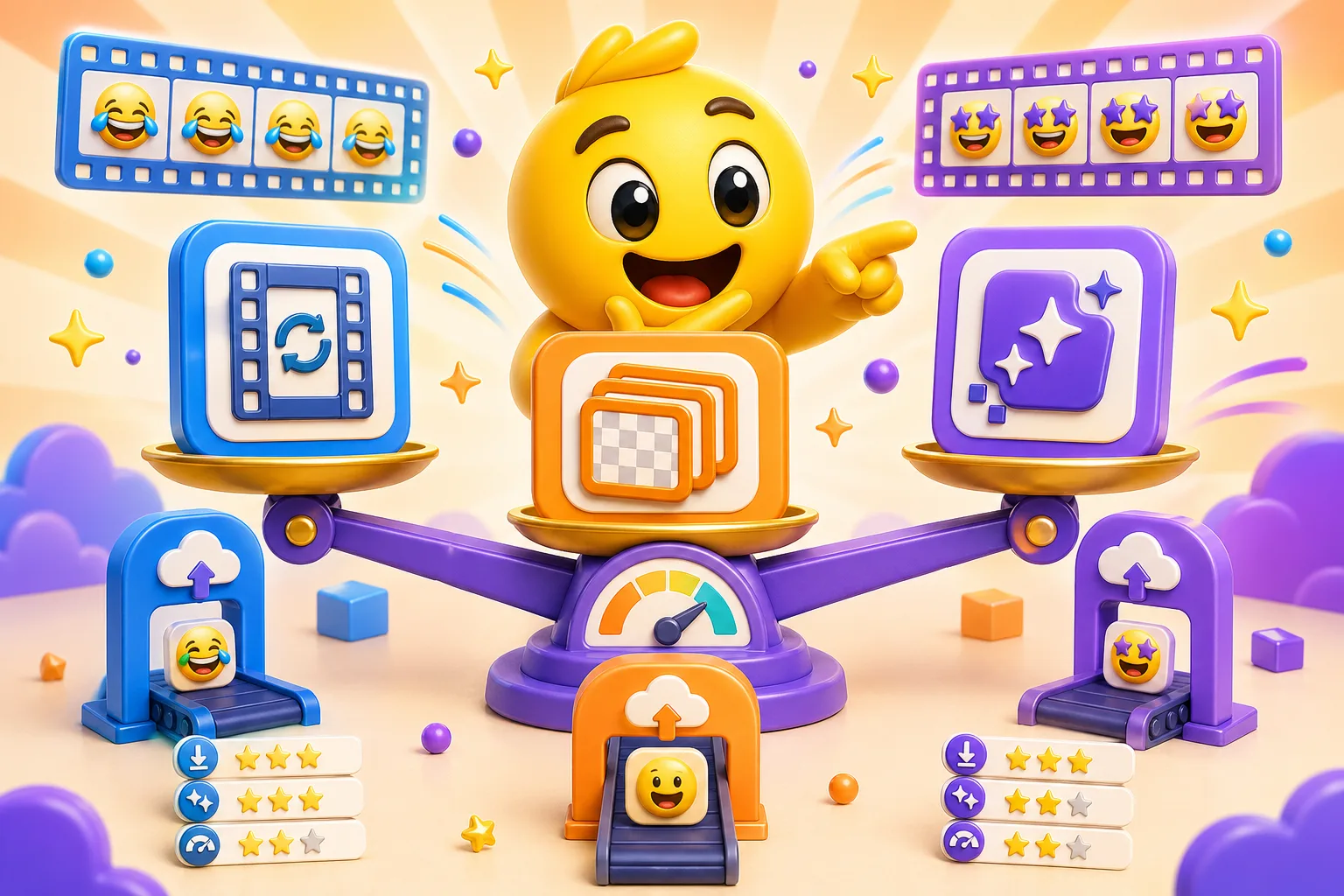
Comparing GIF, APNG, and WebP for Custom Emojis
Which format to use for animated custom emotes. File size, quality, and compatibility comparison of GIF vs APNG vs WebP.
When you export an animated emoji, you need to pick a format: GIF, APNG, or WebP. Each has different file sizes, quality, and compatibility. Here's what actually matters and which one to use.
GIF — The old reliable
What it is: The OG animated image format. Been around since 1987. Works everywhere.
Pros:
- Universal support — literally every platform accepts GIFs
- Discord, Slack, Twitter, Reddit, email, ancient forums — it all works
- Reliable transparency (on/off, not gradual)
- Small file sizes for simple animations with few colors
Cons:
- Limited to 256 colors max. If your emoji has gradients or subtle shading, it'll look banded and ugly
- No partial transparency — pixels are either fully opaque or fully transparent. This causes rough edges
- File size explodes with complex animations or many frames
- Dithering (color noise) when trying to approximate colors outside the 256-color palette
When to use GIF: Simple, flat-color emojis with hard edges. Anything with gradients, smooth shading, or lots of colors will look worse as a GIF. Also use as a fallback format when you're not sure if other formats are supported.
APNG — The quality upgrade
What it is: Animated PNG. Same transparency and color depth as regular PNGs (millions of colors), but animated like a GIF.
Pros:
- Full 24-bit color (16.7 million colors) — no banding, gradients look smooth
- 8-bit alpha transparency — partial transparency, so edges blend smoothly
- Better quality than GIF for the same file size in many cases
- Works in Firefox, Safari, and most modern browsers
Cons:
- Not supported in Chrome until 2017, so older tools/browsers might show it as a static image
- Discord doesn't support APNG for custom emojis (will show as static)
- Slack doesn't support APNG either
- File sizes can be large for complex animations
When to use APNG: Web embedding, personal projects, anywhere you control the platform and know APNG works. Great for high-quality animations with gradients. NOT for Discord/Slack custom emojis.
WebP — The modern choice
What it is: Google's image format designed to replace GIF, PNG, and JPEG. Supports animation, transparency, and great compression.
Pros:
- Smallest file sizes — often 30-50% smaller than GIF for the same quality
- Full color support (millions of colors like APNG)
- 8-bit alpha transparency — smooth edges
- Supported by Discord, Slack, Chrome, Edge, Firefox, Safari (as of 2020)
- Better compression than GIF or APNG for complex animations
Cons:
- Older browsers (pre-2020) don't support it
- Some ancient tools and platforms still block it
- Not as universally compatible as GIF (but getting there)
When to use WebP: Discord and Slack custom emojis. Modern websites. Anywhere file size matters and you know the platform supports it (which most do now). This should be your default for new projects.
Actual file size comparison
We exported the same emoji (128x128, 20 frames, gradient background) in all three formats:
- GIF: 145 KB (with visible banding in the gradient)
- APNG: 118 KB (smooth gradient, no banding)
- WebP: 67 KB (smooth gradient, smallest file)
WebP was literally half the size of GIF and looked better. For simple flat-color emojis with no gradients, the difference is smaller, but WebP still wins.
Quality comparison
Gradients and shading: GIF looks terrible (banding and dithering). APNG and WebP look identical and smooth.
Edge quality: GIF has jagged edges because transparency is binary (on or off). APNG and WebP have smooth, antialiased edges because they support partial transparency.
Color accuracy: GIF is limited to 256 colors, so it approximates (badly). APNG and WebP support millions of colors and look exactly like the original.
Loop smoothness: All three formats loop fine, no difference here.
What format should you actually use?
For Discord custom emojis: WebP if possible, GIF as fallback. Discord supports both, but WebP gives you smaller files and better quality.
For Slack custom emojis: GIF or WebP. Slack supports both. WebP is better quality and smaller file size.
For Twitter/Reddit/social media: GIF. Most platforms are still GIF-only for animated images.
For websites you control: WebP first, with GIF fallback for ancient browsers. You can detect WebP support and serve the appropriate format.
For maximum compatibility everywhere: GIF. It works on everything, even if quality suffers.
Tips for minimizing file size
- Reduce frame count — 15 frames is often enough for a smooth loop
- Simplify colors — fewer unique colors = smaller file (especially for GIF)
- Smaller dimensions — 128x128 is usually enough, no need for 512x512
- Remove unnecessary frames — if two frames look identical, delete one
- Use solid colors instead of gradients when possible (especially for GIF)
- Optimize exports — most emoji tools have a "quality" slider, lower it until you notice degradation
Quick recommendation: Use WebP for Discord and Slack. Use GIF for everything else. If your emoji has gradients or smooth shading, avoid GIF if possible — the quality difference is huge. Create and export your emoji →


